12. Commissioning
MiR250 Hook User Guide (en) 01/2023 - v.1.2 ©Copyright 2021-2023: Mobile Industrial Robots A/S. 146
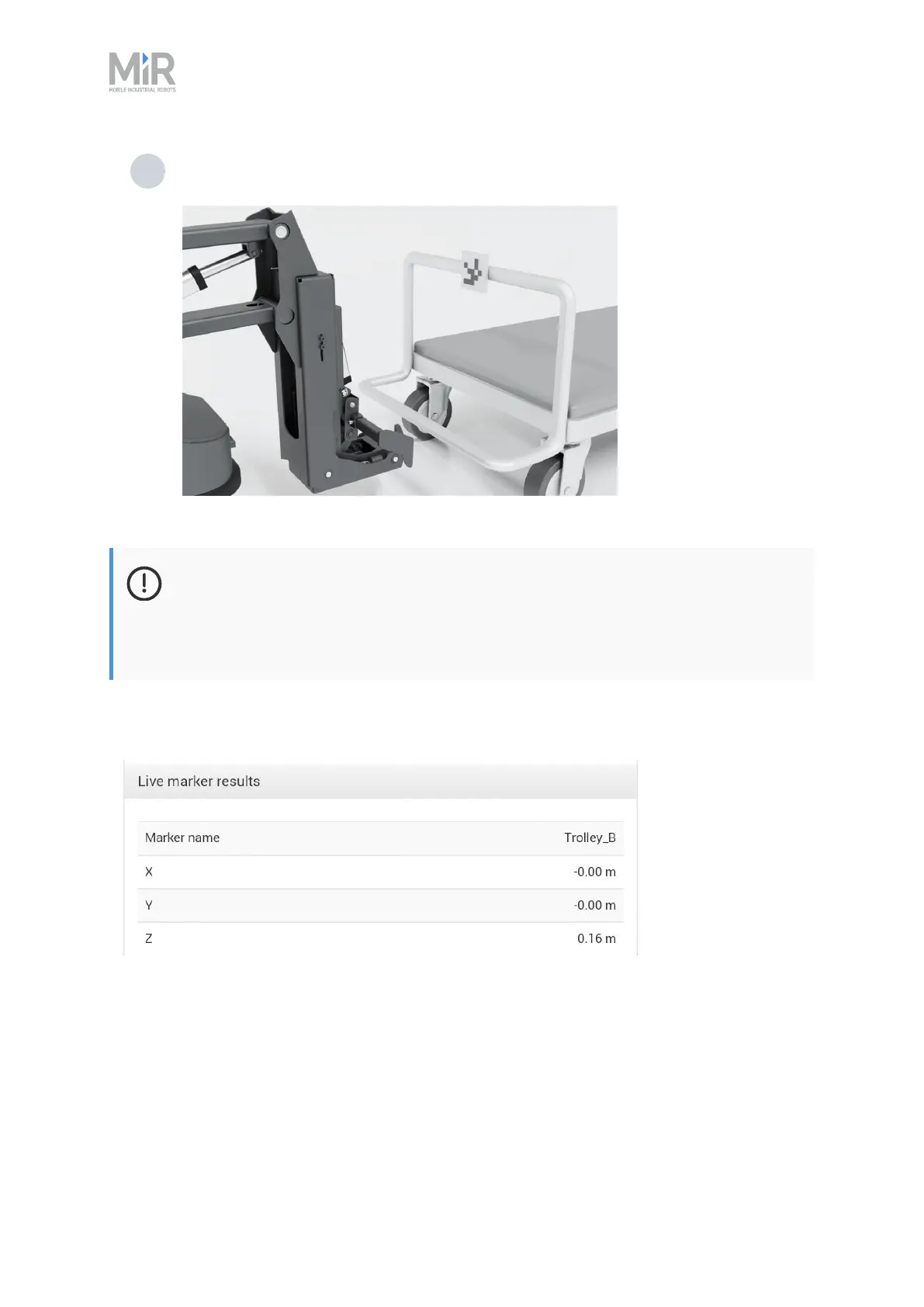
5 Now attach the ID tag (QR-marker or AprilTag) to the cart so that the camera on MiR250
Hook can see it when MiR250 Hook is ready to grip the cart.
NOTICE
The ID tag must be oriented vertically when fixed on the cart grating. In other words,
the ID tag must be facing the hook camera directly and may not be tilted in any
direction. Otherwise, the camera may have problems reading the code.
If the camera can see the ID tag, the position values are displayed. Otherwise, the fields will just
display N/A.
The calibration is now completed. Do not move the robot, hook, or cart and continue to "Creating
a cart " on page202.



 To Next Page