12. Commissioning
MiR250 Hook User Guide (en) 01/2023 - v.1.2 ©Copyright 2021-2023: Mobile Industrial Robots A/S. 151
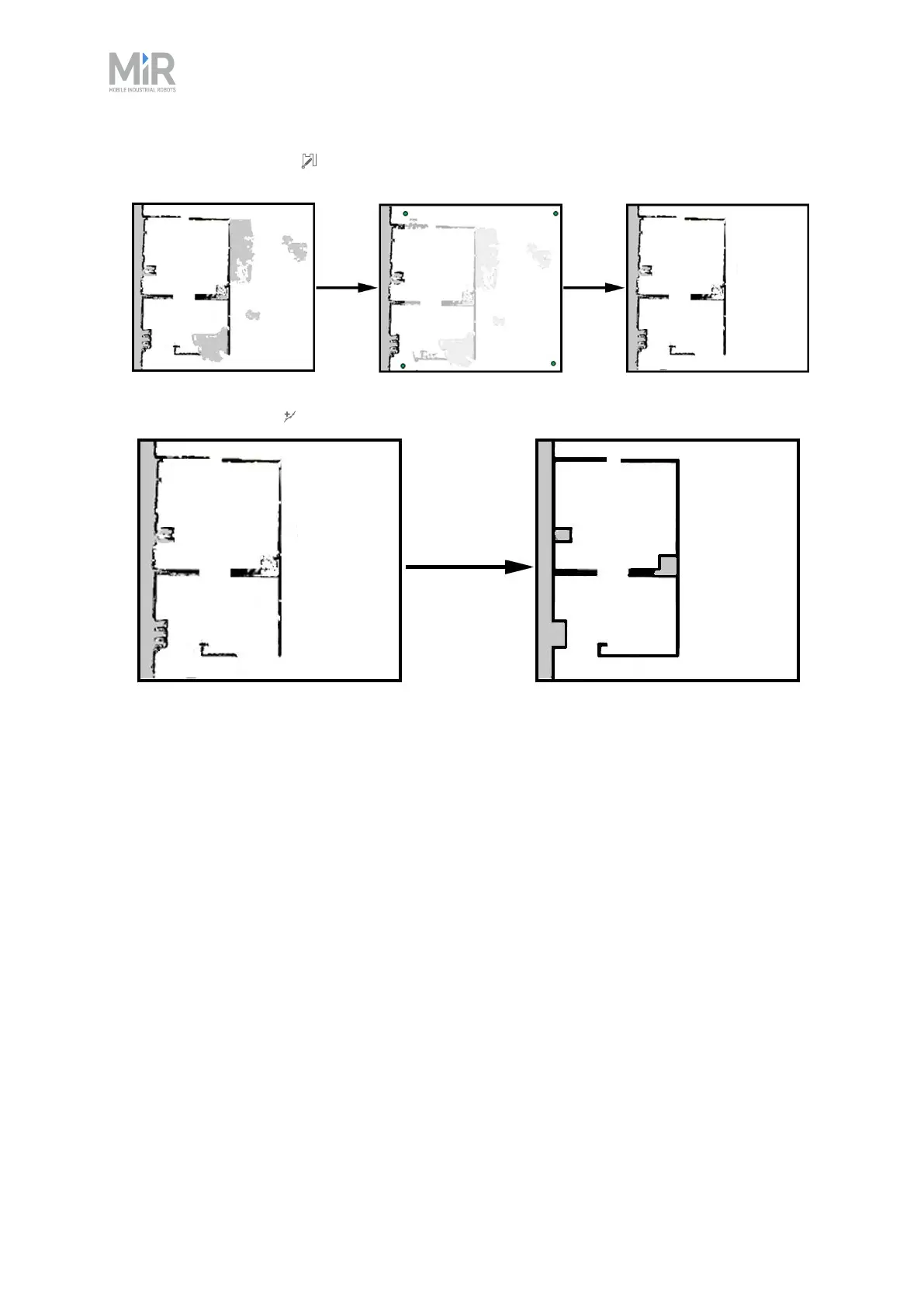
• Use Draw a new shape when editing floors to fill out the gray areas where there should be
floor. When using this tool, you do not affect the walls on the map.
• Use Draw a new line when editing walls to create solid and even walls.
Checklist
• You have created a map or several maps that cover the entire area you want the MiR robot to
operate in.
• You have removed all noise and dynamic obstacles from the map(s) and added floor
everywhere the robot can travel to.
Adding zones to the map
Adding zones to the map helps organize robot traffic. There are several different zones that can
optimize the preferred paths and driving behavior of the robot.
For more information about what each zone does, see MiRRobotInterfaceGuide on the MiR
website, or see the guide How to use zones on a map.



 To Next Page