12. Commissioning
MiR250 Hook User Guide (en) 01/2023 - v.1.2 ©Copyright 2021-2023: Mobile Industrial Robots A/S. 154
Doorways
Going through narrow doorways can cause problems for the robot's global planner since the
robot must drive closer to wall edges than it usually would. It can also be hazardous for the
people working near the robot, as they might not see the robot coming.
Issue: The robot does not plan its global path through narrow doorways, since this will bring the
robot too close to a known obstacle.
Solution: Add a Critical zone (orange) in the narrow doorway to enable the global planner to
make a path through the corridor. You only need to place the zone down the center of the
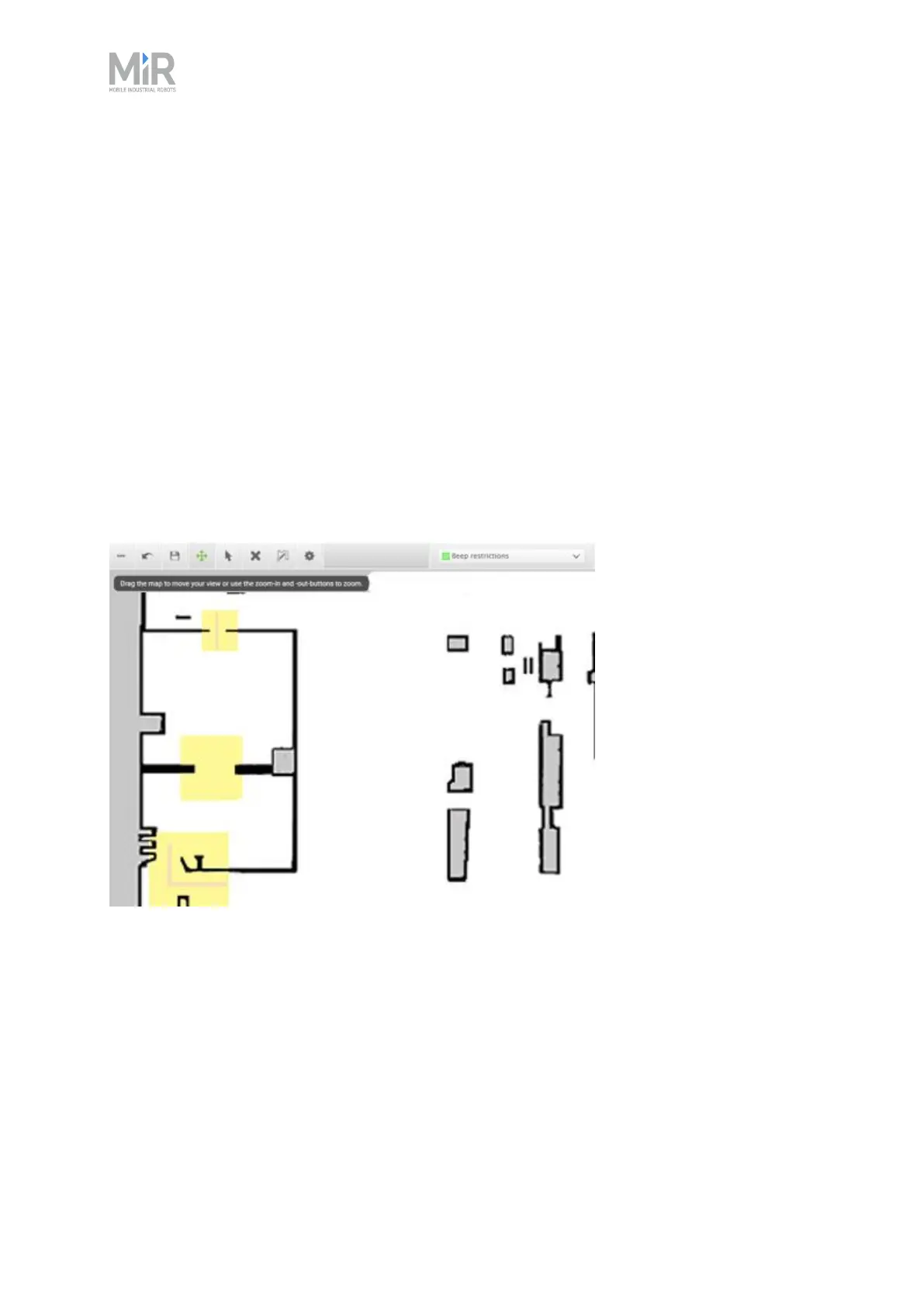
doorway so the center of the robot is in the zone. Add Sound and light zones (yellow) in narrow
doorways to warn people near the doorway that the robot is coming through.
Figure 12.8 Narrow doorways can be marked with a Sound and light zone (marked with yellow) to warn
people that a robot is coming through. A Critical zone (orange) can be placed in the narrow doorway to
enable the global planner to make a path through the corridor.



 To Next Page