2. Product presentation
MiR250 Hook User Guide (en) 01/2023 - v.1.2 ©Copyright 2021-2023: Mobile Industrial Robots A/S. 17
Pos. Description Pos. Description
19 Emergency stop button:
makes robot enter
Emergency stop.
Beneath is the button
to rearm the robot—
see "Emergency stop
buttons" on page129
20 Hook front cover
Identification label
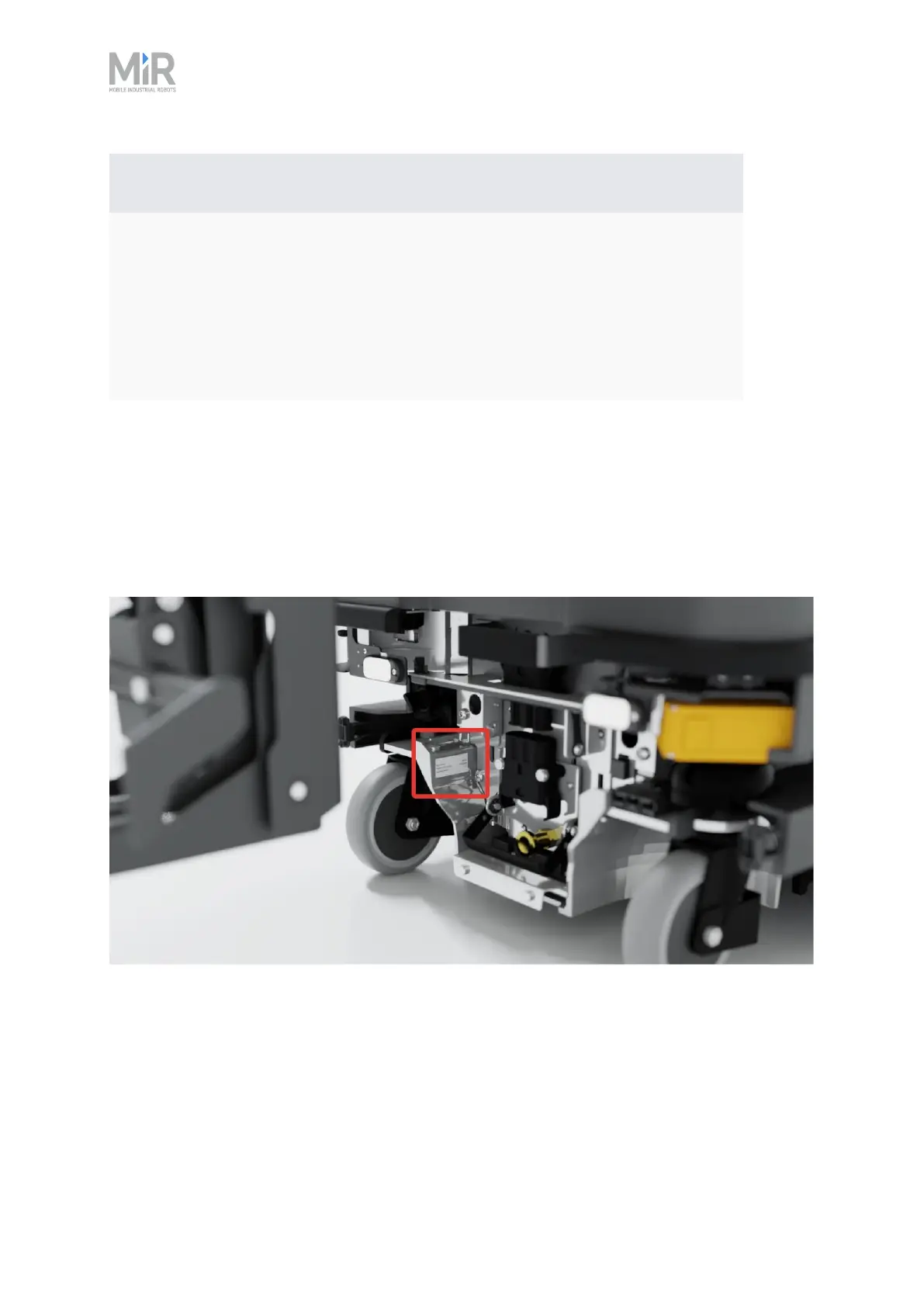
MiR250 Hook is delivered with identification labels mounted to both the MiR250 robot and the
MiR Hook 250 top module. The identification labels identify the product, the product serial
number, and the hardware version of the product.
Figure 2.2 The identification label of MiR250 is located on the rear cover next to the battery.



 To Next Page