12. Commissioning
MiR250 Hook User Guide (en) 01/2023 - v.1.2 ©Copyright 2021-2023: Mobile Industrial Robots A/S. 186
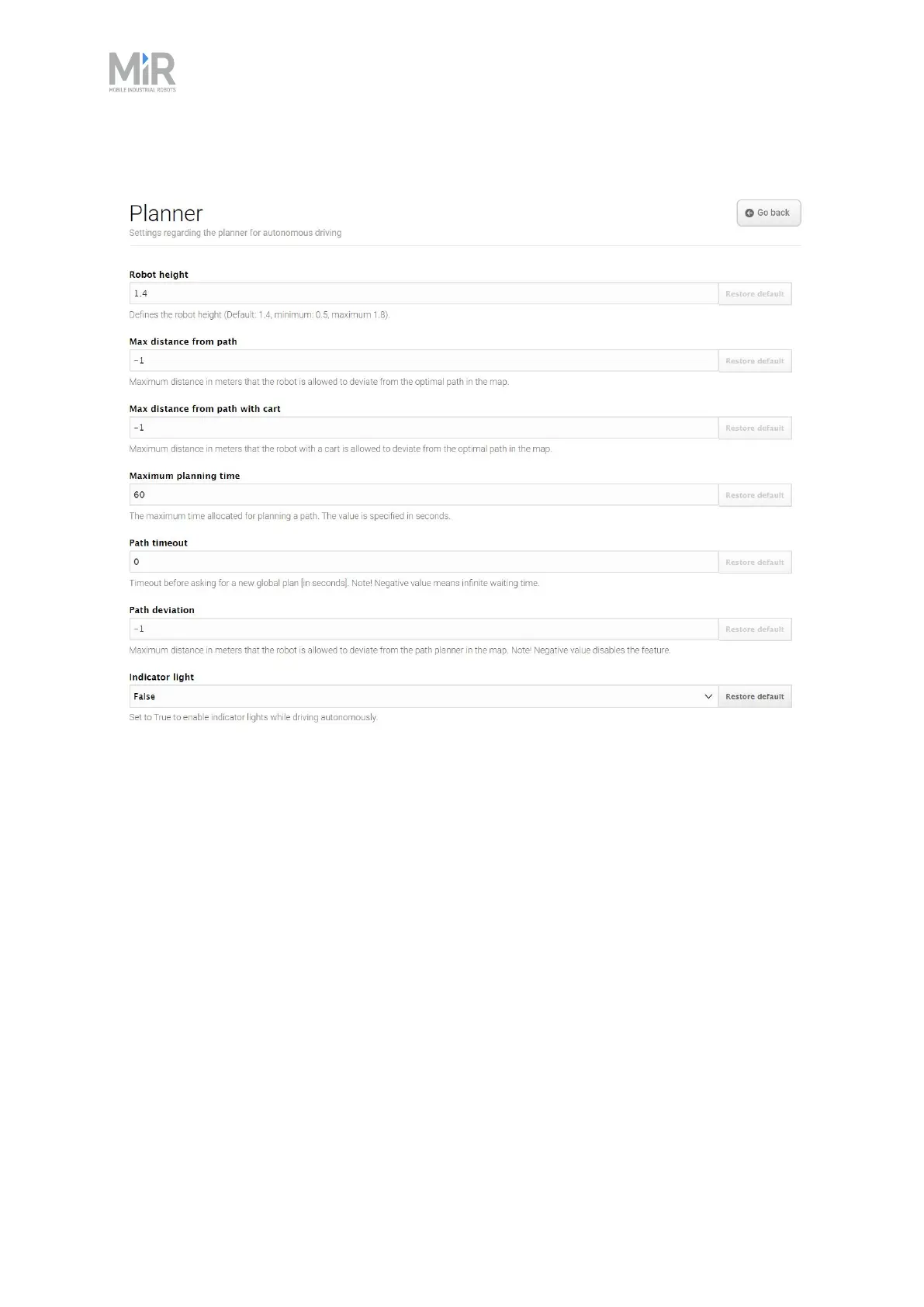
Figure 12.27 You set basic parameters for driving the robot in the Planner section.
Robot height defines the height of the robot including top modules. Use this setting if your robot
operates permanently with a top module that makes the combined robot application higher than
the robot itself. This prevents the robot from colliding with obstacles from above.
Cart reverse speed defines the speed of the robot when driving in reverse with a cart. The value
is specified in meters per second
Centripetal force limitation controls how fast the robot is allowed to drive around corners. This
is useful if you have a very heavy load on the robot and want to ensure the robot maintains a
steady driving behavior.
Default robot footprint sets the default footprint of the robot.
Linear acceleration rate limits linear acceleration rate in percent with relative to the default
value. The value is used for both acceleration and deceleration.



 To Next Page