12. Commissioning
MiR250 Hook User Guide (en) 01/2023 - v.1.2 ©Copyright 2021-2023: Mobile Industrial Robots A/S. 188
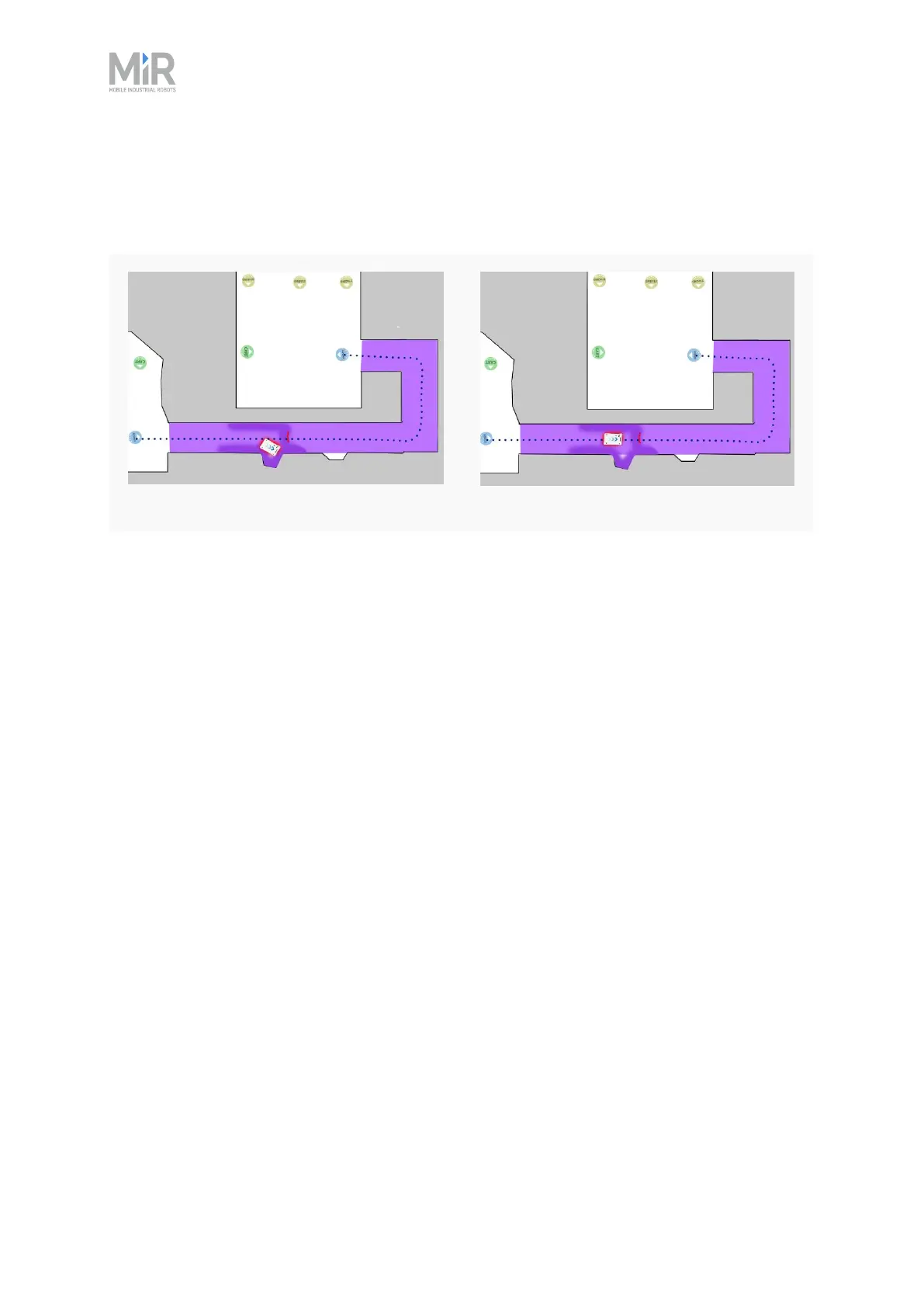
Figure 12.28 Example of where the robot might benefit from using a Line-following configuration. When
there isn't enough space for the robot to go around an obstacle, it will often spend more time trying to
maneuver around the obstacle and correct its trajectory afterward than it would have just waiting for the
obstacle to move out of the way.
Line-following disabled
Line-following enabled
Maximum allowed speed defines the overall speed limit of the robot. The maximum allowed
speed will never be exceeded no matter what is stated in a mission or Speed zone. This setting
can be useful if, for example, the robot transports motion sensitive objects or if the work
environment in other ways requires the robot to always stay below a certain speed threshold.
Desired speed sets the desired speed of the robot. This setting can be useful in the same way as
maximum allowed speed, but with this setting, the robot will drive faster than the set desired
speed in a Speed zone that requires it.
Docking
In the Docking section, you can change the parameters regarding docking to and from markers.



 To Next Page