2. Product presentation
MiR250 Hook User Guide (en) 01/2023 - v.1.2 ©Copyright 2021-2023: Mobile Industrial Robots A/S. 21
For more information on operating modes, see "Operating modes" on the next page.
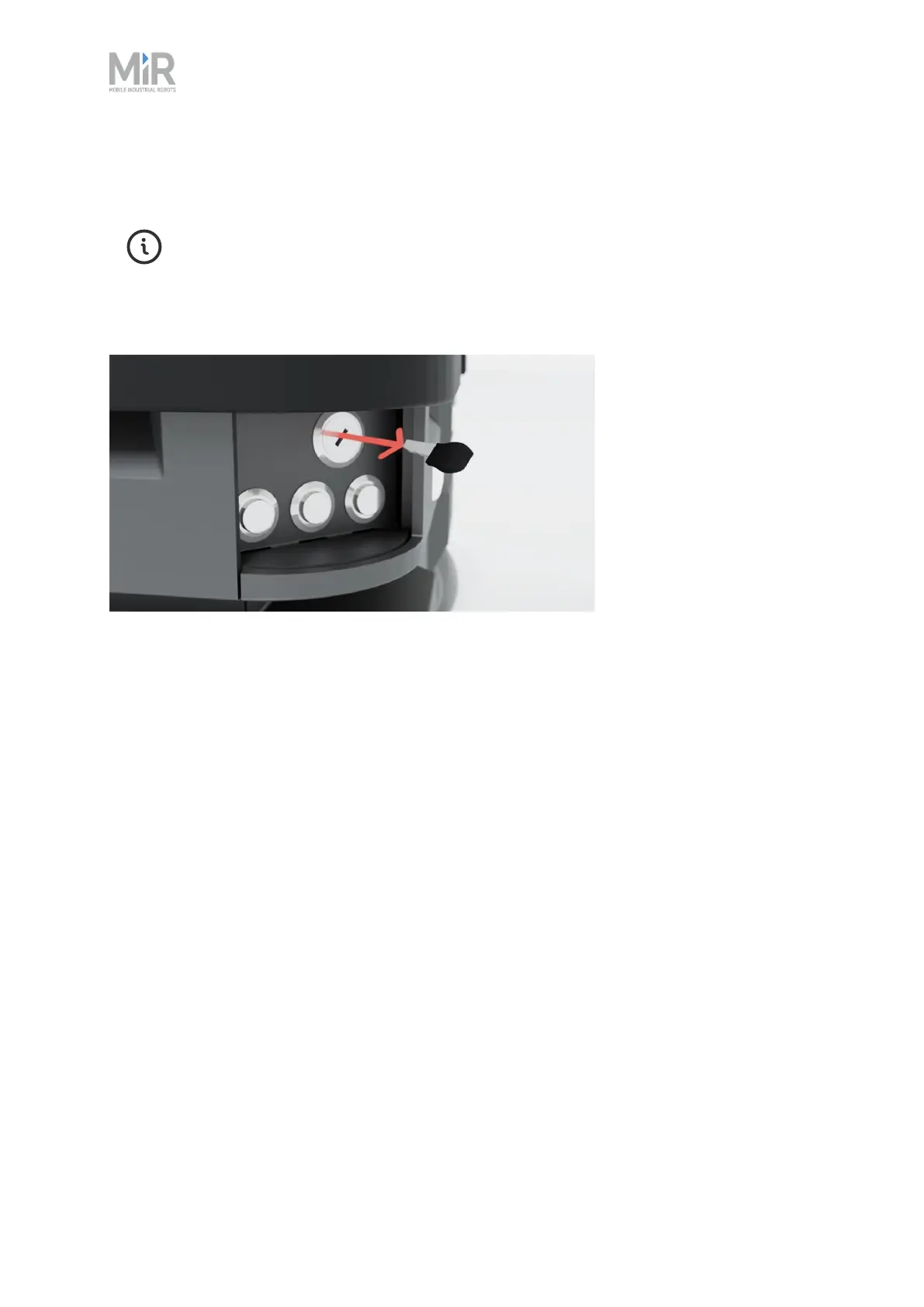
Remove the Operating mode key during normal operation. The vibrations from the
robot's driving may shake the key and plug, and can cause an unwanted Protective
stop.
Figure 2.7 Remove the Operating mode key during normal operation.
Manual brake release switch
The Manual brake release switch ensures that the robot can be moved safely and easily.
The Manual brake release switch is located below the control panel and releases the mechanical
brakes on MiR250 Hook. You release the robot's mechanical brakes by turning the Manual brake
release switch clockwise.



 To Next Page