2. Product presentation
MiR250 Hook User Guide (en) 01/2023 - v.1.2 ©Copyright 2021-2023: Mobile Industrial Robots A/S. 22
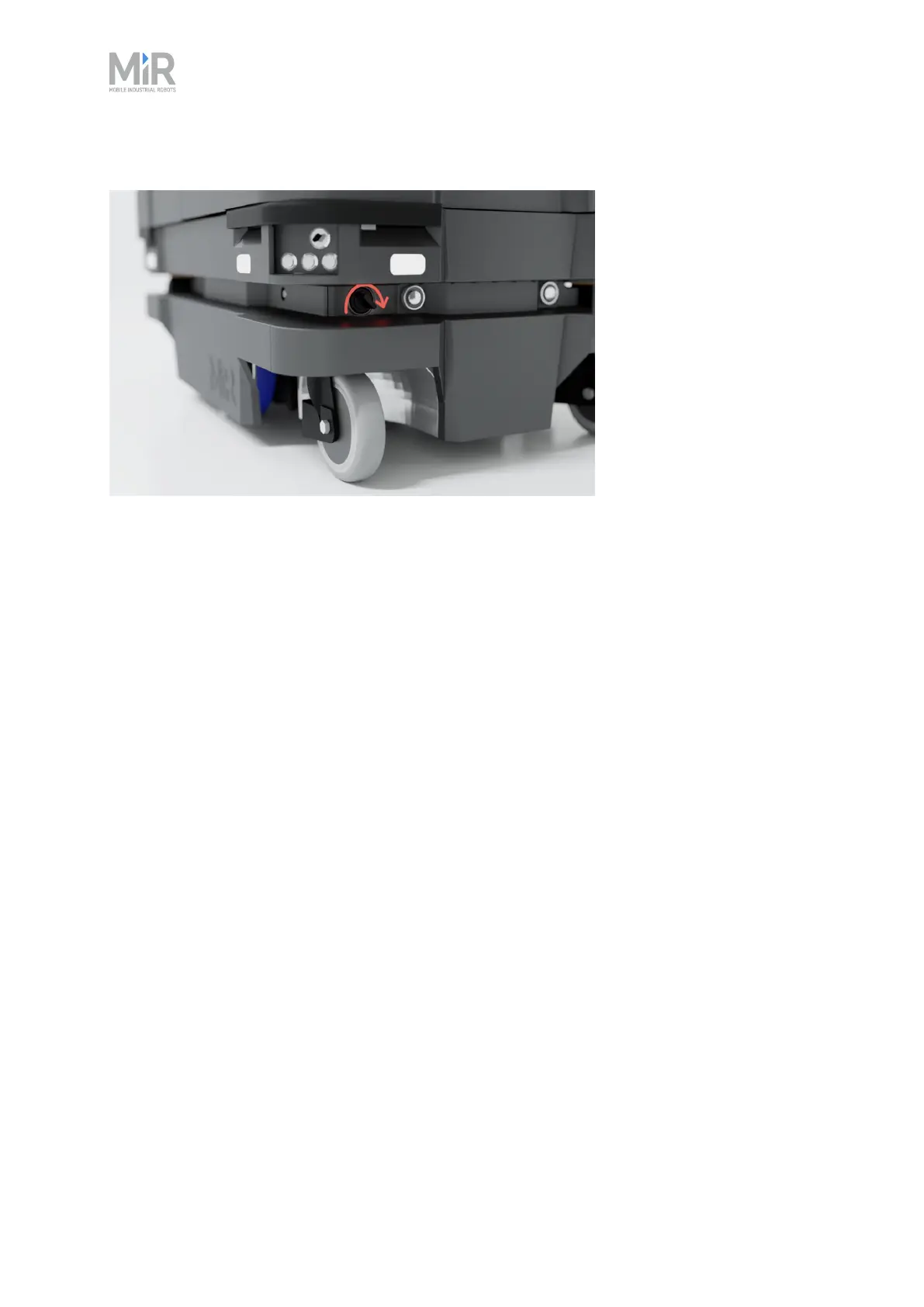
Figure 2.8 Turn the Manual brake release switch clockwise to release the brakes.
The mechanical brakes require electrical power to be released. To release the brakes, the robot
must be connected to an active and charged battery when you turn the switch.
When the robot is driving, the robot engages and releases the mechanical brakes automatically.
You should only release the brakes manually when you want to move the robot by hand.
The robot cannot operate while the mechanical brakes are released manually.
Operating modes
MiR250 Hook has two operating modes: Manual mode and Autonomous mode.
Manual mode
In this mode, you can drive the robot manually using the joystick in the robot interface. Only one
person can control the robot manually at a time. To ensure that nobody else takes control of the
robot, the robot issues a token to the device on which you activate the Manual mode.
For information about activating this mode, see "Driving the robot in Manual mode" on page71.
Autonomous mode
In this mode, the robot executes the programmed missions. After switching the key to this mode,
you can remove the key, and the robot will continue driving autonomously. In Autonomous
mode, the joystick is disabled in the robot interface.



 To Next Page