13. Usage
MiR250 Hook User Guide (en) 01/2023 - v.1.2 ©Copyright 2021-2023: Mobile Industrial Robots A/S. 219
d
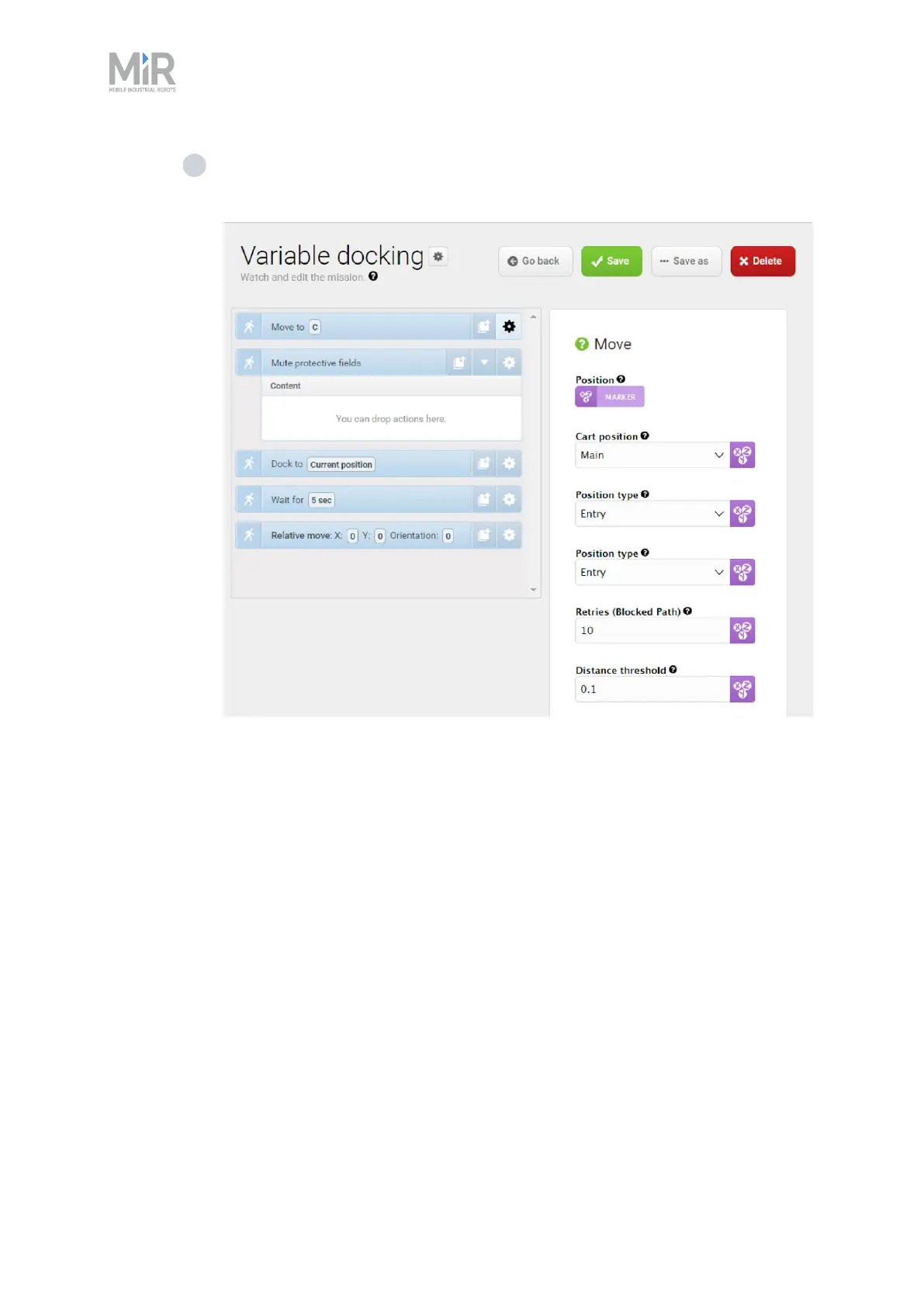
Under Position type, select Entry. This will make the robot move to the entry
position of the marker. If the parameter Position type does not show up at first,
select Validate and close, and then open the action dialog box again.



 To Next Page