14. Demounting the top module
MiR250 Hook User Guide (en) 01/2023 - v.1.2 ©Copyright 2021-2023: Mobile Industrial Robots A/S. 239
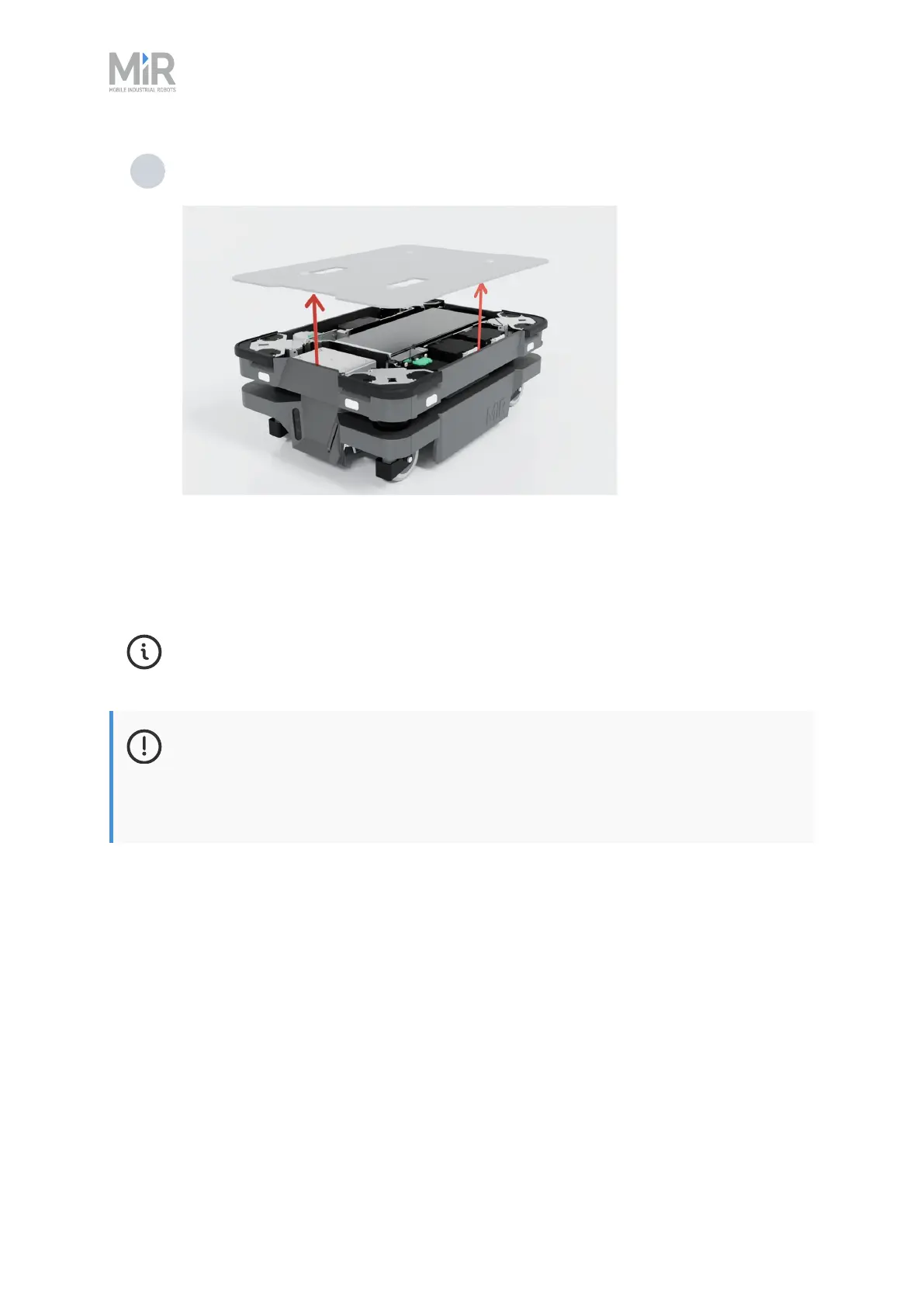
13 Remove the top cover from the robot. The top module is now removed from the robot,
and you can access the area of the robot covered by its top cover.
After completing the maintenance that required you to remove MiR Hook 250, you can mount the
top module again by following the above instructions in the reverse order.
For further instructions, see the guide How to mount MiR Hook 250 to MiR250 on the
Support Portal.
NOTICE
When mounting the top module to the robot, make sure that no cables are pinched
beneath the top module.This may damage the cables and prevent the top module
from working correctly.



 To Next Page