2. Product presentation
MiR250 Hook User Guide (en) 01/2023 - v.1.2 ©Copyright 2021-2023: Mobile Industrial Robots A/S. 36
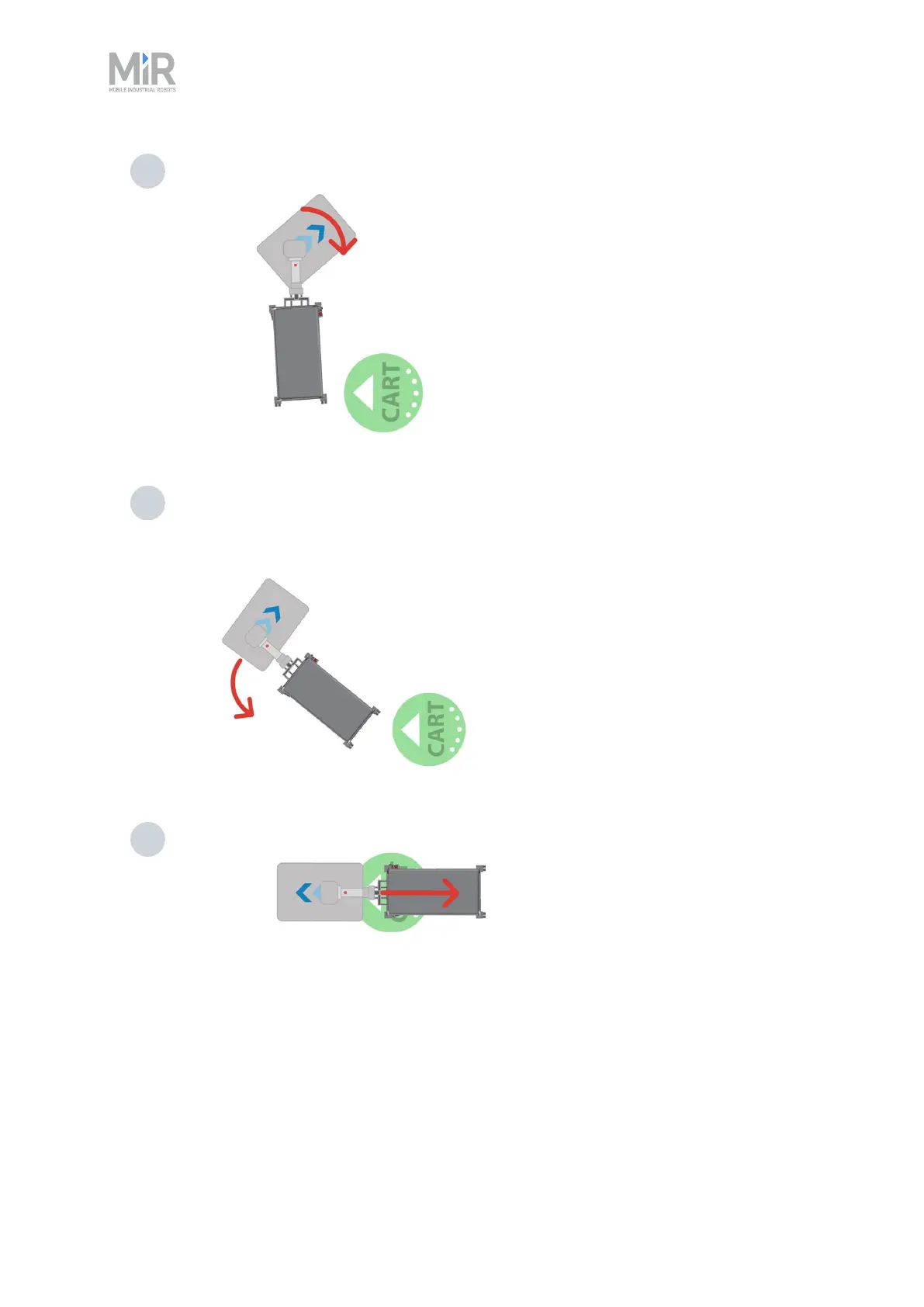
3 The robot pivots approximately 90° towards the Cart position.
4 The robot now drives in reverse with the cart so the cart is parallel to the direction of
the Cart position.
5 The robot straightens up, and reverses with the cart into the Cart position.
When reversing with a cart, the robot will warn with both a loud beeping sound and a flashing
orange light.
Reverse methods
There are three different methods you can select when making the robot place a cart in reverse:



 To Next Page