160
Rev. 2.0
07/27/2023
MBDV Hardware Manual
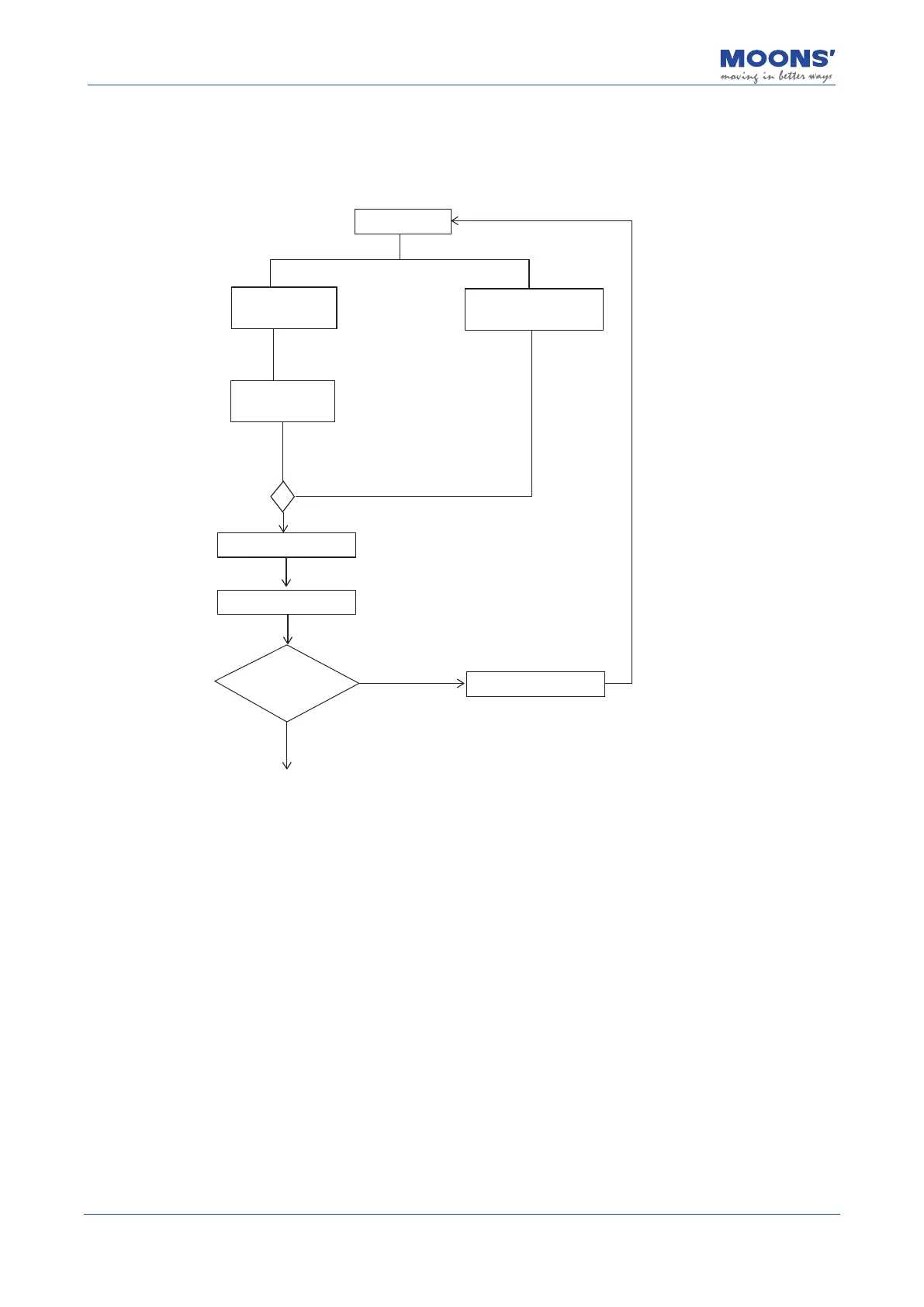
10.3.2 Auto-Tuning Flowchart
Users can perform automatic parameter tuning and debugging through Luna software or the
operation panel on the driver. The ow chart of automatic tuning is as follows
Auto Tunning
Automatic calculation
of load inertia ratio
Real-time automatic
stiffness rating
Automatic setting
failure alarm
Reset a reasonable trajectory
and judgment conditions
There’s a host computer
The host computer
plans the motion
trajectory
Use the software to plan
the trajectory and turn
on auto-tuning
There is no host computer
No
Determination of
auto-setting
preconditions met
Yes
Auto-tuning is completed,
and the tuning parameters
are automatically saved
Use the software to
turn on auto-tuning
After completing the automatic tuning, you can continue to use parameters P0-03 and P0-04 to
adjust the response and mechanical Stiness of the servo system.













 To Next Page