39
Rev. 2.0
07/27/2023
MBDV Hardware Manual
4.8 Communication Interface
4.8.1 USB- Host computer debugging interface
The USB port is used for establashing communication between the MBDV servo drive and the PC
based Luna software. Luna software allows users to set control modes, modify parameters, tune
the PID loop and perform other conguration tasks.
Pin Logo Function
1 +5V USB power
2 D- Data-
3 D+ Data +
4
—
Reserve
5 GND Power ground
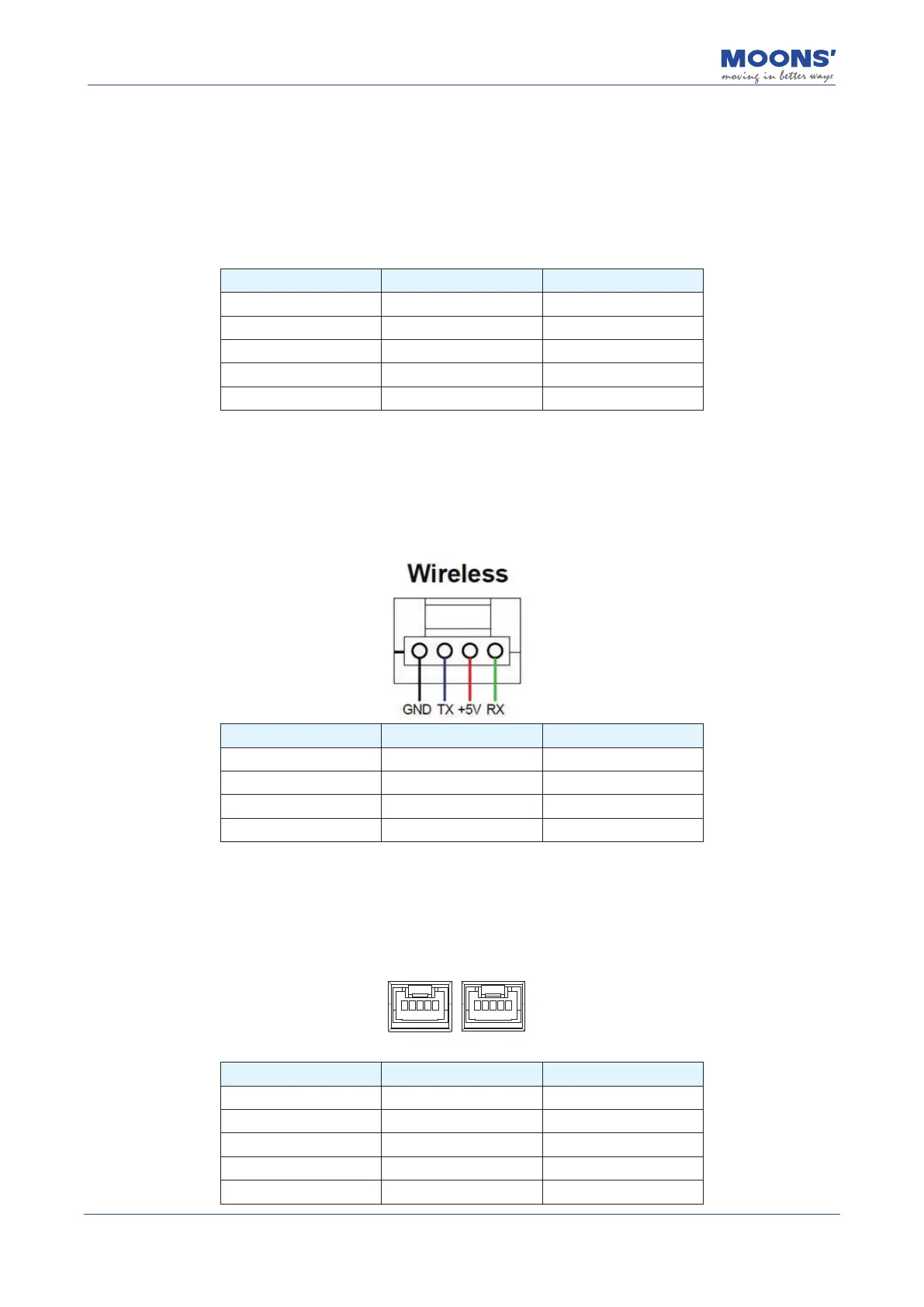
4.8.2 Wireless - Host computer wireless debugging interface
Wireless The port is used for the drive to connect the wireless debugging module to communicate
with the PC. Using Luna software, you can set the control mode, modify parameters, online
automatic tuning and other operations.
Pin Logo Function
1 GND Power ground
2 TX Data sending
3 +5V Power
4 RX Data reception
4.8.3 COM1/2 – CANOpen / RS485 Communication interface
COM1 and COM 2 are used to connect the MBDV drive to an external controller communicating
over CANopen or Modbus RTU.
COM1/2 Pin CANopen RS485
1 NC RS485+
2 NC RS485-
3 CAN_H NC
4 CAN_L NC
5 GND GND













 To Next Page