152
Rev. 2.0
07/27/2023
MBDV Hardware Manual
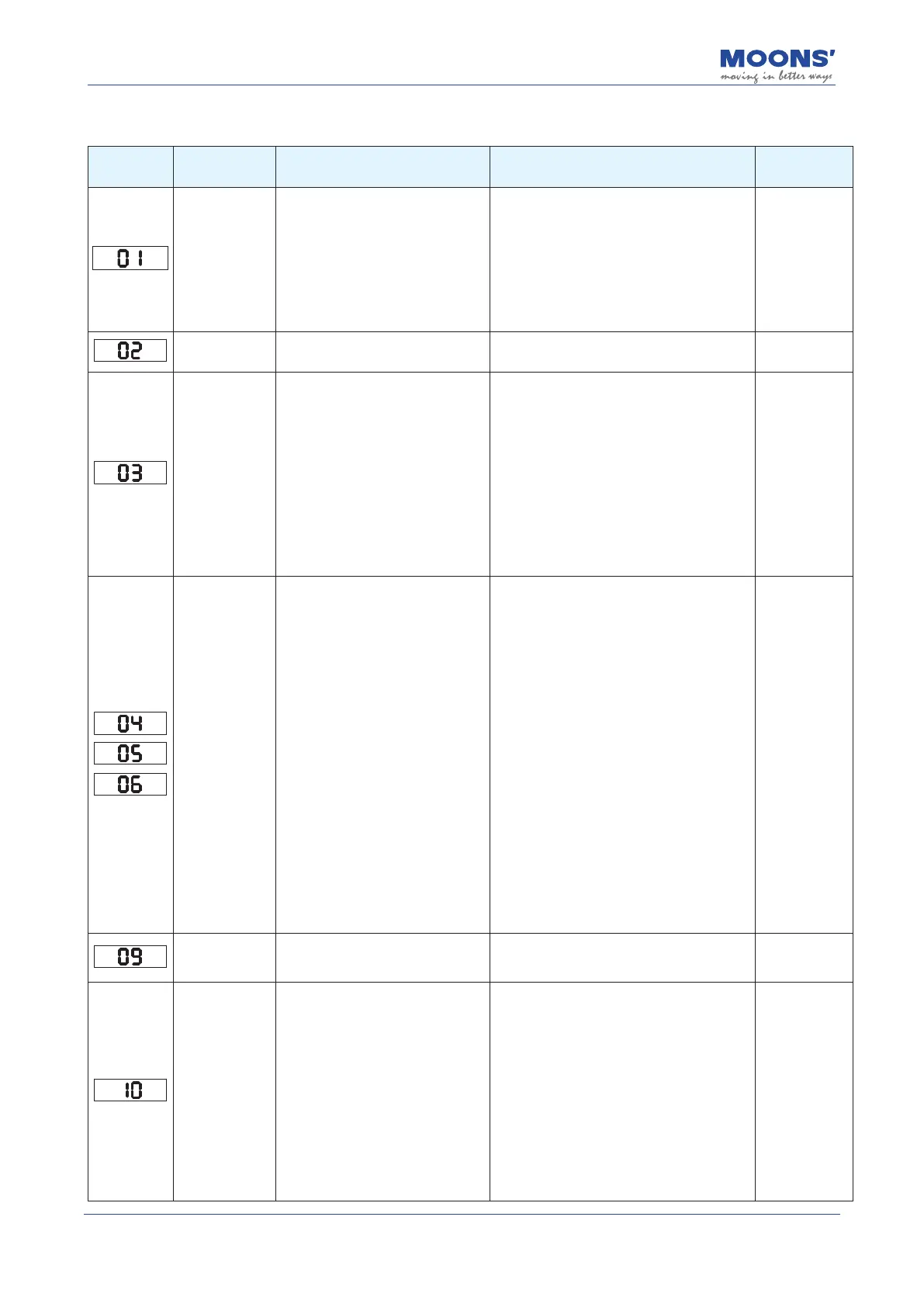
9.2 Driver Alarm Causes and Solutions
Display
content
Description Alarm Causes Alarm Fixes
Alarm Status
Drive over
temperature
The temperature of the driver's heat
sink and power element exceeds the
specied value.
1. Ambient temperature is too high
2. The operating temperature of the
driver exceeds the specied value;
3. Overload, exceeding the rated
load of the drive and connecting
continue to use
1. Reduce drive operating temperature and
improve cooling conditions;
2. Increase the capacity of the driver and
motor, and extend the acceleration and
deceleration time time, reduce the load.
3. Replace the fan or send in the servo drive
for repair
Alarm clear
Internal voltage
error
The internal voltage of the driver is
lower than the normal value
Check the voltage of the power supply and
replace the drive if there is still a problem.
Alarm clear
Drive
overvoltage
The drive DC bus voltage is too high,
higher than 80VDC
1. The power supply voltage exceeds
the allowable input voltage range
2. The regenerative discharge
resistor is disconnected;
3. The external regenerative
discharge resistor does not match,
resulting in
Inability to absorb regenerative
potential;
4. Drive failure (circuit failure).
1. Check the input voltage;
2. Check whether the external absorption
resistance is set properly;
3. Detect the resistance value of the external
absorption resistor, if it is
∞
, it is o If the
wire is damaged, please replace the external
absorption resistor;
4. If the above does not solve the problem,
replace the drive.
Alarm clear
Overcurrent
1. Drive has failed and is damaged.
2. Motor phases are shorted.
3. Motor is burned out.
4. Poor motor power cable contacts.
6. The load is too heavy and required
torque higher than the motor's rated,
continuous operation torque.
7. Improper gain values are aecting
motor performance.
8. The load has encountered a hard
stop.
9. The E-Brake is active.
10. Improper wiring e.g. motor power
cables are connected to the wrong
component on a machine.
1. Remove the motor cable, turn on the servo, if
it still happens If it fails, it needs to be replaced
with a new drive;
2. Check motor cable connections U, V, W
Whether there is a short circuit, whether the
connector wire has burrs, etc., connect the
motor cable correctly;
3. Check motor cables U, V, W sequence is
correct, U- red, V -yellow, W - blue;
4. Check the U, V, W of the motor cable
Insulation resistance between the motor and the
ground wire of the motor, if the insulation is poor,
please replace the motor with a new one;
5. Increase the power of the motor. Extend the
acceleration and deceleration time, reduce load;
6. Check the motor connections U, V, W Check
whether the connector plug is o, if it is loose or
o, it should be tightened; 7. Whether the gain
parameters are properly debugged;
8. Measure the voltage of the brake terminals;
9. Correctly connect the motor cable and
encoder cable to their respective on the
corresponding axis.
Alarm clear
Encoder not
connected
Motor encoder not connected
1. Make sure the encoder cable is connected
to the driver correctly
2. Replace the encoder cable
Re-power on to
clear
Position error
overrun
Position error exceeds the value in
parameter P3-04 (PF)
"Position error limit" setting
1
. Check parameter P3-04 (PF) "Position error
alarm limit value" is set too small;
2. Whether the gain parameters are properly
debugged;
3. Whether the motor selection matches the
actual load and whether the acceleration and
deceleration are too big;
4. Whether an unreasonable torque limit is used;
5. The mechanical part of the motor drive is
stuck, the motor is blocked
6. Whether the motor power line is connected
correctly, there are multiple motors when the
power cable is connected to the correct drive.
Alarm clear













 To Next Page