164
Rev. 2.0
07/27/2023
MBDV Hardware Manual
• Complete automatic tuning
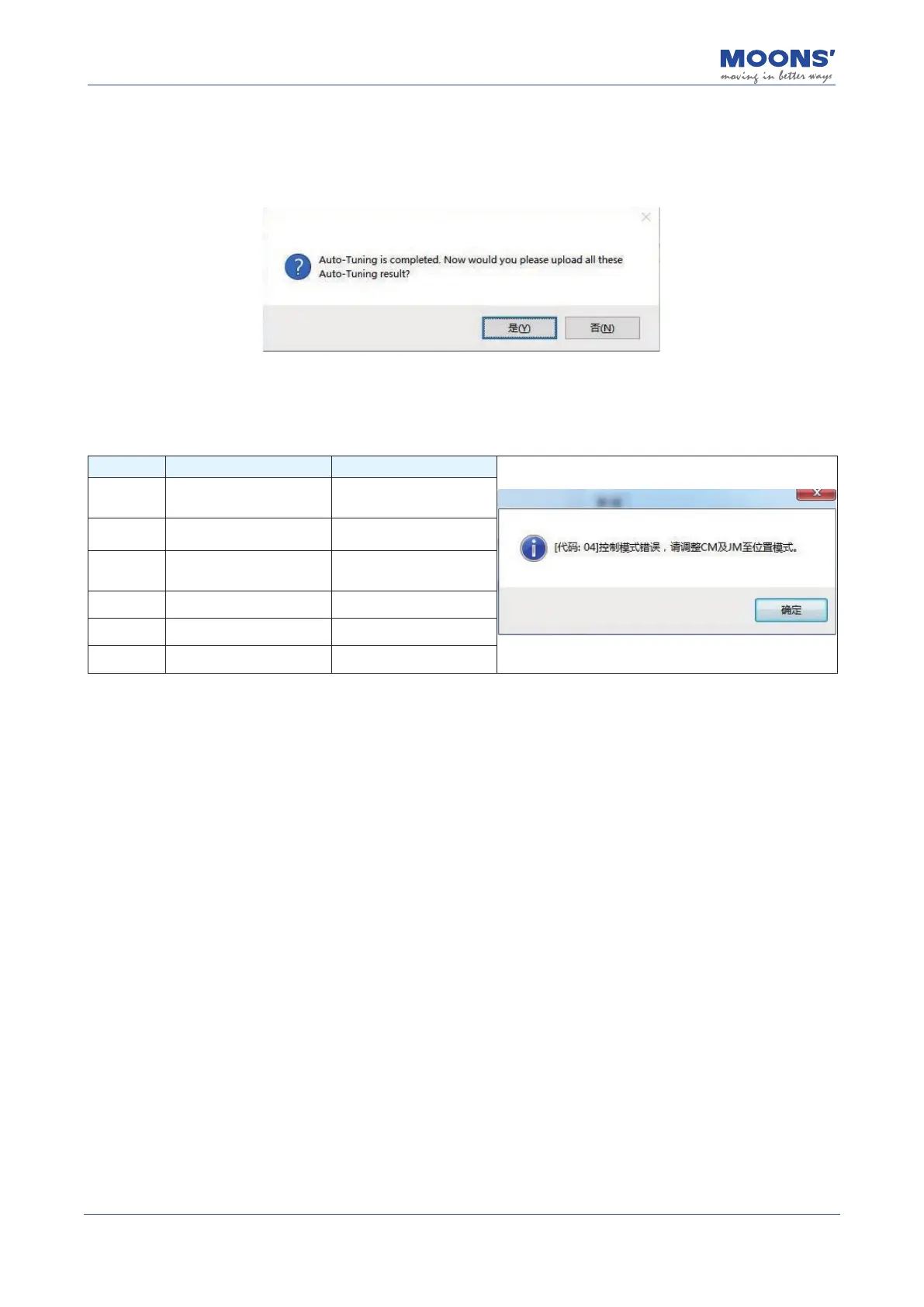
After completion, the following dialog box will prompt. After conrming the upload, you can see that
the rst mechanical Stiness level and the load inertia ratio have been updated.
• Error prompt
If the Auto Tuning process cannot be comleted, the following error message box may be displayed,
which means:
Error code Cause Measure
01 Positioning time out.
Increase the initial stiness
and the value of Setting
Time.
02
The Interval time of two
motion prole is too short.
Increase the Interval Time.
03
The stiness is reduce to
the smallest value during
the tuning process.
Increase the Vibration Level.
04 Error control mode.
Set the control mode to
Position Control.
05 Servo is not enabled.
Enable the servo before
starting the auto tuning.
06 Error tuning mode.
Set the Tuning Mode(P0-00)
to "Auto Tuning"
10.4 Advanced Tuning Mode
Advanced tuning mode is suitable for the following situations:
1) When auto-tuning cannot be completed all the time
2) After automatic tuning, by adjusting the mechanical Stiness of P0-03 and the inertia ratio of P0-
02, the response of the servo system still cannot meet the requirements
3) The characteristics of the parameters of each control loop of the servo have been fully
understood, and the servo gain parameters can be determined by themselves
Using advanced tuning can ne-tune the servo system gain to meet the needs of higher servo
system mechanical Stiness, faster response time and minimum tuning time.
10.4.1 Introduction to Advanced Tuning Mode
The PID loop of the servo system can be congured via multiple parameters such as position loop
gain, position loop, velocity feed forward gain, velocity loop gain and a collection of lters and other
gains.
1) After the tuning mode is switched from " Auto tuning " to " Advanced tuning
“
, it will inherit the
parameter values after the automatic tuning is completed, and it needs to be saved manually after
the tuning is completed.
2) If directly switching from "No Tuning Mode" to "Fine Tuning", the servo system will inherit the
factory default tuning parameters. This might require that users manually tune the servo system.













 To Next Page