170
Rev. 2.0
07/27/2023
MBDV Hardware Manual
10.5.2.1 Adaptive Notch Filter
When the servo system resonates and needs to use the notch lter, it's recommended to use the
Adaptive Notch Filter.
◆
Scope of application and precautions
:
• Applicable to all control mode except Torque Mode
◆
Conditions may affect nomal operation of the Adaptive Notch Filter:
• The resonance frequency is lower than 3 times the Velocity Loop Gain
• The frequency between two resonance points is less than 100Hz
◆
Steps for usage
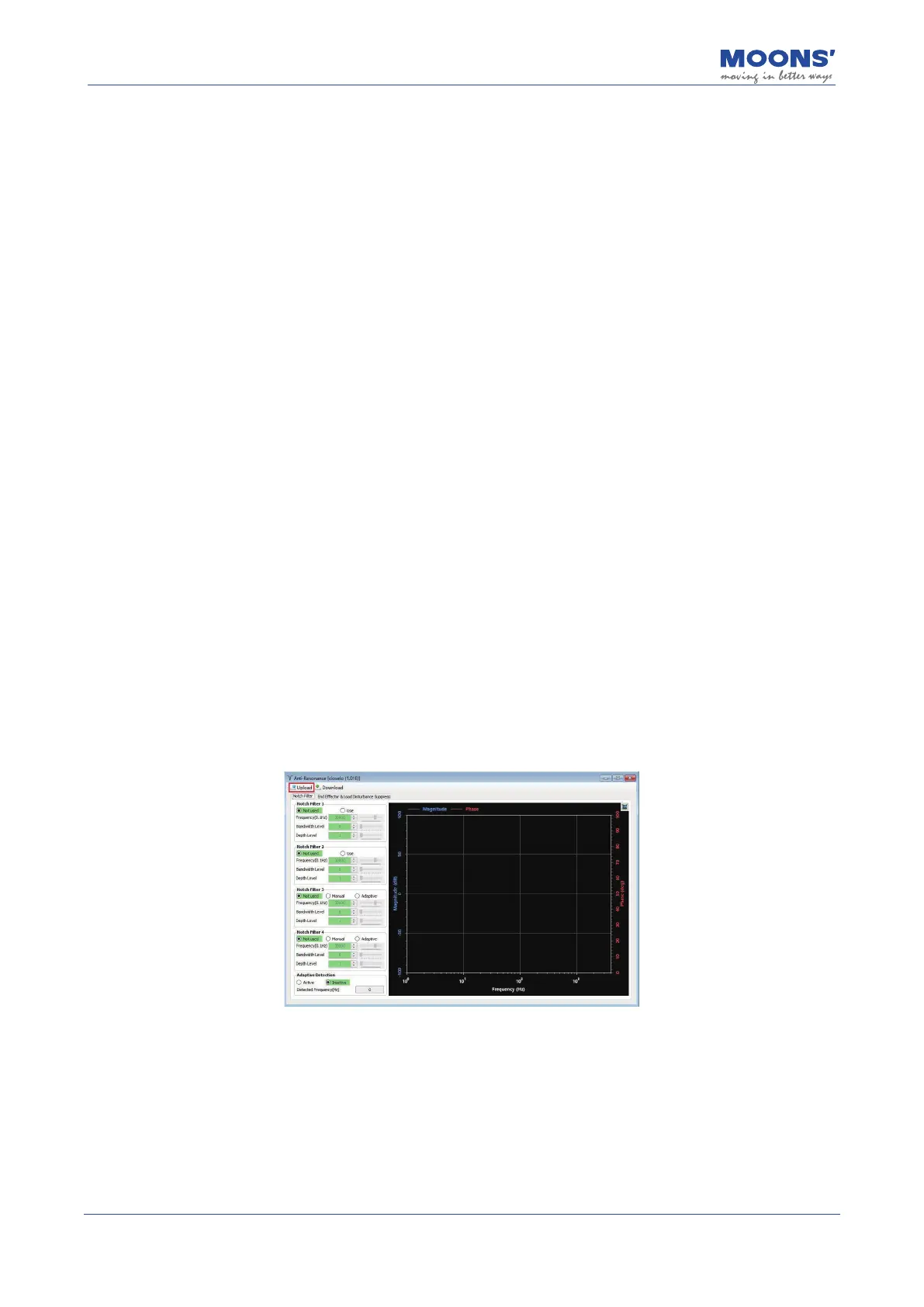
• In the "Anti-resonance" interface of Luna software, change the usage mode of "Notch Filter
3" to"Adaptive" , and then click the "Download" button to enable a self-adaptive notch lter.
• When the servo system is running, it will automatically detect resonance frequency and
take eect to suppress.
• If there is a new resonance, enable the "Notch Filter 4" with same operation.
• When the system is running ,the third and fourth goups of notch lte parameters are
automatically updated, but will not be displayed in the software interface.
• Although these parameters are updated automatically, they will not be saved automatically.
After the servo system is powered on again, the system will automatically update these
parameters when the servo is enabled and running.
This setting can prevent abnormal movement of the servo system during operation, resulting in
the notch lter parameters being updated to wrong values, which may increases vibration.
◆
Software settings for Adaptive Notch Filter
Step 1: In the tree list on the left, open " Anti-Resonance ", and click the " Upload " button in the
Anti-Resonance interface













 To Next Page