Morgana DocuMaster MFC - Service Manual 185
4. Service Procedures - The MFC Maintenance Schedule
4.14.5 The Friction Feed Bin Maintenance Schedule
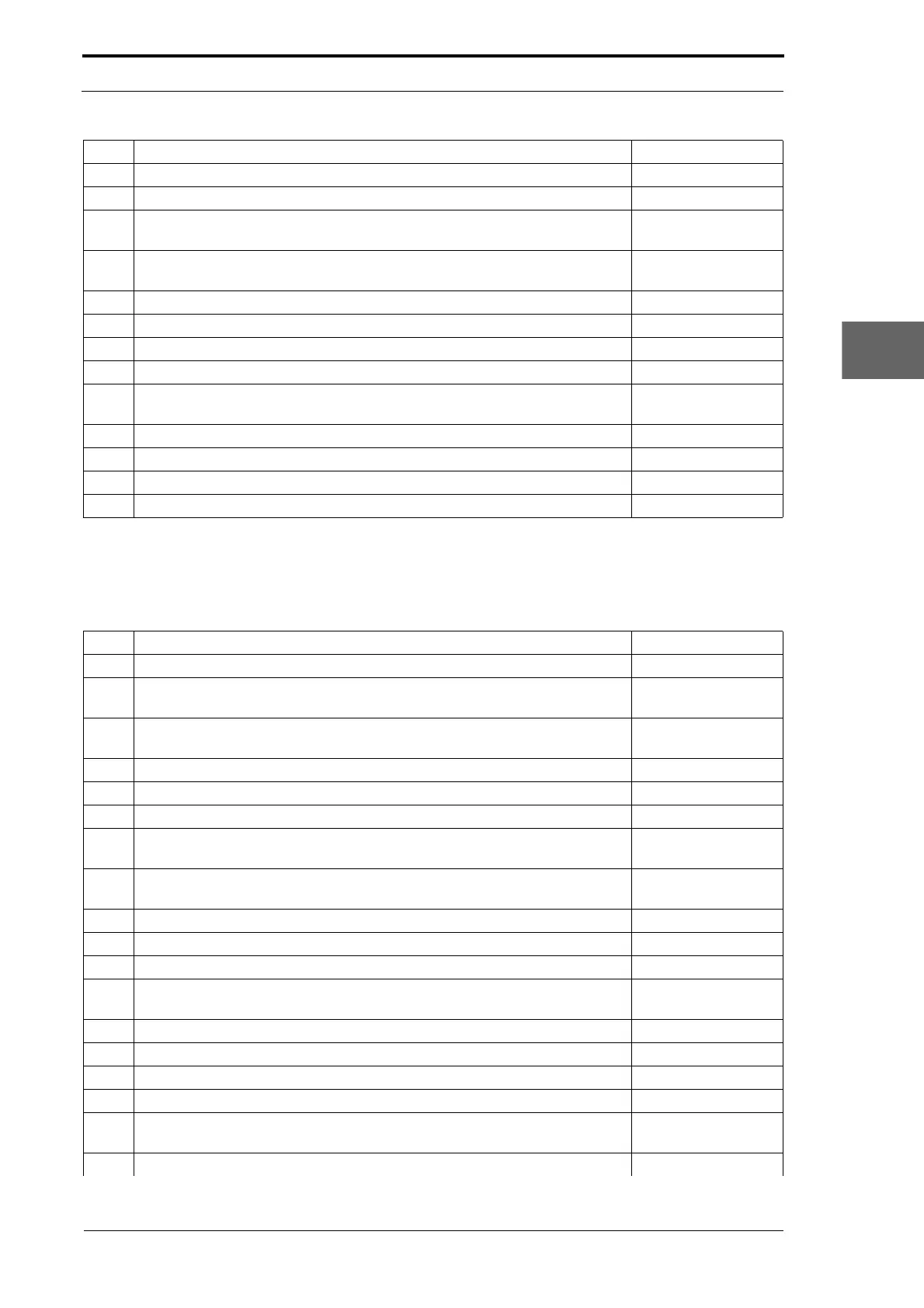
Use the list that follows to do a maintenance inspection on the friction feed bin module.
9 Do a check that the feed bin emitter/sensor low range is set correctly. (See Section 4.5.7)
10 Do a check that the feed head separation adjuster is correctly calibrated. (See Section 4.5.4)
11 Do a check that the paper stop fingers are not worn (replace the paper stop
fingers if necessary).
(See Section 4.8.6)
12 Clean the tray height sensor and tray loaded sensor (use filtered compressed
air or a soft paint brush).
13 Do a check that there are no air leaks.
14 Clean the vacuum filters (replace the vacuum filters if necessary). (See Section 4.8.13)
15 Do a check that the trays lift and drop correctly.
16 Do a check that the tray sidelays operate correctly.
17 Do a check that all the conveyor wheels are in satisfactory condition (replace
the conveyor wheels if necessary).
(See Section 4.8.11)
(See Section 4.8.12)
18 Select Cleaning Mode and clean the conveyor wheels. (See Section 4.13.2)
19 Do a check that all the feed bin controls work correctly.
20 Do a check that all screws are tight.
21 Clean the suction feed bin.
Step Action Reference
Step Action Reference
1 Do a check that all wires and connectors are not damaged or lose.
2 Do a check that the drive chains, sprockets and tensioner bushes are not
worn (replace both the drive chain and sprockets if the sprockets are worn).
(See Section 4.8.1)
3 Select Cleaning Mode and lubricate all of the drive chains and sprockets
(Molykote MKLn chain grease is recommended).
(See Section 4.13.2)
4 Do a check that all the nylon gears are in a satisfactory condition.
5 Do a continuity test on all of the earth plates, tabs and shafts.
6 Do a check that the feed clutches operate correctly. (See Section 4.4.4)
7 Do a check that the feed wheels are in a satisfactory condition (replace the
feed wheels if necessary).
(See Section 4.9.1)
8 Do a check that the separator pads are in a satisfactory condition (replace
the separators if necessary).
9 Clean the separator pads. (See Section 4.13.1)
10 Clean the feed bin emitter/sensor assembly. (See Section 4.13.3)
11 Do a check that the feed bin emitter/sensor low range is set correctly. (See Section 4.5.7)
12 Clean the tray loaded sensor (use filtered compressed air or a soft paint
brush).
13 Do a check that there are no air leaks.
14 Do a check that all springs are in a satisfactory condition.
15 Do a check that the tray lifts and drops correctly.
16 Do a check that the tray sidelays operate correctly.
17 Do a check that all the conveyor wheels are in satisfactory condition (replace
the conveyor wheels if necessary).
(See Section 4.9.6)
(See Section 4.9.7)
18 Select Cleaning Mode and clean the conveyor wheels. (See Section 4.13.2)



 To Next Page