4 Product description
Maschinenfabrik Reinhausen GmbH 2019 435163667/06 EN ETOS
®
IM
In these operating instructions, the path for navigating to a parameter is al-
ways shown in an abridged form: Go to Settings > Parameters > Time syn-
chronization.
Setting parameters
There are various ways to configure the settings, depending on the parame-
ter.
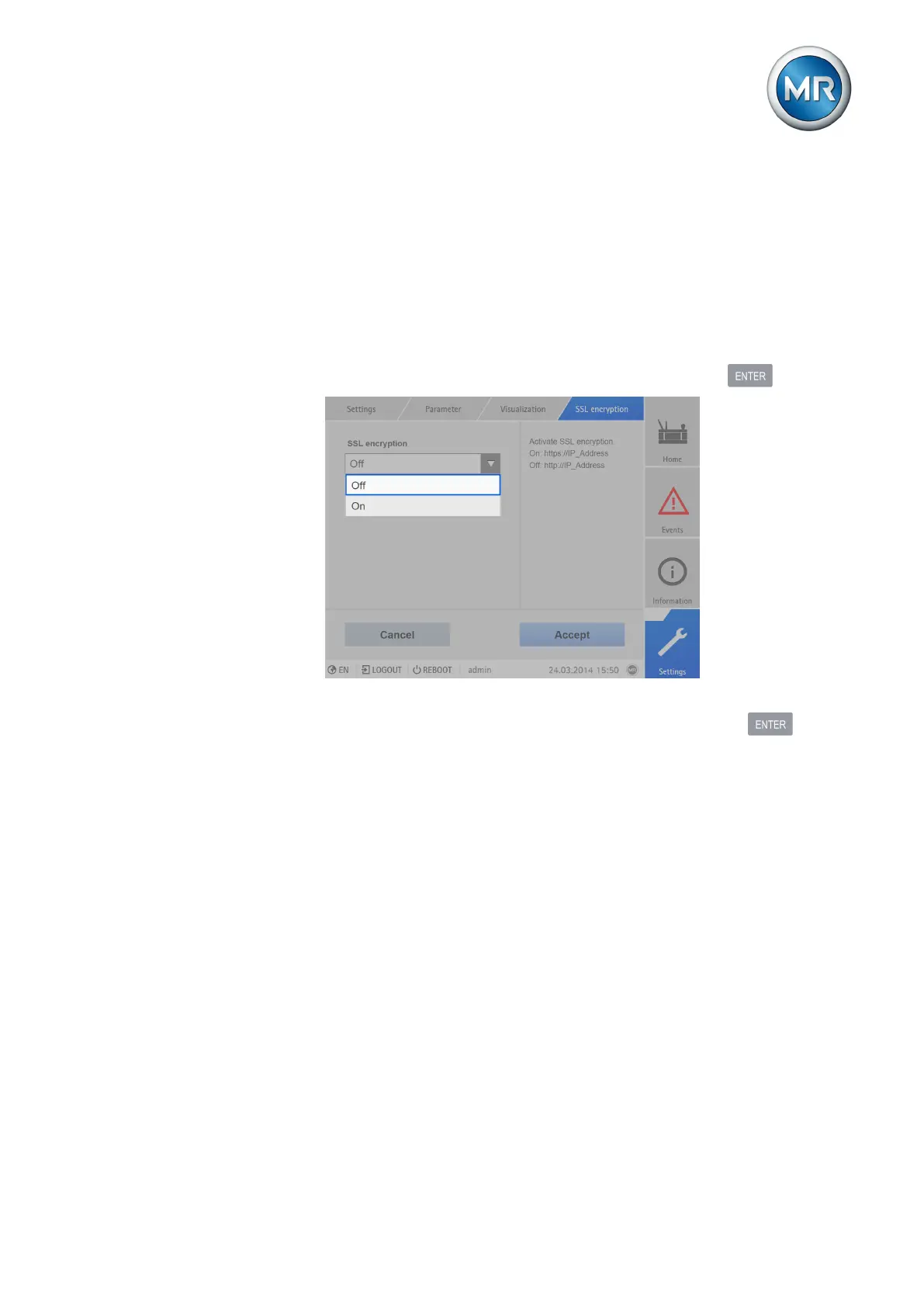
Selecting from a list To select a list entry, proceed as follows:
1. Use the rotary knob to navigate to the list and press the key.
Figure22: Select an entry from a list
2. Use the rotary knob to highlight the list entry and press the key.
3. Press the Accept button to save the modified parameter.



 To Next Page