4 Product description
Maschinenfabrik Reinhausen GmbH 2019 455163667/06 EN ETOS
®
IM
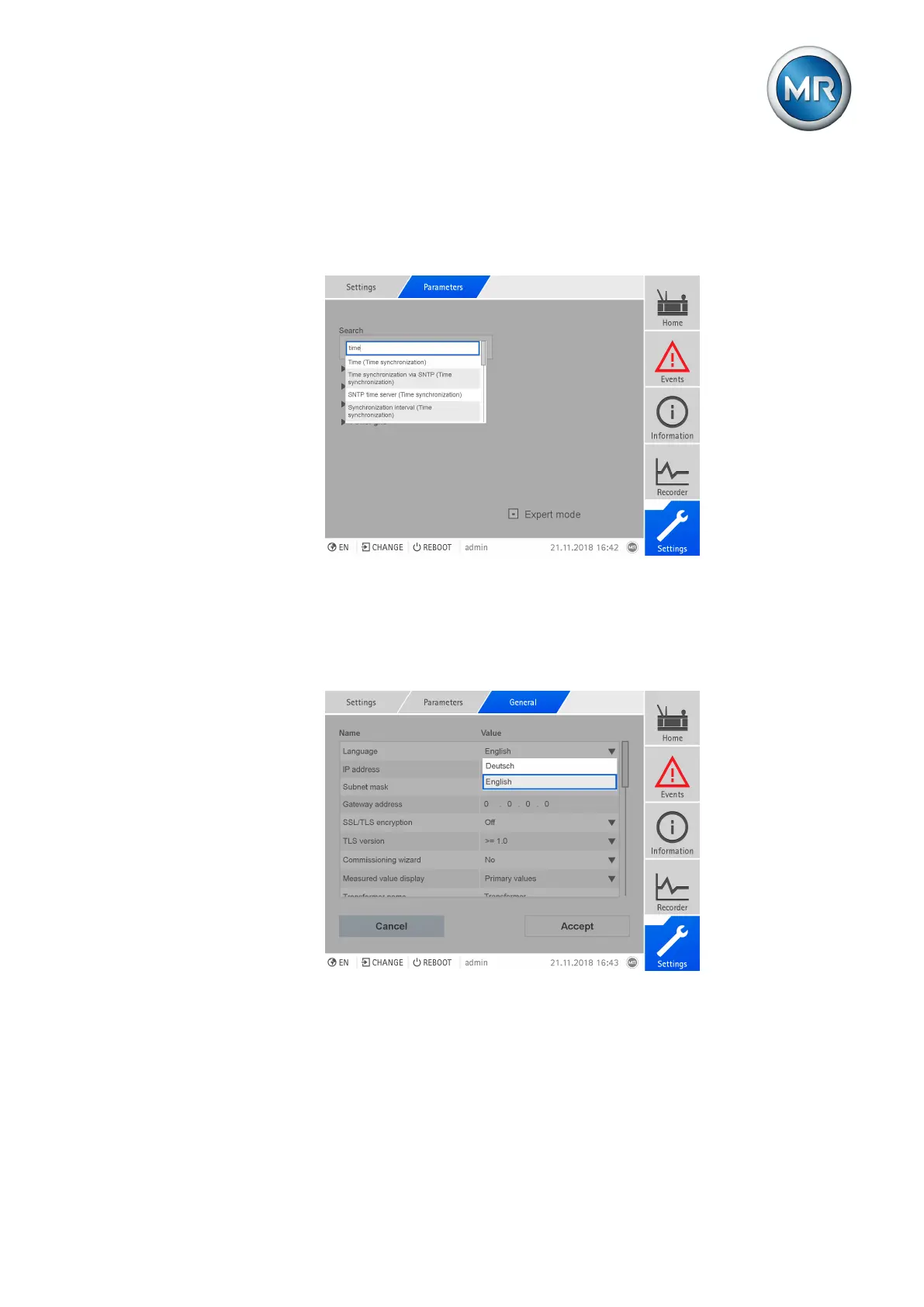
Parameter search
You can use the quick search function in the parameter menu to search for a
parameter. Enter the name of the desired parameter in the Search entry
field.
Figure25: Quick search
Expert mode
The device has an expert mode for entering the parameters. You can enter
the parameters directly into the overview screen of the respective menu in
this mode.
Figure26: Expert mode
To activate the expert mode, proceed as follows:
1. Go to Settings > Parameters.
2. Select the Expert mode checkbox.
ð Expert mode is active.



 To Next Page