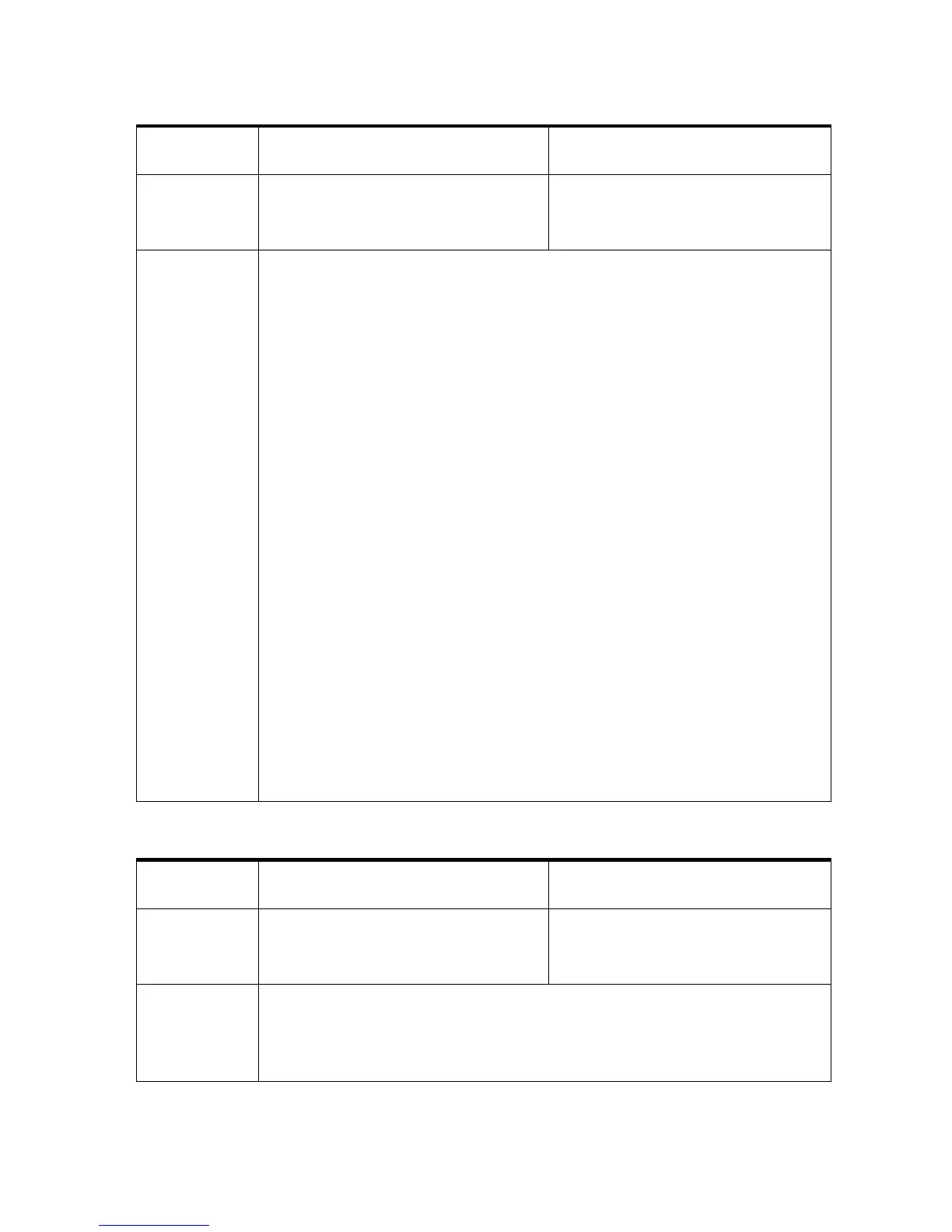
Protocol
code
Display message Cause
003 PAPER TOO SMALL OR WRONG
PAPER LENGTH!
CODE: 03
Expected paper size too small
Elimination
• Measure actual paper size
• Compare paper size in
transport direction with size
set in printer
• Compare paper size in PC
software with size set in
printer
• Check if a wrong paper size is
locked
• When using material with non-
rectangular edges or with
press cut sections turn off the
PAPER SENSOR in the menu
• Attach a holding-down device
when using uneven materials
(e.g. foil-wrapped magazines)
• Adjust/teach-in paper sensor
• Check paper sensor in
HARDWARE TEST
• Check paper sensor cable
• Check if the belt(s) is running
in the correct position
Fixed Head Printer with one
print unit:
• If your material is pre-
printed on the reverse side
set the PAPER SENSOR to Off
and blank colourpaper.
Fixed Head Printer with more
than one print unit:
• Clean the reflector of the
paper sensor
• Check that the reflector is
aligned parallel to the paper
sensor
• Check if the reflector is
damaged
Printer with separate feeder:
• Check if paper gets stuck on
any machine parts
• Check if the paper enters the
printer parallel aligned
Pos: 79.4 /Bedienungsan leitungen/Geräte s pezifisch/Druc ker/Error Messages/04_E RROR_PAPER_SENSOR @ 2\mod_1 265617418639_912. doc @ 11281 @
Protocol
code
Display message Cause
004 ERROR PAPER SENSOR CHECK
THE SENSOR!
CODE: 04
Unexpected paper sensor signal
Elimination
• Clean the paper sensor
• Clean the reflector
• Adjust/teach-in paper sensor
• Check paper sensor in
HARDWARE TEST
• Call service
Pos: 79.5 /Bedienungsan leitungen/Geräte s pezifisch/Druc ker/Error Messages/05_I ncrease_The_Gap! @ 2\ mod_1265617469330_912. doc @ 11284 @



 To Next Page