System Manual= lñÑçêÇ=fåëíêìãÉåíë=mä~ëã~=qÉÅÜåçäçÖó= lé^i
Note that moving the mouse pointer over a feature will cause a box to be displayed around
the feature indicating that it can be manually controlled.
a) Vent valve.
b) Gate valve.
c) CM gauge isolating valve.
d) Fast Valves (click on a valve mimic to open the valve; its mimic will become green).
e) Rotary vane/dry pump.
The Table Heater button is used to autotune the table heater.
The ADD WAFER button is used to inform the system that a wafer is present. This facility
would be used if the machine were powered-up with a wafer in the process chamber. The
legend on this button changes to KILL WAFER when a wafer is present, enabling the selected
wafer to be removed from system memory.
RKNMKOKN bñáíáåÖ=Ñêçã=ëÉêîáÅÉ=ãçÇÉ=
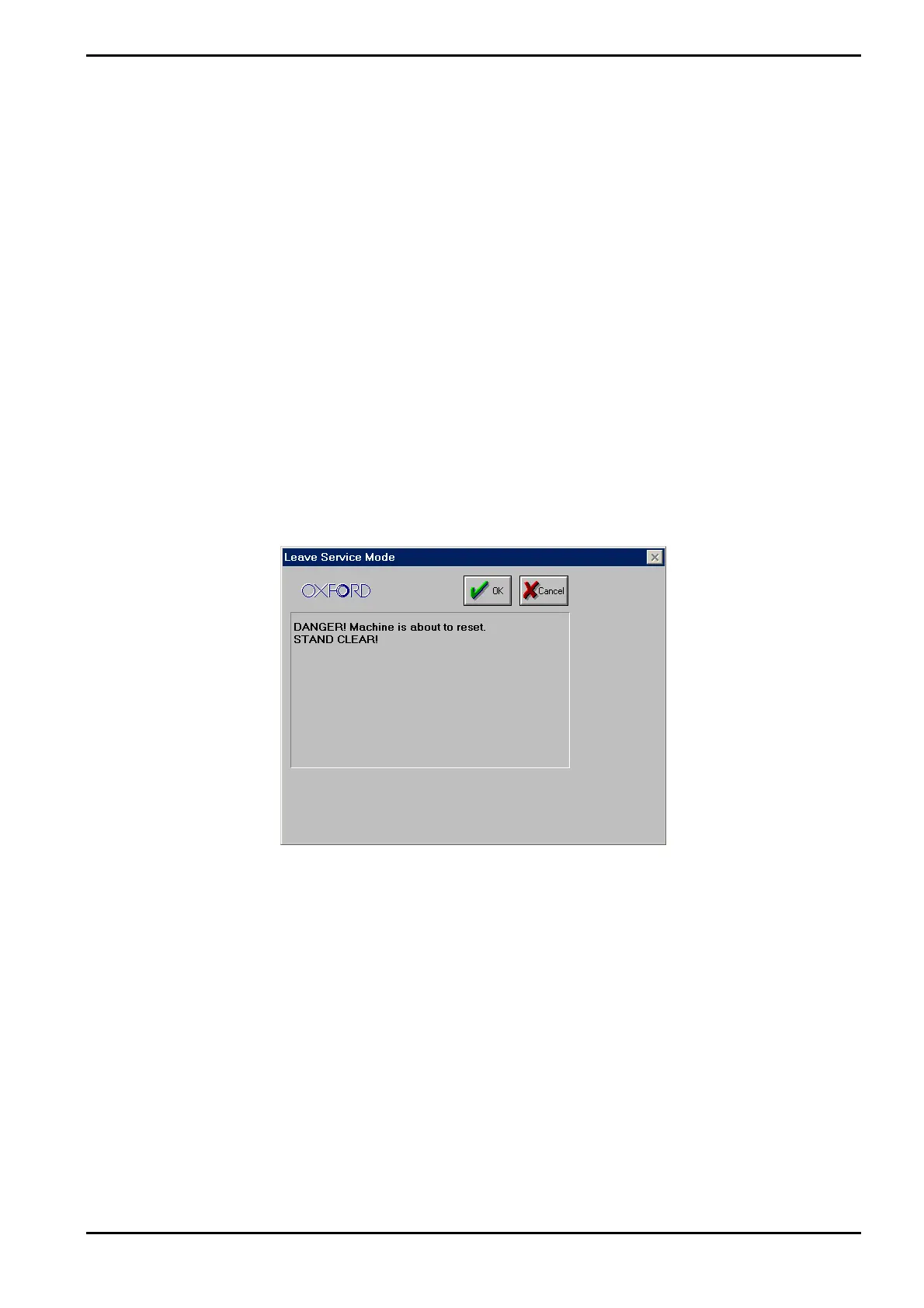
To exit from service mode, select the system menu and then the Exit Service option. The
following dialogue box is displayed:
Ensure that there are no personnel close to the system, and then select the OK button.
After exiting from service mode, the system configuration will depend on which service mode
facilities were used as follows:
If no service mode facilities were used, e.g. no valves were open or closed; the system
configuration will be the same as it was before entering service mode.
If the service facilities were used, the system configuration will depend on which of the
facilities were used as follows.
To prevent damage to the system, if the process chamber had any of its features altered in
service mode, e.g. valves opened/closed, pumps turned on/off etc., it will have its pumping
stopped.
To return the process chamber to the pumping or vent state, click on the associated Stop
button, and then on the Evacuate button or the Vent button as required. The chamber will
then pump down or vent.
Operating Instructions
Printed: 06 November 2007 09:42 Page 5-39 of 60 Generic (OpAL Plasma) Issue 1: Oct. 07


 To Next Page