EasyManua.ls Logo

Philips Efficia DFM100 - Error Log Messages

Philips Efficia DFM100
220 pages
Print Icon
To Next Page IconTo Next Page
To Previous Page IconTo Previous Page
Loading...
3: Troubleshooting Automated Tests
34
The report shows the results of the most recent hourly test, the daily tests that have run since the last
weekly test, and the last several weekly tests. Test results are reported, as described in Tab le 6 on page 35.
NOTE: The number of weekly tests which can be printed out is configurable. Refer to Efficia DFM100
Instructions for Use -> Chapter 14 Configuration -> Printing Settings for details on how to configure the
number.
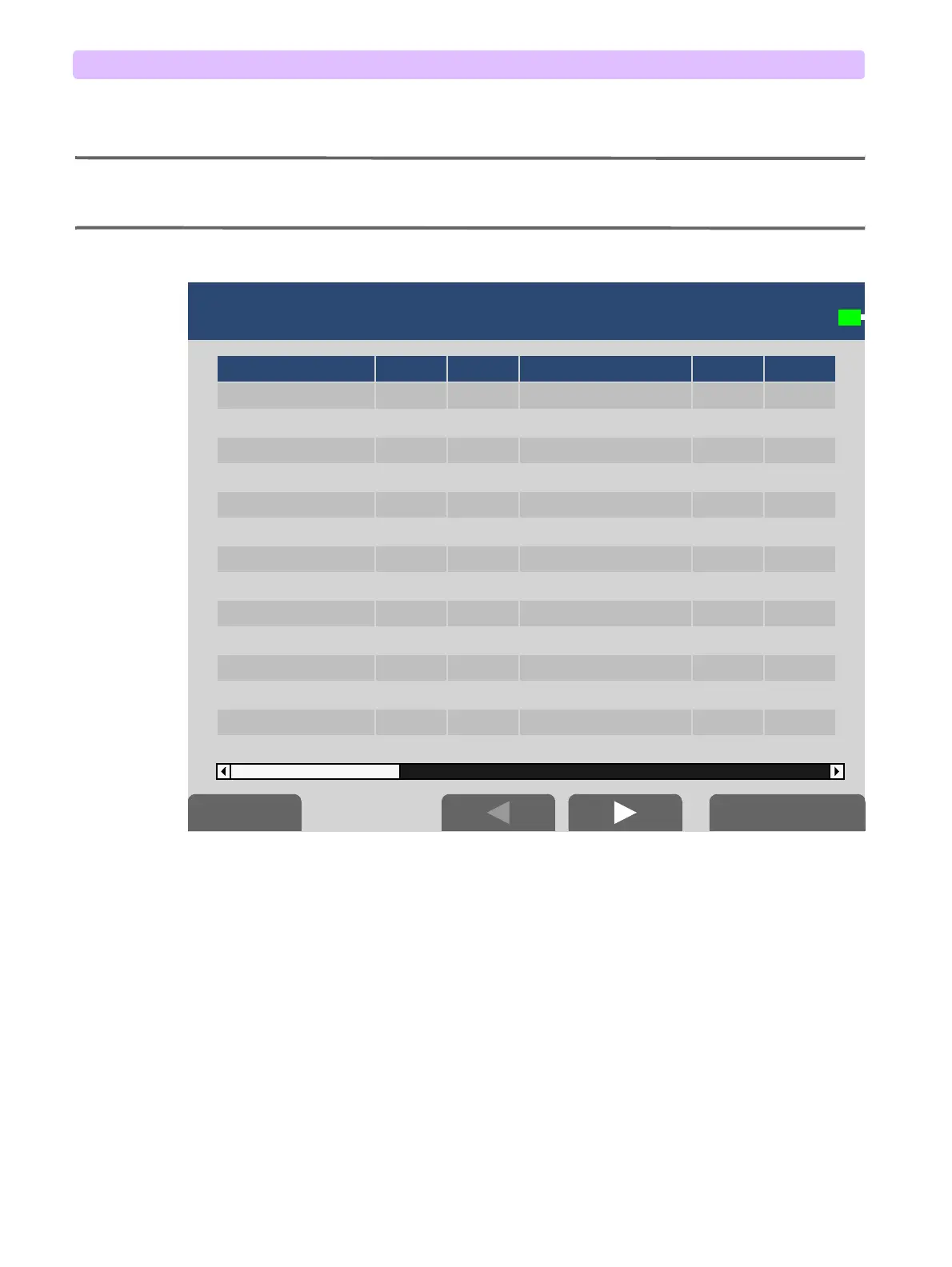
Figure 31 Automated Test Summary Screen



     
     
     
     
     
     
     
     
     
     
     
     
     
     
     




Table of Contents

Other manuals for Philips Efficia DFM100

Related product manuals