Working with Archived Reports
ST80i Stress Test System Instructions for Use 4-41
NOTE To select all of the reports, click the Select column heading; to deselect all of the reports, click the
Select column heading again.
2
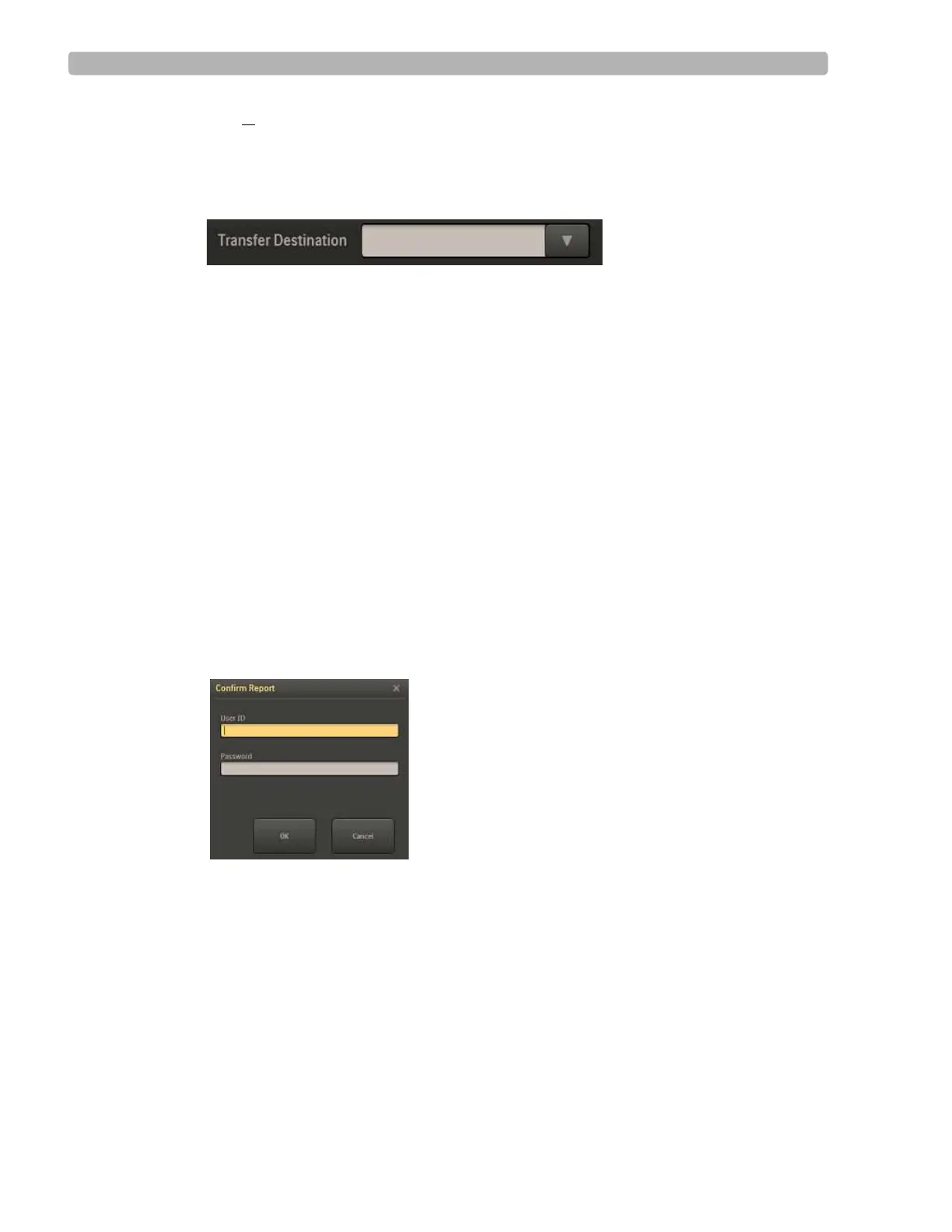
Select the destination for the transfer from the Transfer Destination drop-down list.
Figure 4-20 Transfer Destination Drop-Down List
3
Click the Transfer button.
Delete Reports
If you have administrative privileges, you can select single or multiple stress studies to delete.
When doing this, you will be warned about the potential data lost. When deleting multiple
studies, you can also cancel the operation to stop the delete process.
To delete reports
1
Select the patient report(s) to delete by putting a checkmark in the box(es) in the Select
column to the left of the Patient ID.
2 Click the Delete button.
The Confirm Report window is displayed
Figure 4-21 Confirm Report Window
3
Type your User ID and password, and click OK.
The Delete Selected Reports window is displayed.



 To Next Page