The Patient Session
3-6 ST80i Stress Test System Instructions for Use
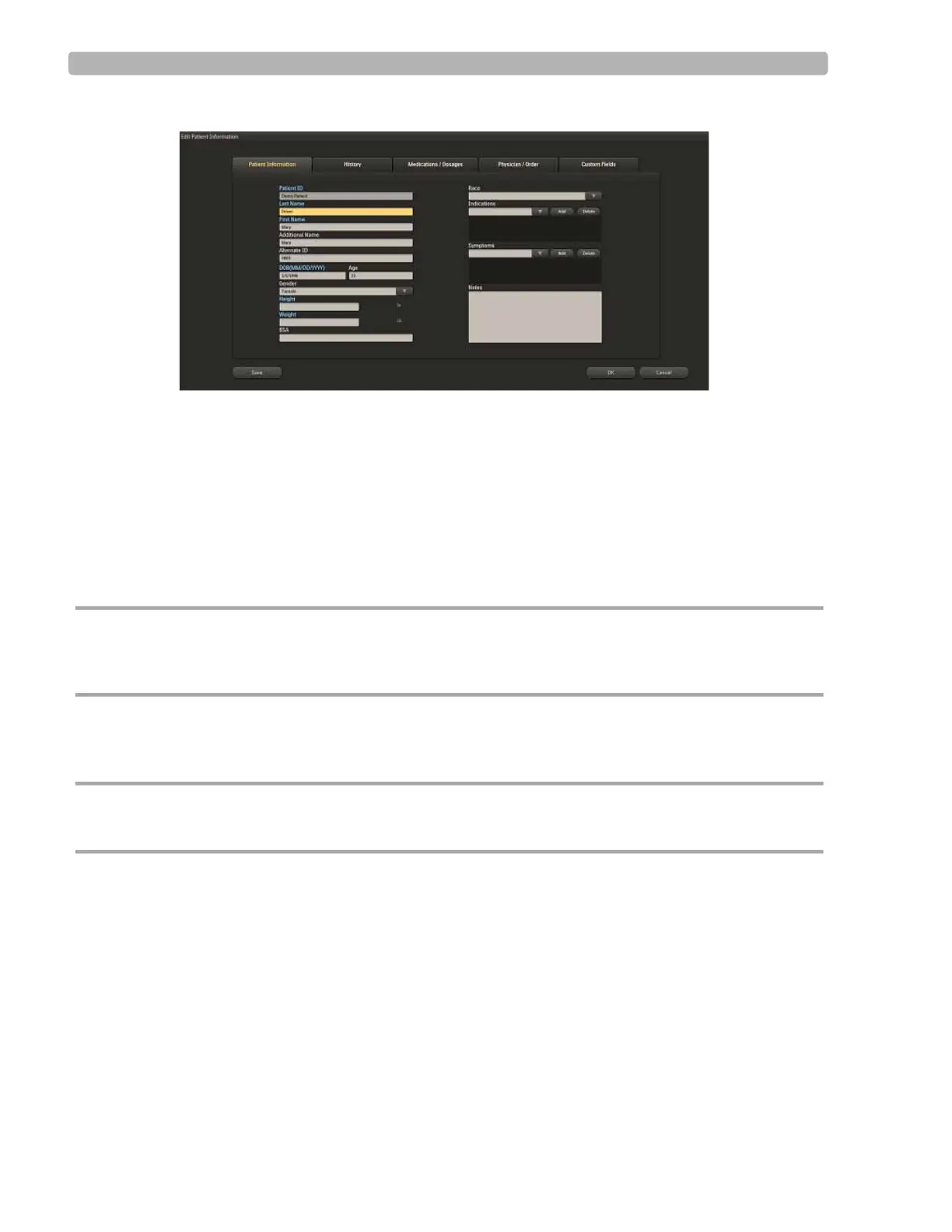
Figure 3-3 Edit Patient Information Screen
You can also access this information from the Report screen. See “Working with Reports” on
page 4-1.
Patient Information Fields
ST80i supports predefined and user-defined patient information fields. The predefined patient
information fields are shown in the
Patient Information tab of the Edit Patient Information
screen. The patient information fields are configured as mandatory or not. Mandatory fields
are displayed in blue text.
CAUTION For better algorithm output, the Patient Information Fields that may affect algorithm output need to be
enabled and complete. At a minimum, the Patient ID, Last Name, First Name, DOB, and Gender must
be configured as mandatory fields that will be identified on the Test screen.
To configure or change mandatory patient information fields, see the ST80i Installation and
Configuration Guide.
CAUTION Specific patient data is required for each interpretation. If entered patient data are found to be
incorrect, the ECG file may be edited and a new display and/or report can be printed.
Add a New Patient to the Worklist
To manually add a new patient name to the Worklist
1
Click the Add button.
2 In the Add New Patient screen, fill in the patient name and patient information in the
required fields for each of the following tabs:



 To Next Page