Using the Toolbar Icons
ST80i Stress Test System Instructions for Use 2-25
Freeze
You can print a 12-Lead ECG at any time by clicking the Print button. During the Exercise
phase, when you select the
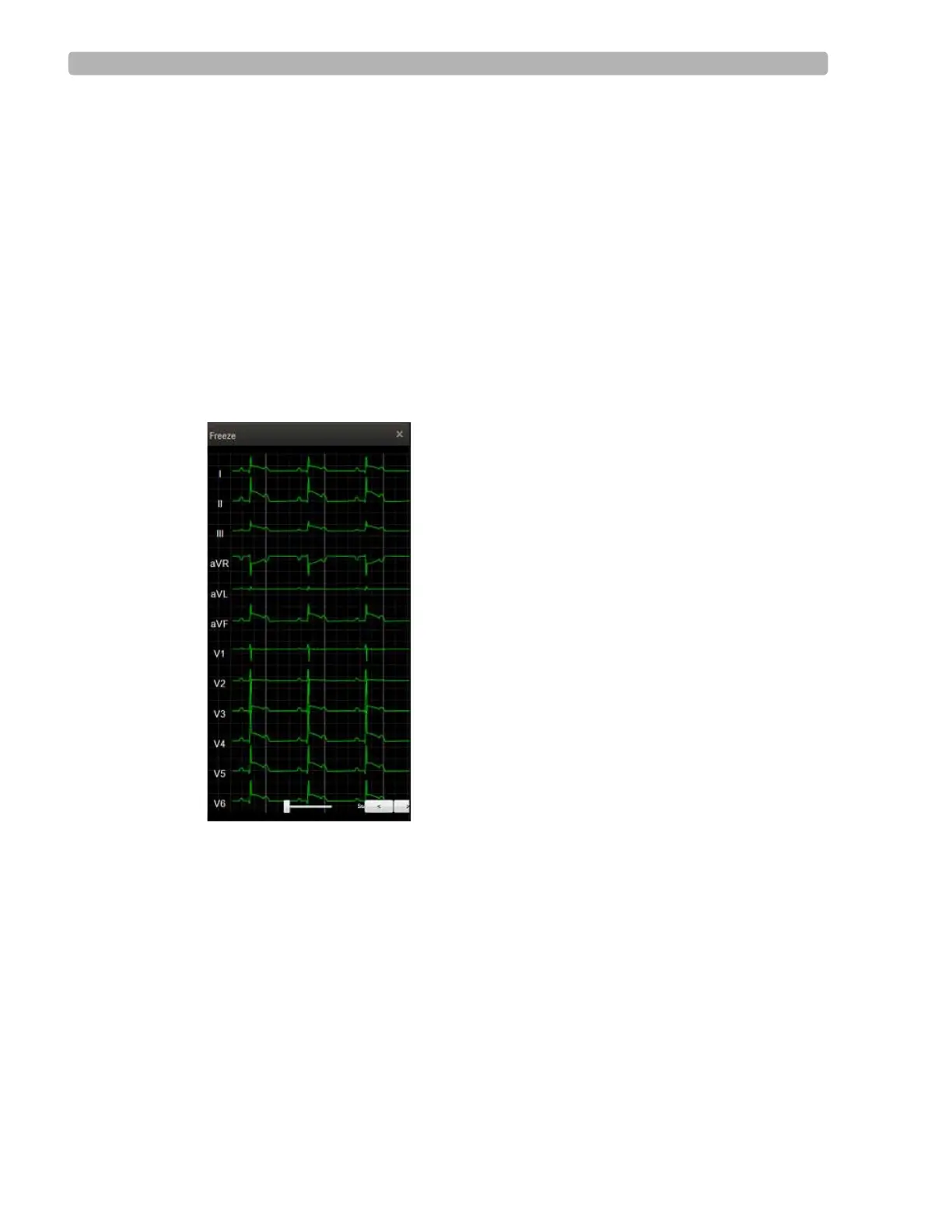
Freeze icon, it freezes the most recent 10 seconds of ECG data so
that you can view a specific event. A dialog box displays a Freeze image of all leads captured
at the moment you clicked the
Freeze icon.
A scroll bar at the base of the Freeze image allows you to scroll to view any part of the frozen
ECG.
To freeze the ECG
1
Select the Freeze icon.
The Freeze display appears on the right-hand side of the waveform screen.
Figure 2-3 Freeze Display
2
Use the slide bar or right/left arrows to scroll through the ECG.
3 Click X to close the display.
Recording an Event
Events are associated with the user profile. You can add and delete events when you create a
user profile. As the test progresses, you can record events, if and when they occur. You can
also add events to the drop-down list that appears by clicking the down arrow by the icon in
the Toolbar.



 To Next Page