Working with Reports
4-28 ST80i Stress Test System Instructions for Use
ECG Report
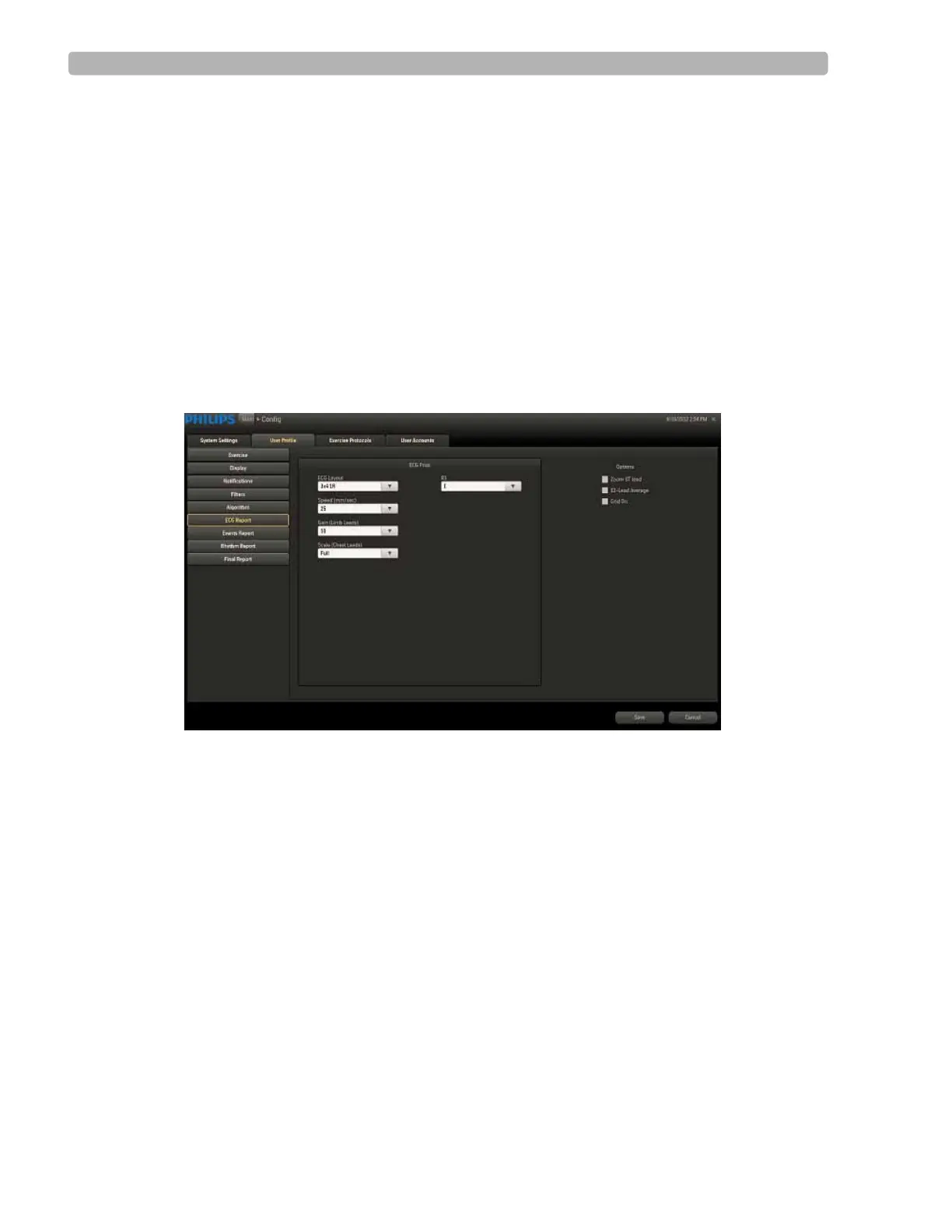
The print report settings for the ECG Report include:
ECG Layout (select lead format)
Speed
Gain
Scale
R1
Options (Zoom ST Map, 12-Lead Average, Grid On)
Figure 4-11 ECG Report Settings



 To Next Page