Printing Reports
ST80i Stress Test System Instructions for Use 4-35
3 Place a checkmark in the “Print Grid” box, if you want the grid to print on laser paper.
4 Select which report (or reports) you would like to print from the Quick Print section:
– Patient ID
– Average QRS
–Summary
– 12-Lead ECG (Full Disclosure)
–Trends
– Rhythm Events
Post-Recovery ECG Printing
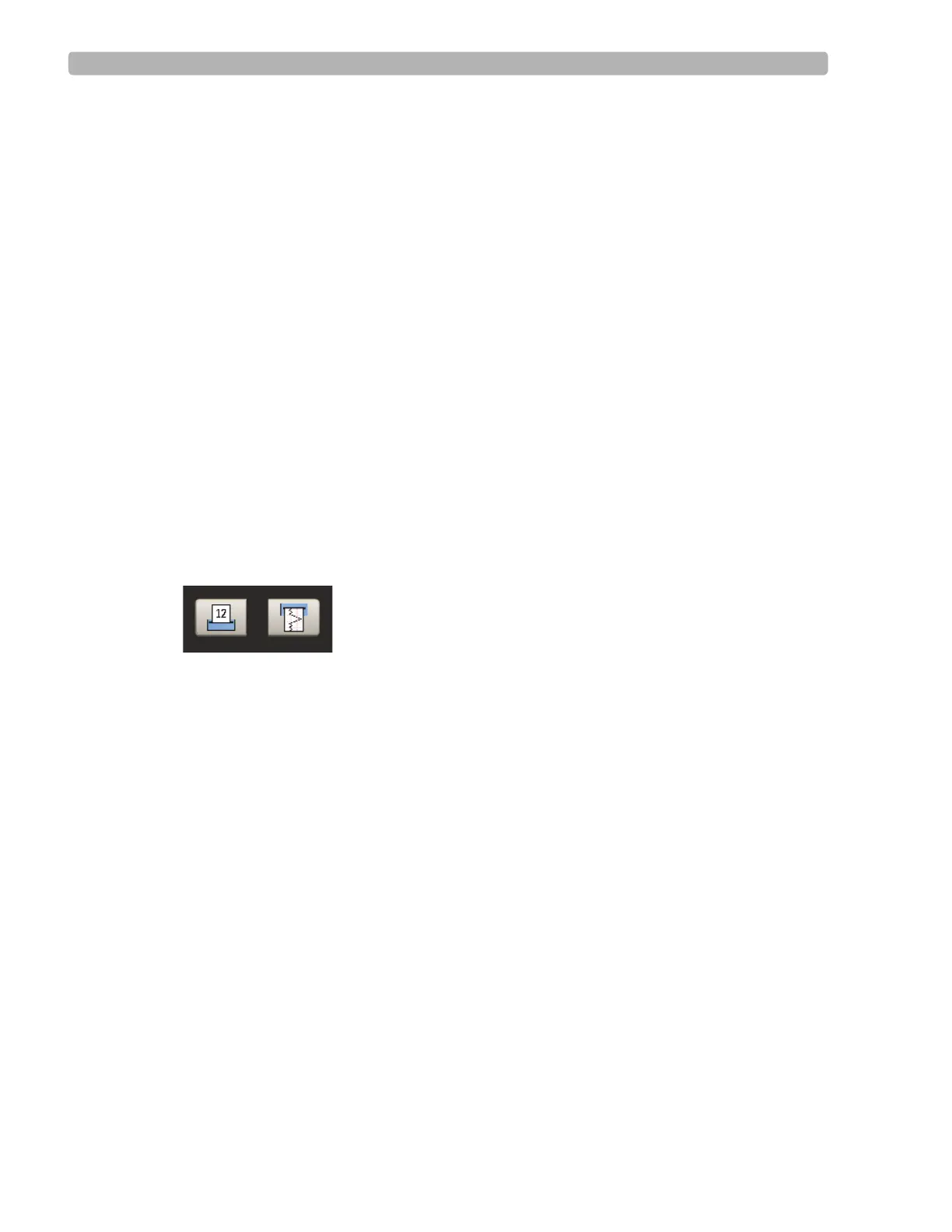
The two print options at the bottom of the Report screen are used to print the current lead (or
any lead you select) during Post-Recovery.
Print 12-Lead ECG Report
Start Rhythm Printing
Figure 4-16 Print Options
When you click the Print 12-Lead ECG Report, you will get a printout of that segment of the
ECG.
When you click the Start Rhythm Printing button, a rhythm strip begins printing. To turn off
Rhythm Printing, click this button again.
De-Identify the Report
You have the option to hide the patient's name when printing individual reports or the Final
Stress Report. This feature allows you to hide patient identification information to protect the
patient's identity. To de-identify the report, see “De-Identification” on page 3-46.



 To Next Page