Working with Archived Reports
ST80i Stress Test System Instructions for Use 4-37
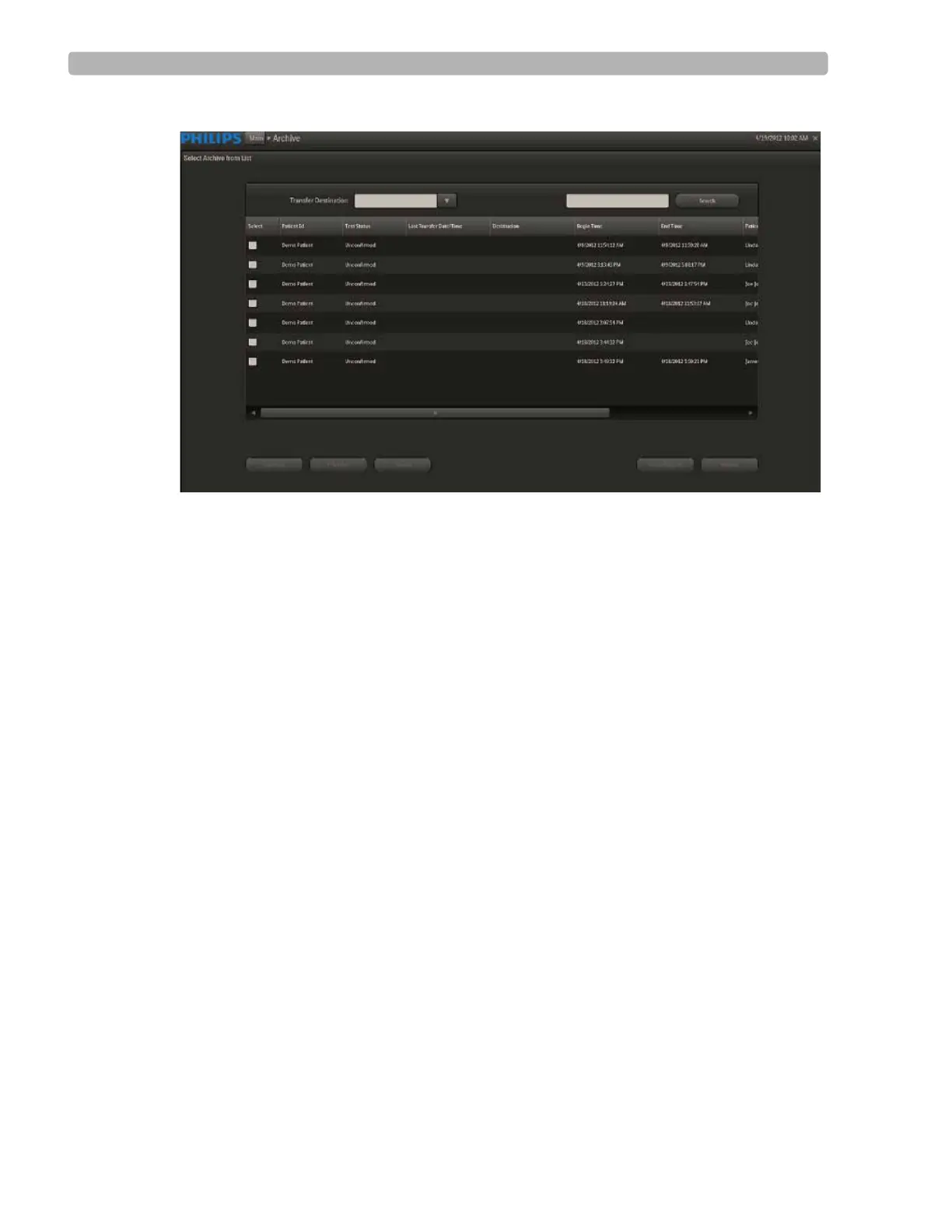
Figure 4-17 Select Archive From List Screen
Database Configuration
ST80i consists of two major components:
Client side – provides the clinical interface to the patient and user interface to the
technician. It handles the patient's data acquisition, stress procedure workflow, data
analysis, stress report presentation and raw data storage.
Server side – provides data storage and retrieval for the stress final reports in PDF format.
The server side also provides support for workflow, audit/tracking, and user
authentication / authorization (deferred).
The Client and Server components may be co-located on the same physical PC, or may be
installed on separate PC platforms.
In each mode, the data store limit is determined by the storage capacity of the hard disk.
See the ST80i Installation and Configuration Guide regarding database storage on networked
devices.
Depending on your facility's network configuration, ST80i can either work as a single,
stand-alone device or as a set of multiple, connected devices. As a stand-alone device, ST80i
provides basic server functions to perform a stress test, such as user security, configuration
management, and ECG data storage.
NOTE All reports (including unconfirmed/non-finalized reports) should be maintained in the Archive.



 To Next Page