Working with Reports
4-38 ST80i Stress Test System Instructions for Use
STAND-ALONE DEVICE
If you are using a stand-alone device with built-in stress study database deployment, all
exercise stress test reports will be permanently stored in the device database archive.
Using a stand-alone device, you can review, edit, save and sign the stress report from the
Report screen.
The locally stored stress test is viewable and printable from the Report screen.
CENTRAL SERVER
In addition to local storage, you can configure archived stress tests in multiple networked
locations.
When several ST80i devices are connected, a backend system server is used to provide the
data storage service. In this mode, each ST80i device must maintain the raw data of the stress
studies and the final stress study report in PDF format that can be transferred to the central
database when network connection is available.
The stress test on the central server is stored in PDF format that is viewable on the client side.
The PDF filename is a 128-bit GUID.
Patient Reports
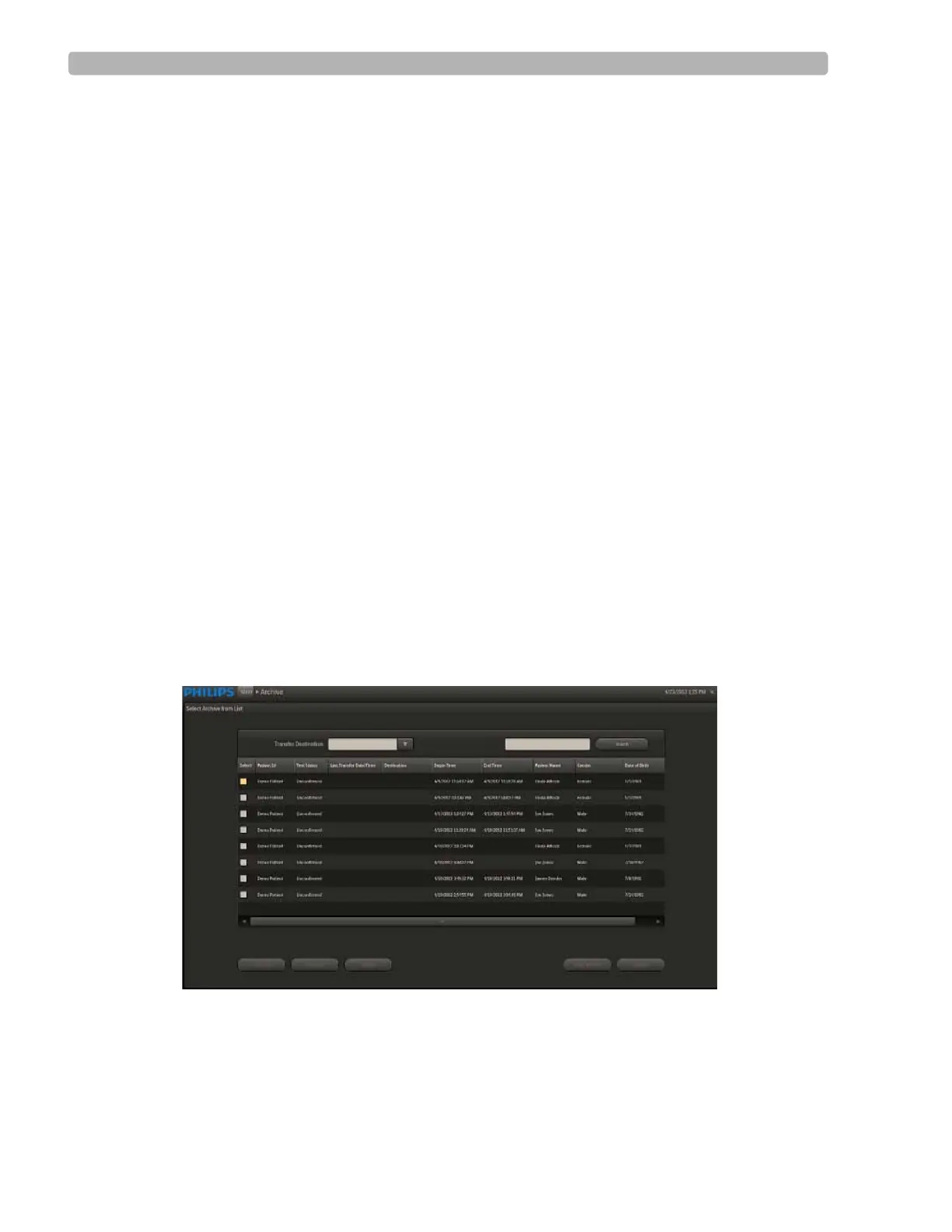
The Archive screen provides a list of archived stress tests that are stored locally or on the
server.
Figure 4-18 Select Archive from List Screen
The Select Archive from List screen includes the following information:
Patient ID
Test Status



 To Next Page