Starting a Patient Session
ST80i Stress Test System Instructions for Use 3-15
Starting a Patient Session
When you select a patient from the Worklist for the stress test, you are immediately brought to
the Pre Exercise screen. Based on your user account settings at log-in, a preconfigured profile
is loaded for the stress test protocol.
Select the Patient
To select a patient from the Worklist
1
Click Patient on the Main screen.
2 Place a checkmark in the patient name line and click OK, or double-click the patient’s
name.
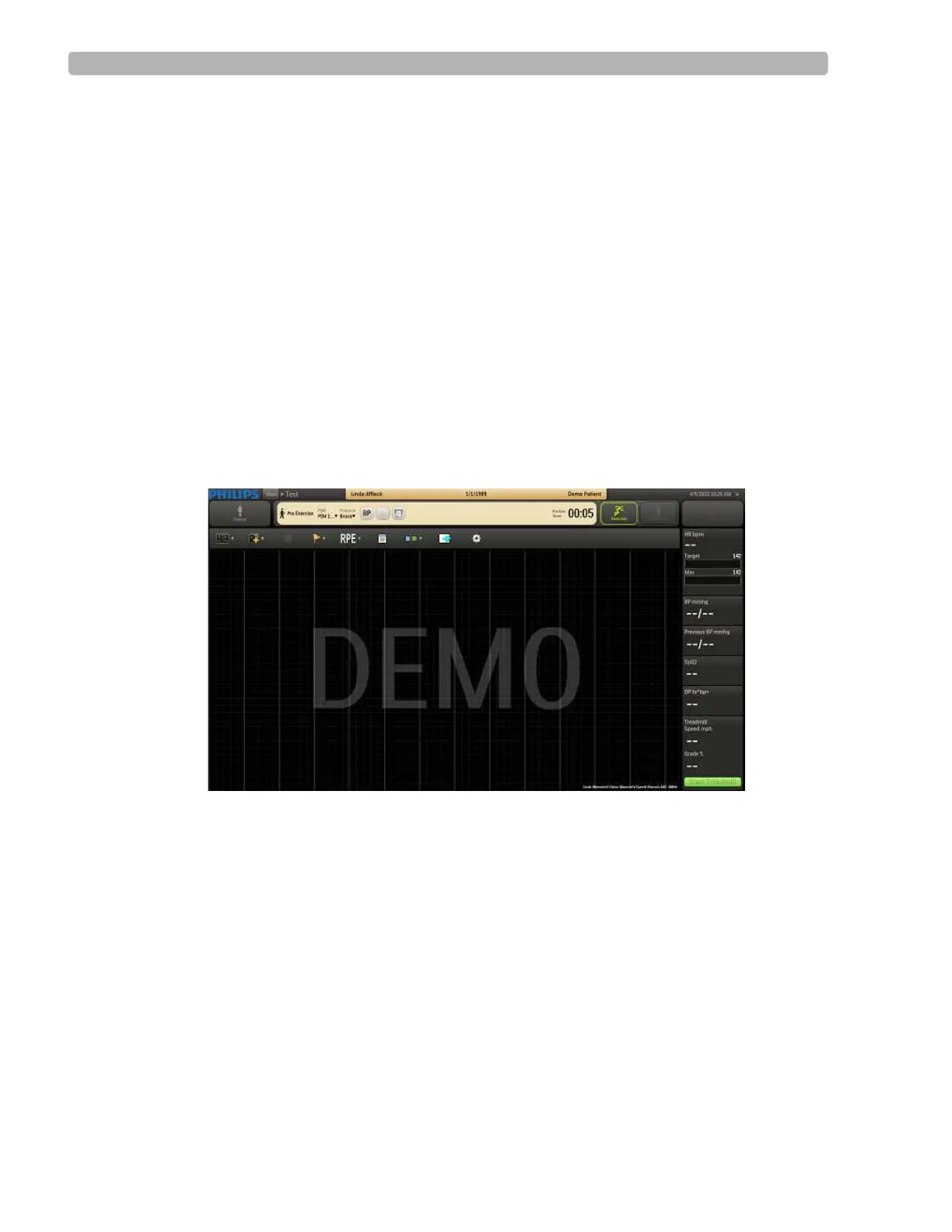
The Pre Exercise screen is displayed. The patient’s name and date of birth appear on the
Title Bar along with the patient ID. The selected protocol is shown on the Procedure Bar.
Figure 3-4 Pre Exercise Screen
By default, the application displays the real-time ECG waveforms in the format specified in
the selected user profile.
To change the real-time ECG display, see “Using the Toolbar Icons” on page 2-15.
When Bruce is selected as the protocol, the
Start Treadmill button appears in the Side Panel.
If you select Cycle as the protocol for the patient, the
Load Ergometer button appears instead.



 To Next Page