The Patient Session
3-4 ST80i Stress Test System Instructions for Use
Using the Patient Worklist
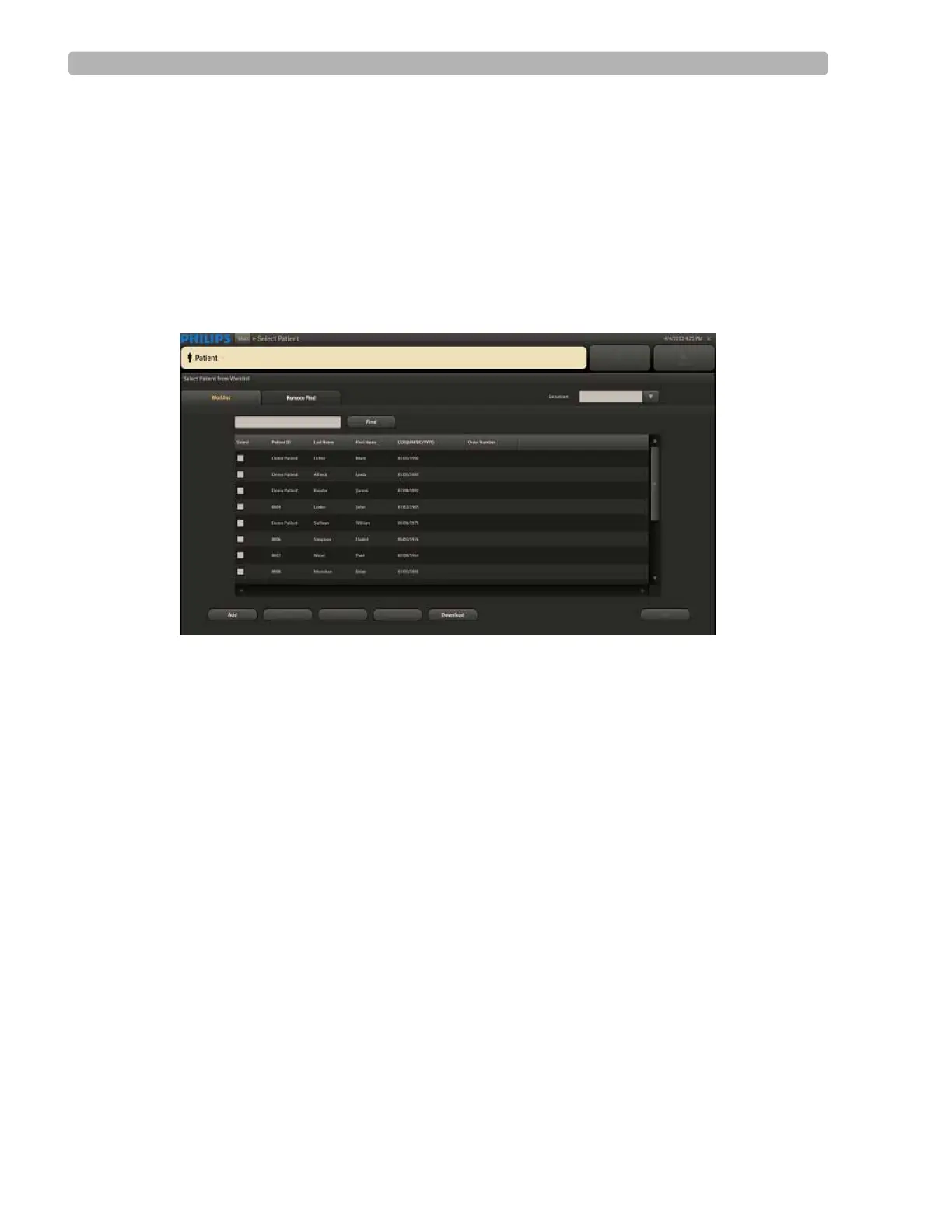
When you click Patient on the Main screen, you are taken to the Select Patient screen, where
you begin a patient session by selecting the patient for the exam.
The Select Patient screen includes two tabs:
Worklist
Remote Find
Figure 3-1 Select Patient Screen
Use the Worklist tab to manage patient information. The Worklist enables you to pre-register
up to 200 patients. The Worklist database is populated by downloading patient orders or ADT
data from a Hospital Information System (HIS), by manually entering information into the
Worklist window, or by remote retrieval of information.
Use the
Remote Find tab to do a remote search for a patient using several data points. ST80i
provides an interface with the Philips ECG Gateway or a DICOM server so that you can do the
following before conducting an exercise stress test:
Download a patient's data from DICOM server via ECG Gateway
Download a patient's orders or ADT data from the hospital HIS system (via ECG
Gateway)
Worklist Tab
The Worklist tab of the Select Patient from Worklist screen is used to manage the patient
information list, including:
Adding a new patient
Finding a patient



 To Next Page