The Patient Session
3-8 ST80i Stress Test System Instructions for Use
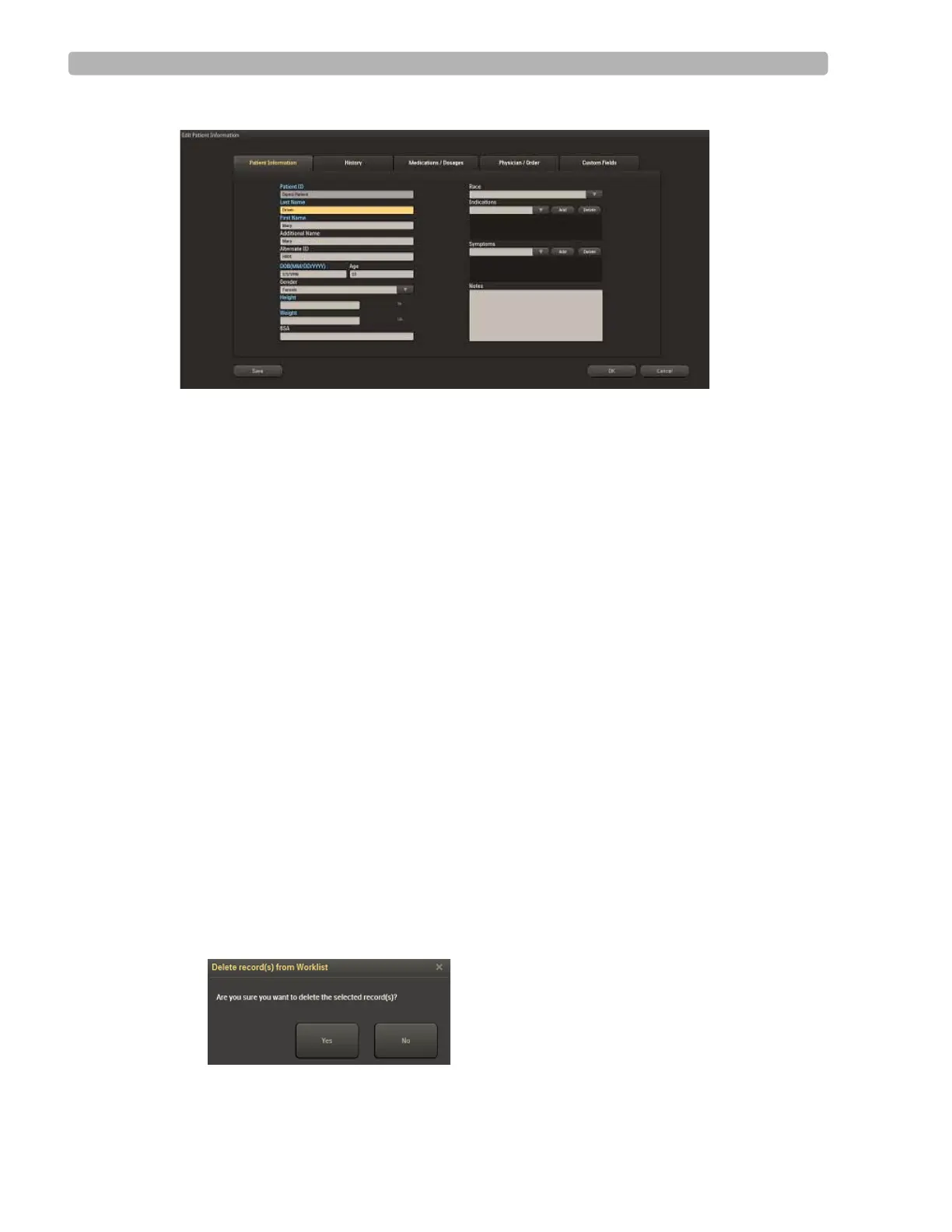
Figure 3-4 Edit Patient Information Screen
3
Update or edit the patient information in each of the following tabs, as required:
– Patient Information
–History
– Medications/Dosage
–Physician/Order
–Custom Fields
4
If you want to:
– Save the information and return to the Worklist, click
Save.
– Save the information and begin the stress test, click
OK.
NOTE When mandatory fields are missing, you will be warned.
Delete a Patient Name
You can delete one or many patients from the Worklist.
To delete a patient name from the Worklist
1
Place a checkmark by the patient's name. You can check more than one patient name to
delete.
2 Click the Delete button.
3 Select Yes from the pop-up box: “Delete record(s) from Worklist.”
Figure 3-5 Delete Record(s) from Worklist Window



 To Next Page