User Accounts
ST80i Stress Test System Instructions for Use 2-3
User Accounts
User accounts are created with specific access privileges based on function. ST80i user
accounts are categorized as follows:
Administrators – these users are allowed to perform all operations on the system.
Clinicians – these users are allowed to perform all operations on the system except most
configuration operations. The only configuration that the Clinician would be able to
perform is report configuration for fine tuning on final reporting (“Finalizing”).
Technicians – these users are allowed to perform all operations on the system except
configuration and “Finalizing.”
Only clinicians and administrators would be able to electronically sign the report.
ST80i supports at least 100 user accounts.
Starting the Application
Your user account is used to access the application. When you log into ST80i, you are logging
into your preconfigured user profile.
To log in
1
Double-click the ST80i icon on your desktop. The ST80i window opens.
2 Type your User Name and Password.
3 Click OK.
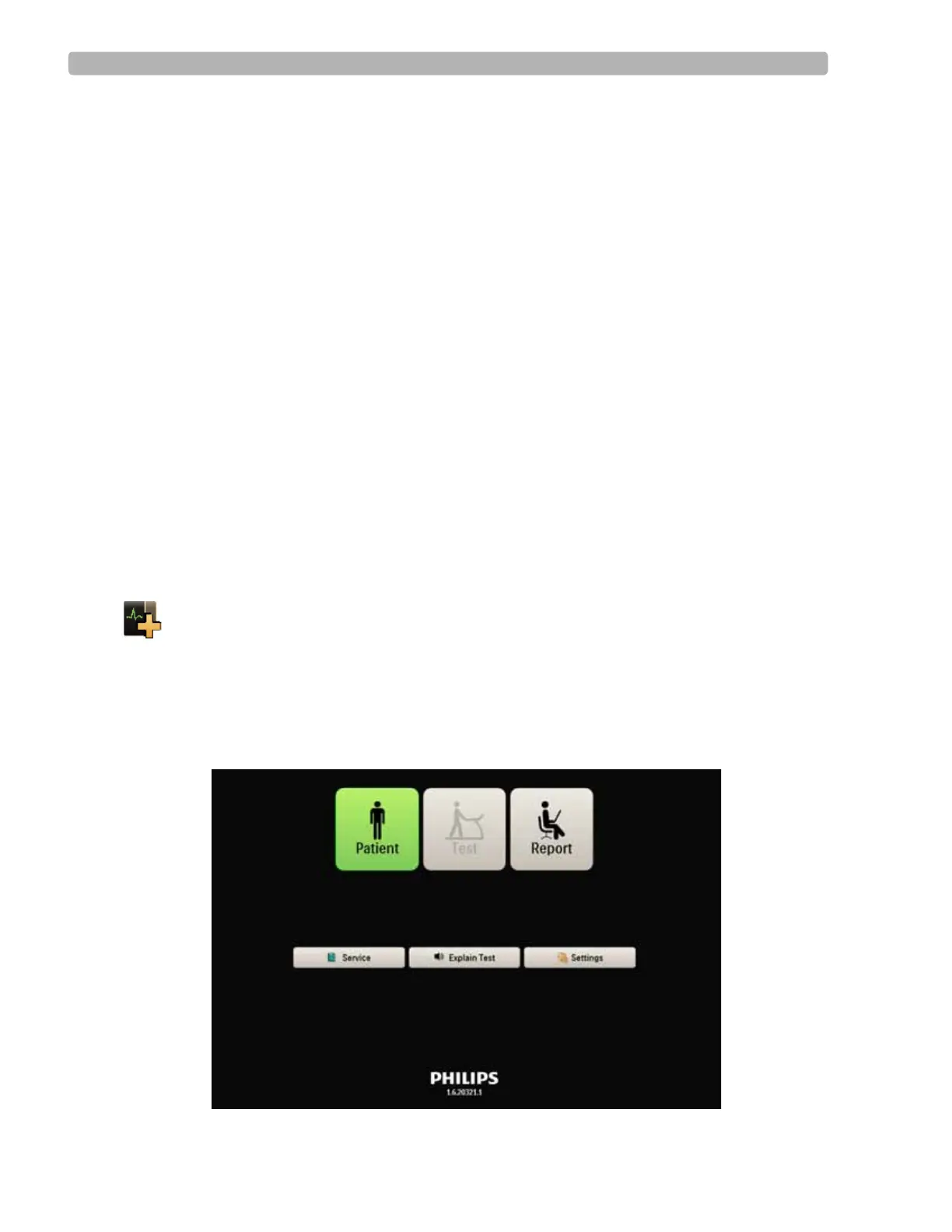
The Main screen opens.
Figure 2-1 Main screen



 To Next Page