Using the Toolbar Icons
ST80i Stress Test System Instructions for Use 2-27
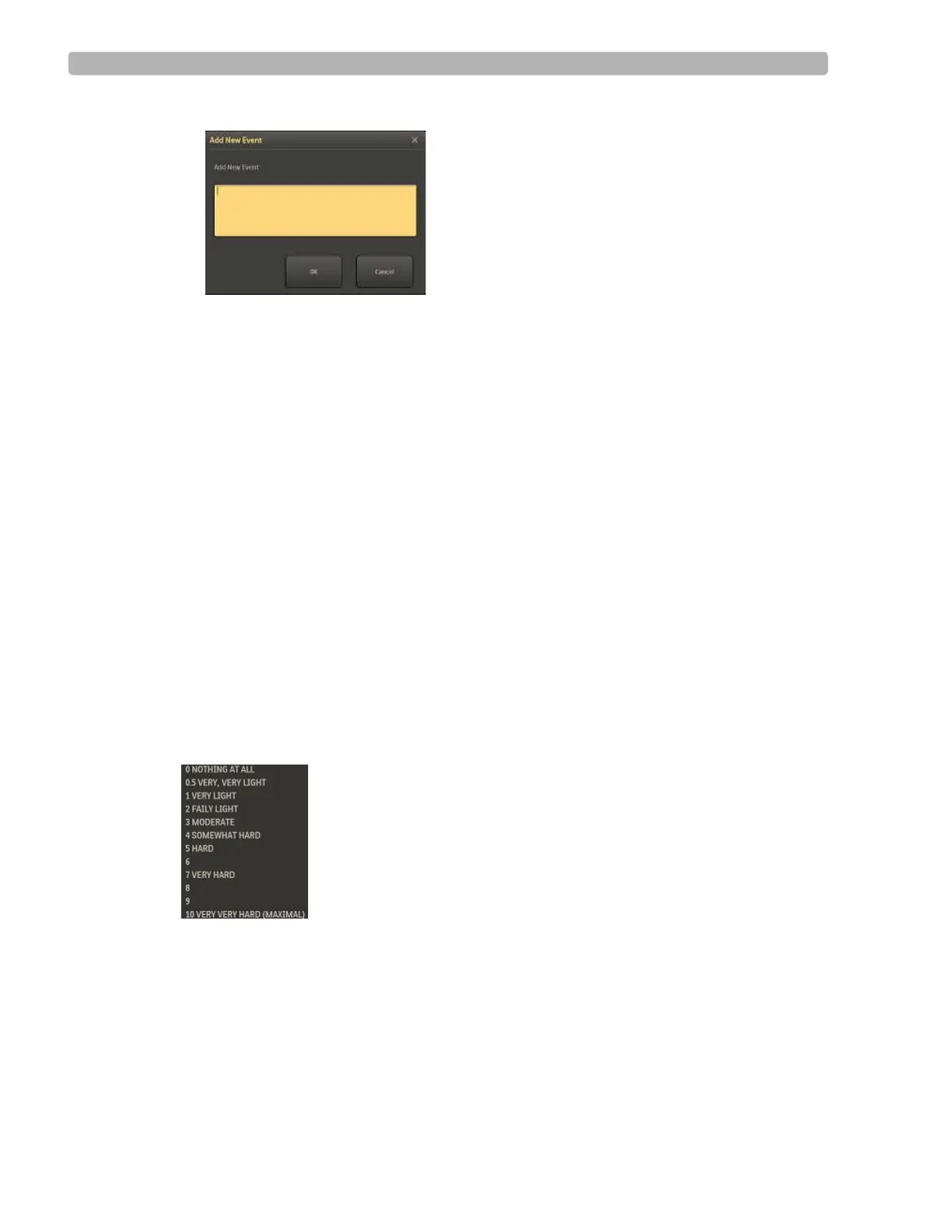
Figure 2-5 Add New Event Window
3
Type in a name for the new event.
4 Click OK.
The system prints an ECG with the new event label and records the new event for the final
report.
Recording RPE
The Rate of Perceived Exertion (RPE) scale provides an indication of the percentage of
maximum work being done by a patient. The RPE scale subjectively rates work (physical
exertion) as stated by the exercising patient. It provides a means to quantify a patient's level of
exertion.
RPE scales can be expressed in two ways, 1 to 10 or 6 to 20. The scale used is associated with
the selected user profile. To set the RPE scale, see the ST80i Installation and Configuration
Guide.
When you want to record an RPE score, ask the patient to state which number or statement
represents their perceived level of work. Then select the corresponding number from the drop-
down list. Once the number is selected, the system prints an ECG report, noting the RPE.
Figure 2-6 RPE Drop-down List
To record the patient's RPE
1
Display the RPE drop-down list by clicking the RPE down arrow.
2 Select the RPE statement that matches what the patient reports, and click OK.
The system prints an ECG with the RPE statement.



 To Next Page