An Overview of the ST80i Stress Test System
2-28 ST80i Stress Test System Instructions for Use
3 Continue this process throughout the Exercise phase.
The RPE ECG is also held in memory, and is printed in the Rhythm Events section of the final
report.
For an explanation of how this appears in the final report, see “Working with Reports” on
page 4-1.
Note
During the patient session, you can add notes about the patient's progress as well as important
information regarding the exercise stress test. These comments will be stored in the Notes
section of Patient Demographics database and they will also appear as part of the Final Stress
Report.
For an explanation of how the notes appear in the final report, see “Working with Reports” on
page 4-1.
To add a Note
1
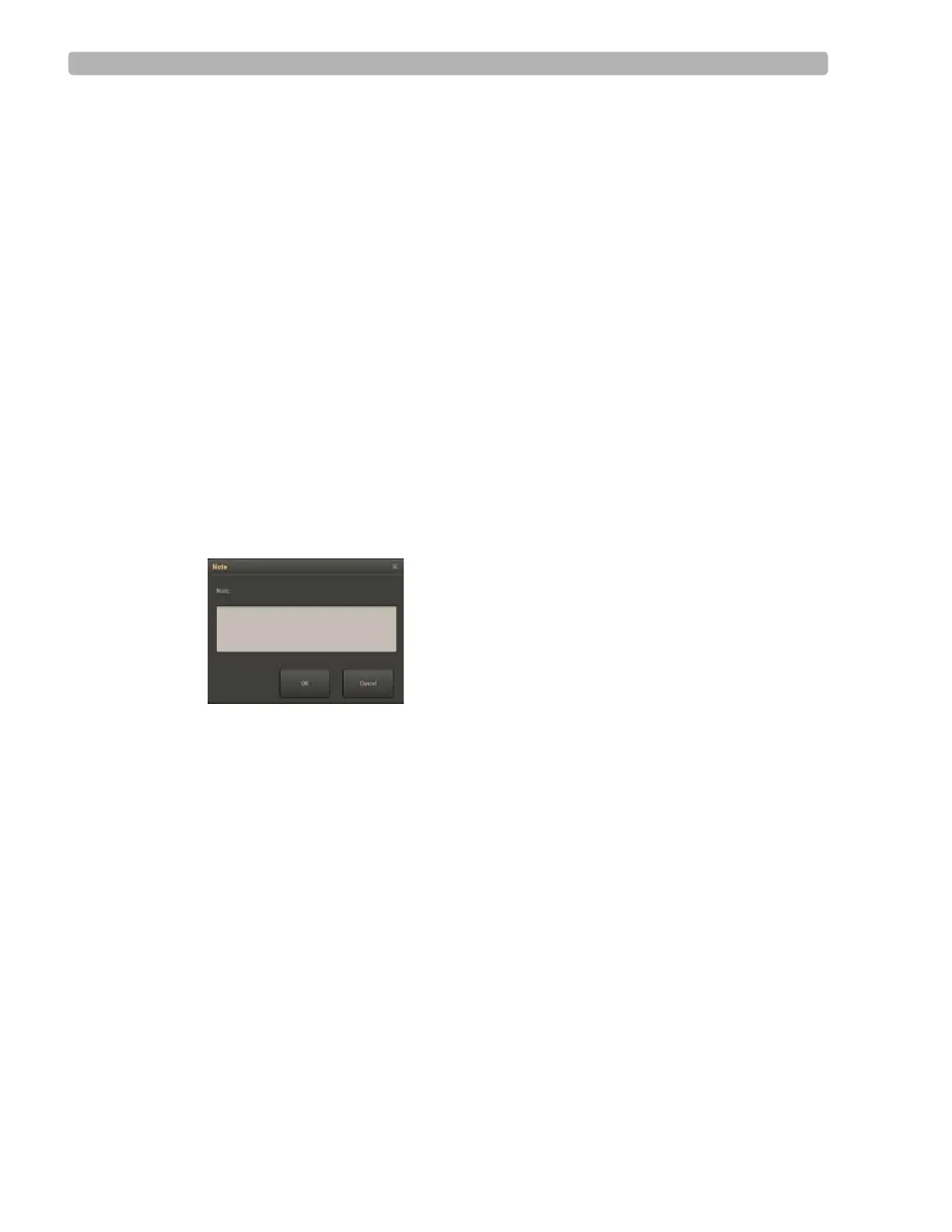
Select the Note icon to display a pop-up box in which you can add notes.
Figure 2-7 Note Window
2
Click OK to save the note.
Compare
ST80i is able to compare the current averages with reference ECG (resting, supine,
hyperventilation averages) and worst case for all 12 leads.
As the heart rate increases and/or morphological changes occur, the Compare function is used
to view the QRS morphology between a reference zoomed lead and a current event such as
Chest Pain or Hyperventilation to compare the delta between the two.
When the zoomed lead is displayed, the averaged ECG is superimposed on the reference ECG.
The white line represents current data; the reference data is blue.
To use the Compare icon
1
Select the Hide/Show View icon.
2 Select Show Zoom ST to display the zoomed QRS window. Change the default Zoomed
lead, if applicable.



 To Next Page