Using the Toolbar Icons
ST80i Stress Test System Instructions for Use 2-29
3 If you do not currently have a particular compare point, click the Event icon to select an
event or create a new event. An ECG will print.
4 Select the Compare icon to compare the current state to when the event occurred or to an
earlier point in time.
A drop-down list of current events/compare points allows you to compare the current state
to when the event occurred or to an earlier point in time.
Figure 2-8 Compare Drop-Down List
5
Select an item from the list.
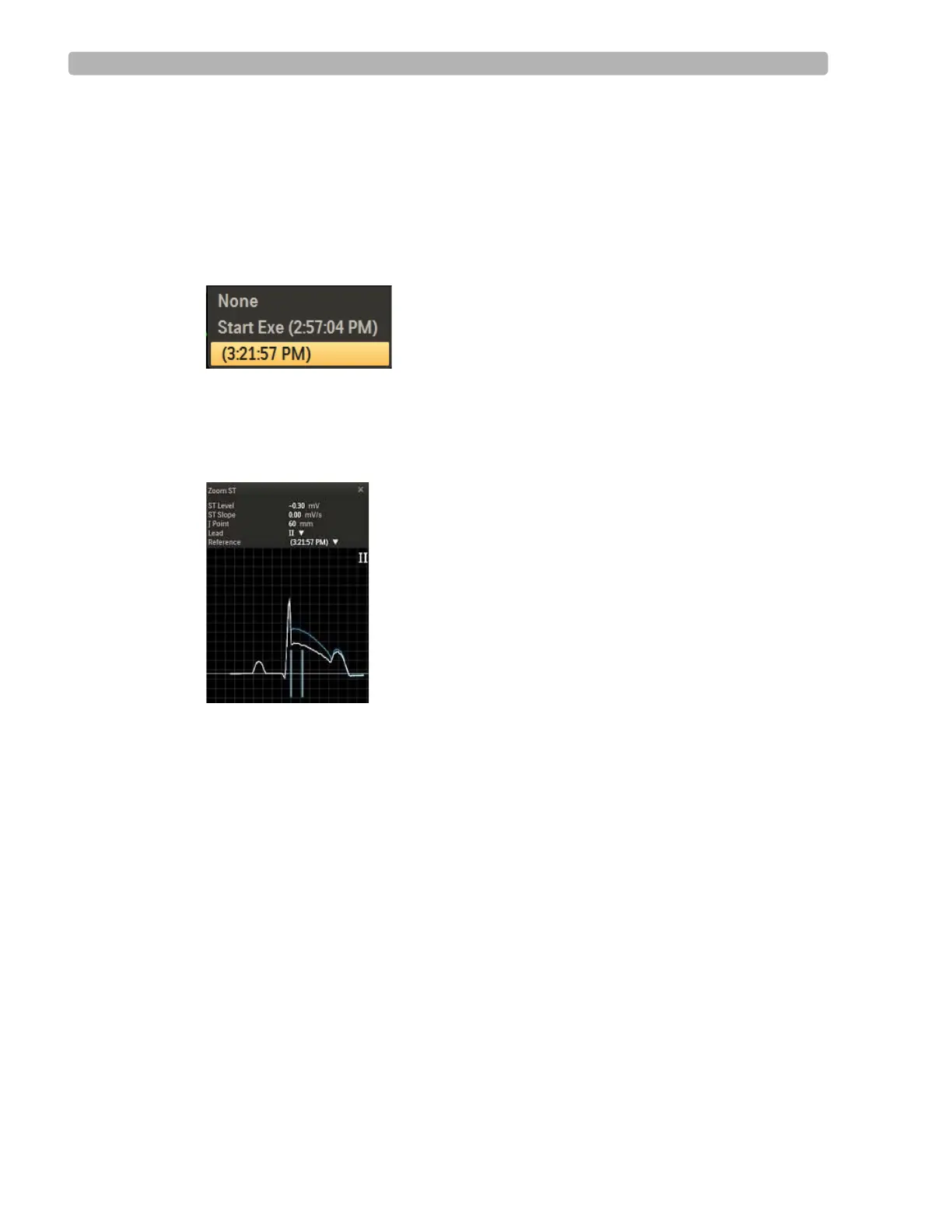
The current zoomed ECG appears in white; the earlier or baseline zoomed ECG appears in
blue so that you can compare the ST elevation/depression of the two images.
Figure 2-9 Compared ECGs
6
Click the X to close the image.
Page
Use the Page icon to advance the thermal paper, so that the printing starts at the top of the
page (at the perforation). This form-feed function for the thermal printer returns the paper to
“top of form.” You can also use the
Page icon to advance the paper if there is a paper jam or
after installing a new package of paper.
Relearn
--add information about this button here--



 To Next Page