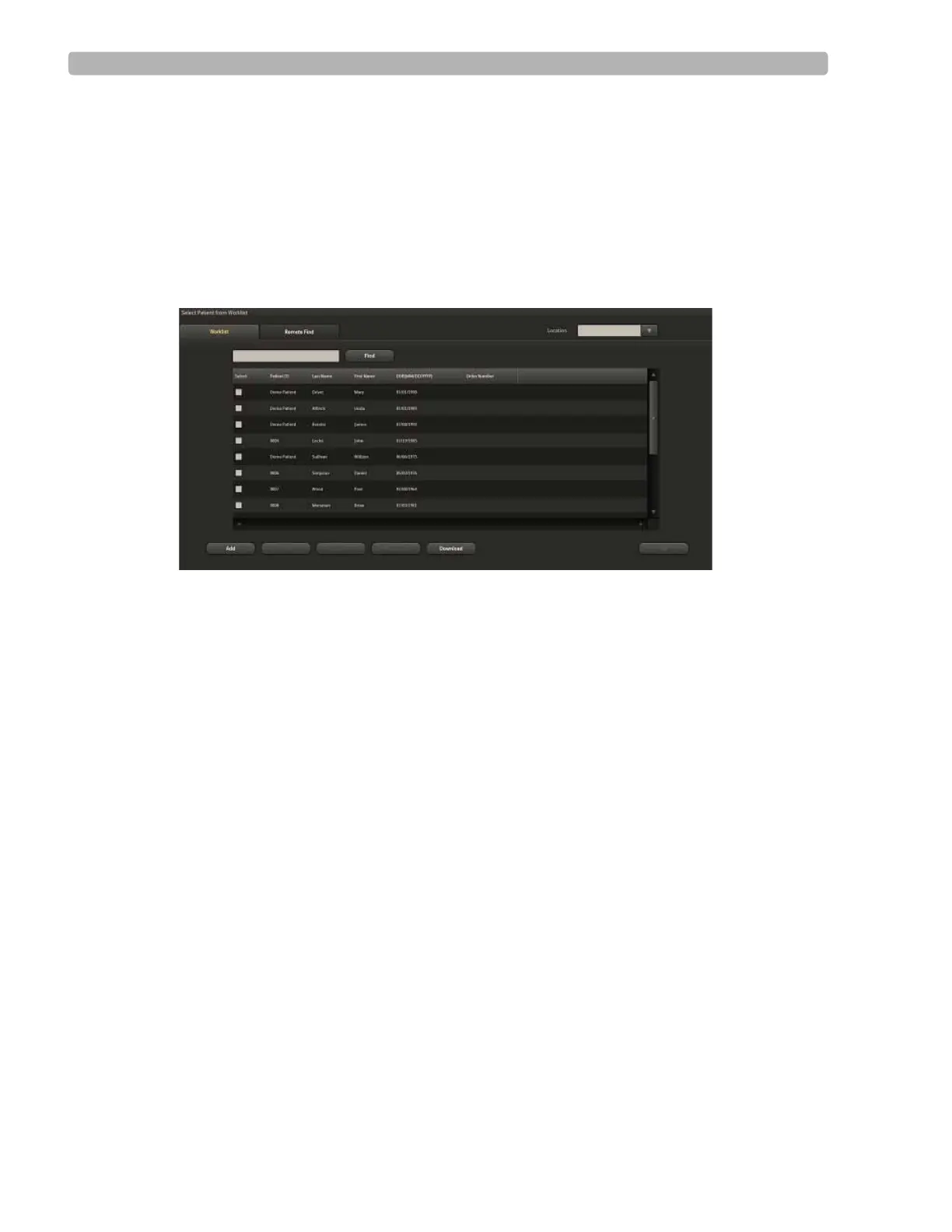
Using the Patient Worklist
ST80i Stress Test System Instructions for Use 3-5
Editing a patient profile
Deleting one or more patient information records
Downloading orders or pre-registered patient information
Selecting a patient to begin the exercise stress test
On the
Worklist tab, you can also use the column headings to sort each list.
Figure 3-2 Worklist Tab
Patient Information Management
ST80i displays and reports key patient demographic information such as the patient name,
hospital ID number, etc. Some settings are mandatory and configurable. Some settings are set
to ON or OFF.
There are two ways to access Patient Demographic information:
From the Worklist tab before the test:
1 Place a checkmark by the patient's name.
2 Select the Edit button.
The Edit Patient Information screen is displayed.
From the Test screen during a patient session:
1 Click on the patient's name from the top bar.
The Edit Patient Information screen is displayed.



 To Next Page