Preparing the Patient
ST80i Stress Test System Instructions for Use 3-33
Figure 3-11 Exercise Stage and Protocol
In general, you will most likely use the standard settings as specified by the profile and
protocol selected.
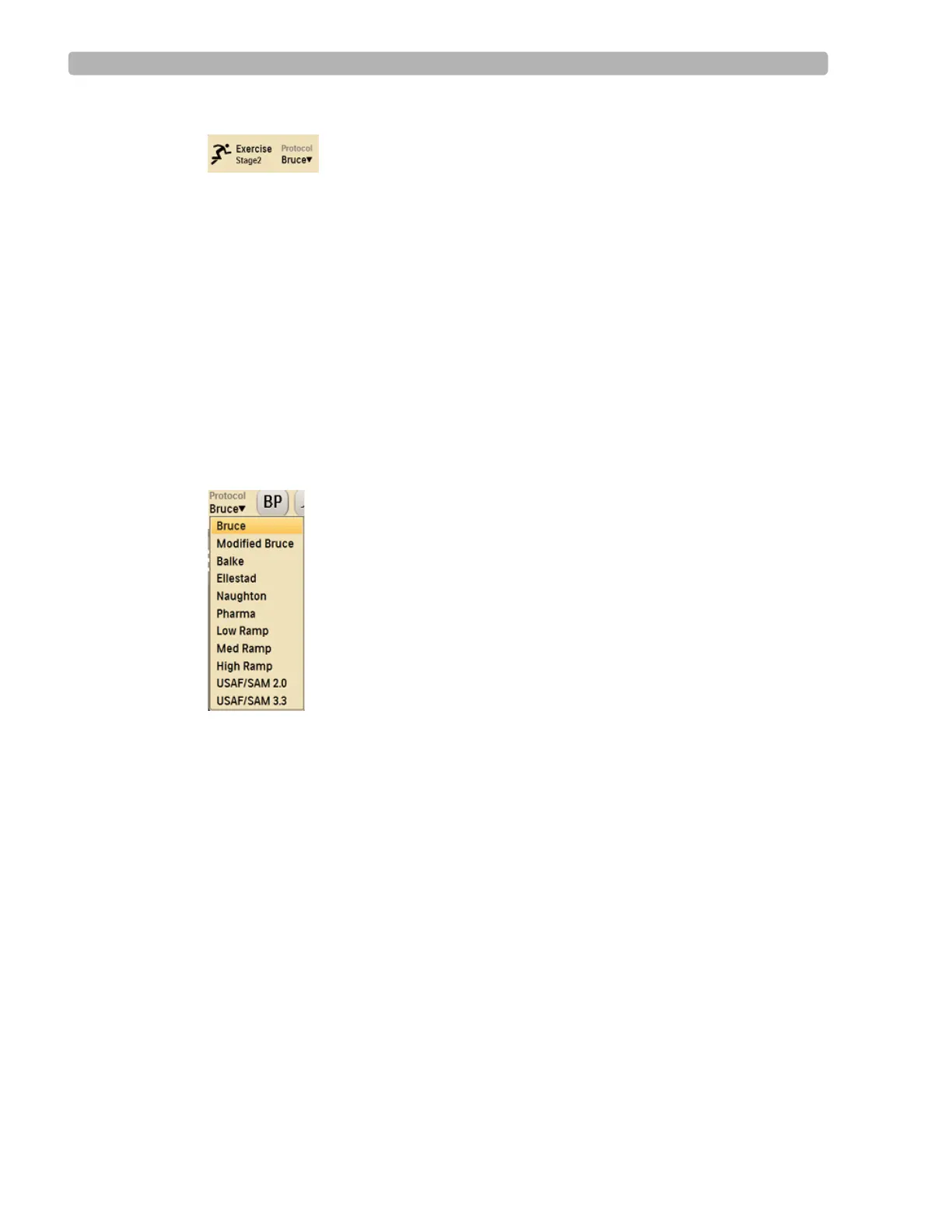
Changing to Another Protocol
If you need to switch to a different protocol at any time during the Exercise phase of the test,
use the drop-down arrow by the current protocol to select a new protocol. The phases and
stage settings associated with the newly selected protocol are loaded into ST80i.
See the ST80i Installation and Configuration Guide for setting default protocols.
To change to another protocol
1
Click the drop-down arrow by the current protocol shown in the Procedure Bar.
Figure 3-12 Protocol Drop-Down List
2
Select the new protocol from the list
The time on the clock resets to 00:00 for the next stage.
When you change the protocol, the test advances to the selected protocol, starting at the
beginning of the next stage. Both the speed and grade settings change to reflect the new
protocol.
NOTE You can also switch back to the previous protocol. When you do this, a new stage appears in the
Procedure Bar and the time clock adjusts back to 00:00.



 To Next Page