An Overview of the ST80i Stress Test System
2-24 ST80i Stress Test System Instructions for Use
About BP
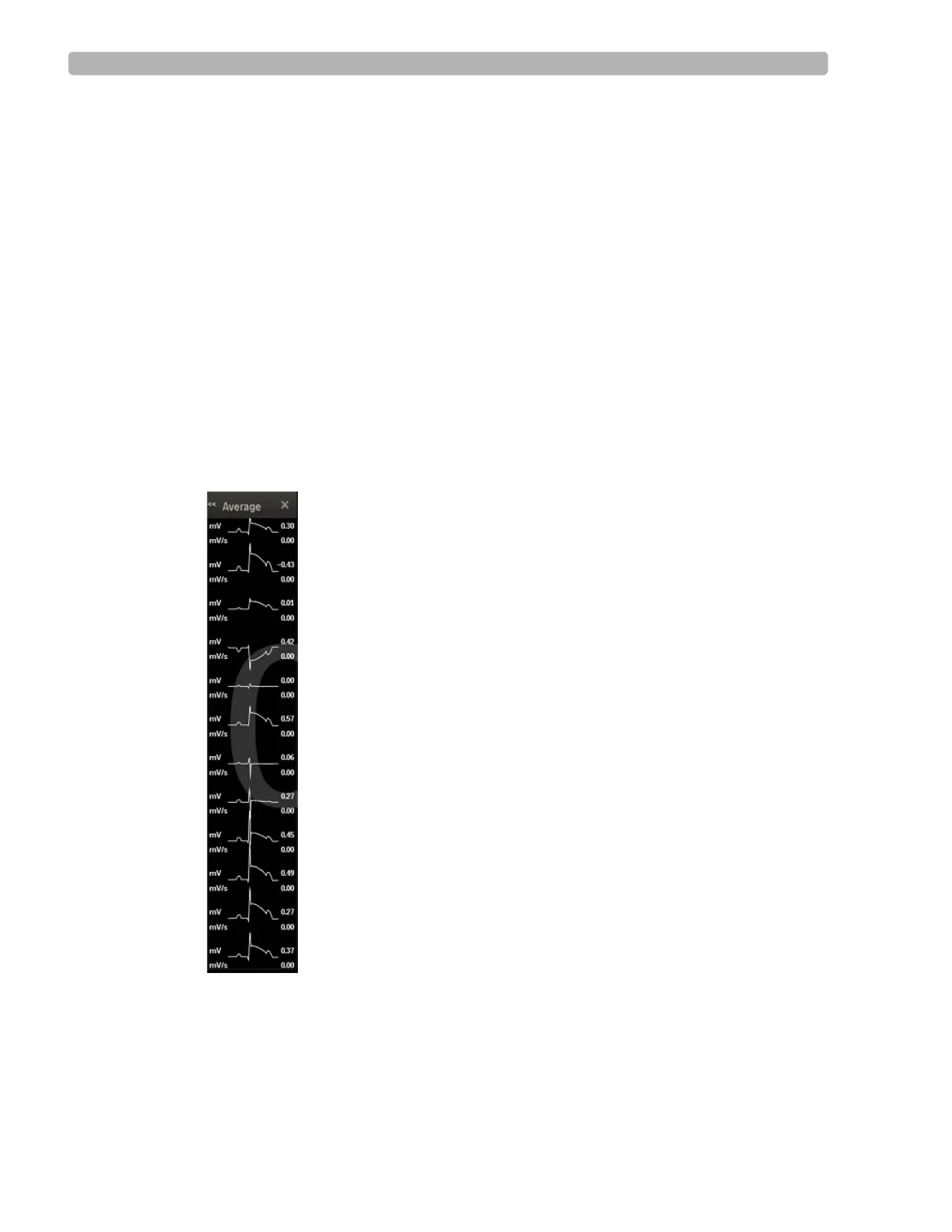
About the Average Complex Display
The Average Complex display shows one average complex for each of the 12 leads regardless
of what lead format is being displayed.
The system displays the ST value in microvolts (or mm) for the on-screen average complexes.
To change the ST value from mV to mm, see the ST80i Installation and Configuration Guide.
To view the Average Complex Display
1
Click the Hide/Show View icon.
2 Put a checkmark in the Show Average box.
The Average displays along the right-hand side of the waveform screen.
Figure 2-2 Average mV and mV/s for each Lead
3
Click X to close the display.



 To Next Page