Using the Patient Worklist
ST80i Stress Test System Instructions for Use 3-11
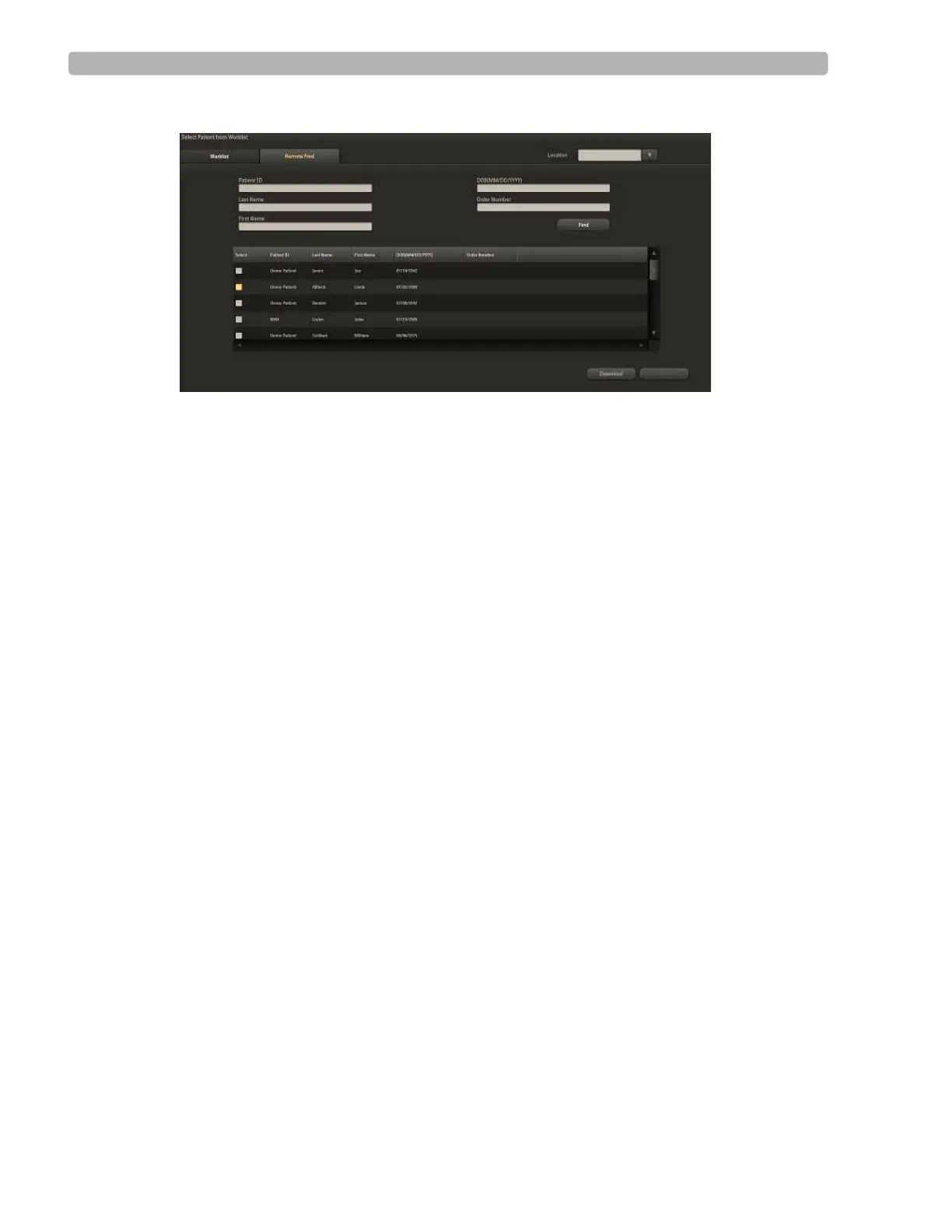
Figure 3-2 Remote Find Tab
To do a Remote Find
1
Select the location from the Location drop-down list.
2 Fill in one or all of the following fields:
– Patient ID
–Last Name
–First Name
– DOB (MM/DD/YYYY)
– Order Number
3 Click the Find button.
Patient's name appears in the Remote Find list.
4 Place a checkmark by the patient's name.
5 Click the OK button to start a patient session.



 To Next Page