Operation Guide 500ML Lighting Control Console
62 Programming
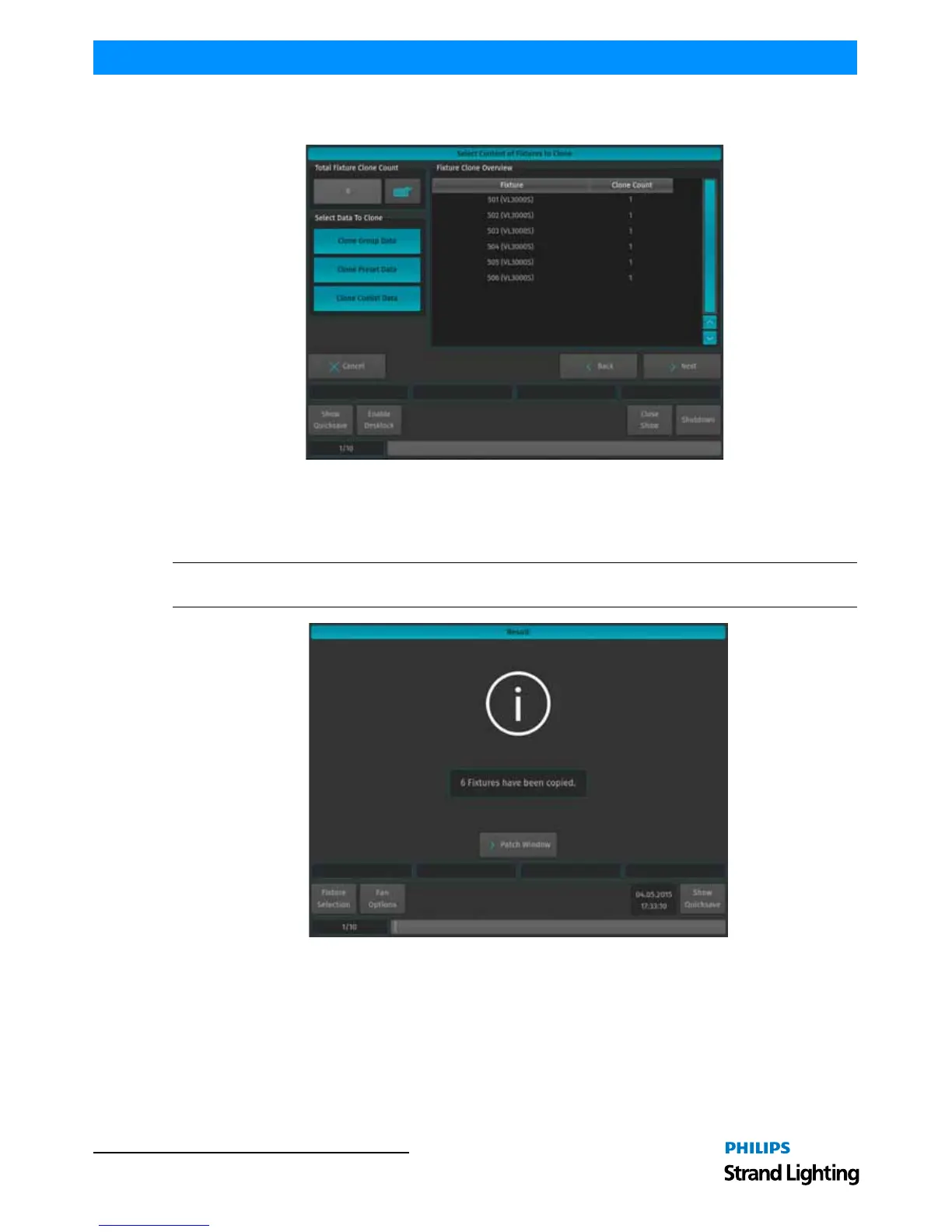
Additionally, you will be shown which fixture's programming will be taken over to which of the new fixtures. Click
on Next when done.
Figure 103: Select Content of Fixtures to Clone Window
The results of the Clone process will be shown. The new fixtures are still unpatched and do not have user numbers
assigned to them. Click on Patch Window to proceed to the Configure Fixtures window to assign a Patch and User
Numbers. Fixtures without User Numbers are shown at the End of the Fixture list.
Note: For more information on assigning a Patch and User numbers, please see "Change DMX Patch" on page 54
and "Change User Number" on page 52.
Figure 104: Result Confirmation Window



 To Next Page