Chapter 1-First Time Installation and Configuration
Polycom, Inc. 1-37
16 Define the following parameters:
17 Click Next.
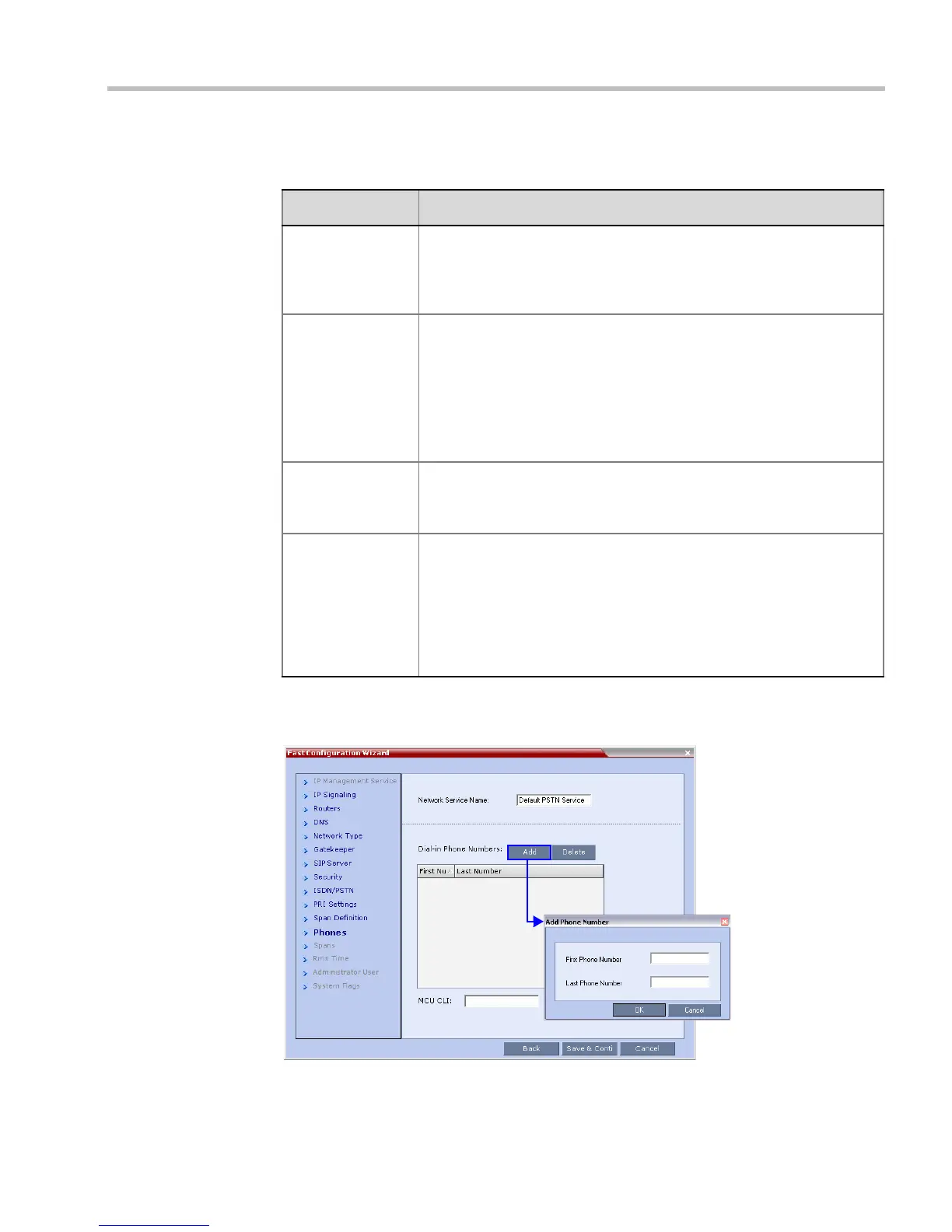
The Phones dialog box opens.
18 Click Add to define dial-in number ranges.
Table 1-11 Fast Configuration Wizard – Spans Definition
Field Description
Framing Select the Framing format used by the carrier for the network interface
from the list.
• For T1 spans, default is SFSF.
• For E1 spans, default is FEBE.
Side Select one of the following options:
• User side (default)
• Network side
• Symmetric side
Note: If the PBX is configured on the network side, then the RMX unit
must be configured as the user side, and vice versa, or both must be
configured symmetrically.
Line Coding Select the PRI line coding method from the list.
• For T1 spans, default is B8ZS.
• For E1 spans, default is HDB3.
Switch Type Select the brand and revision level of switch equipment installed in the
service provider’s central office.
• For T1 spans, default is AT&T 4ESS.
• For E1 spans, default is EURO ISDN.
Note: For T1 configurations in Taiwan, Framing must be set to ESF and
Line Coding to B8ZS.














 To Next Page