Polycom RealPresence Collaboration Server (RMX)1500/2000/4000 Deployment Guide for Maximum Security Environments
1-38 Polycom, Inc.
The Add Phone Number dialog box opens.
19 Define the following parameters:
20 Click OK.
The new range is added to the Dial-in Phone Numbers table.
21 Optional. Repeat steps 18 to 19 to define additional dial-in ranges.
22 In the Phones tab enter the MCU CLI (Calling Line Identification).
With dial-in connections, the MCU CLI indicates the MCU’s number dialed by the
participant. In a dial-out connection, indicates the MCU (CLI) number as seen by the
participant.
23 Click Save & Continue.
After clicking Save & Continue, you cannot use the Back button to return to previous
configuration dialog boxes.
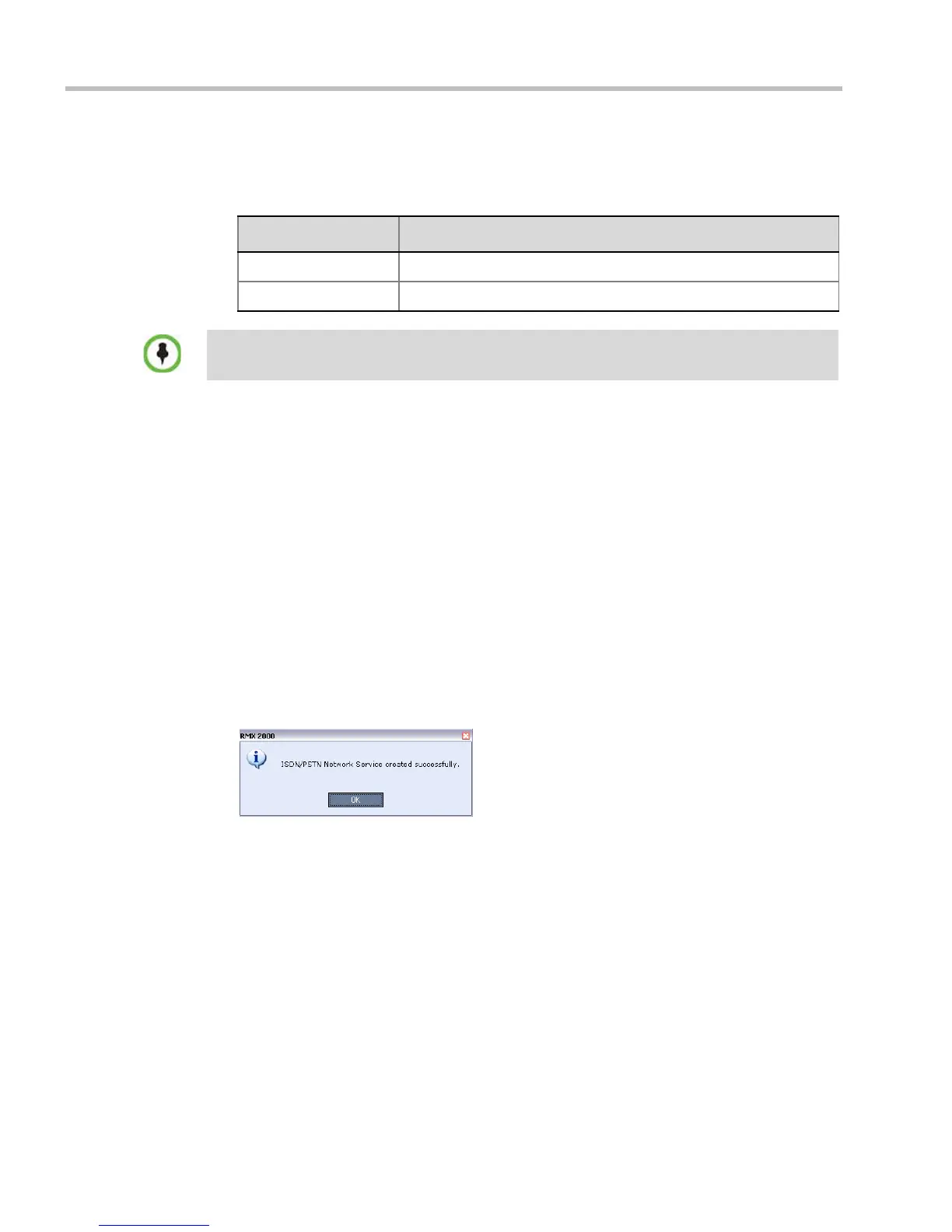
The ISDN/PSTN Network Service is created and is added to the ISDN/PSTN Network
Services list.
If the system cannot create the ISDN/PSTN Network Service, an error message is
displayed indicating the cause and allowing you access the appropriate dialog box in
the Fast Configuration Wizard for corrective action.
24 Click OK to continue the configuration.
Table 1-12 Fast Configuration Wizard – Add Phone Numbers
Field Description
First Number The first number in the phone number range.
Last Number The last number in the phone number range.
• A range must include at least two dial-in numbers.
• A range cannot exceed 1000 numbers.














 To Next Page