Teklogix 7035, 8255 & 8260 Terminals User Manual 131
Chapter 7: Setting Parameters
Options
Note: The 2-D internal scanner is configured by the 7035 software on startup.
Beyond selecting the
2-D scanner type, no configuration is required.
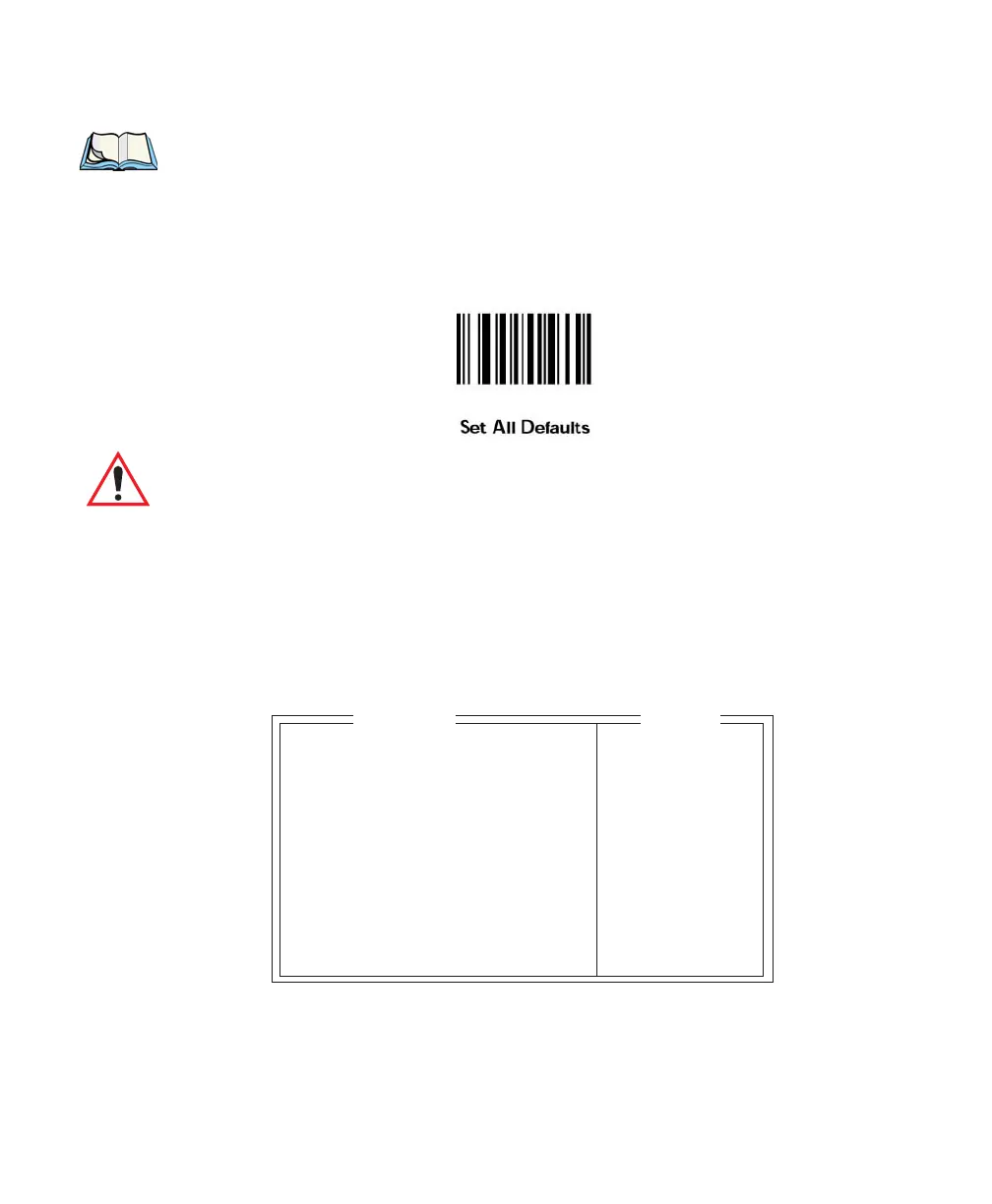
However, the scan engine can be misconfigured if you scan a
Symbol SE 2223 configuration bar code. To reset the engine to the
appropriate default
2-D settings, scan the ‘Set All Defaults’ bar code
below.
Important: When you select 2-D as the internal scanner, the Console 2 port
is disabled.
External
The “External” (external) parameter must match the type of external scanner
attached to the terminal –
Wand or Non-Decoded. If an external scanner is not
being used, set this parameter to
None.
7.6.2 Options
Translate » see text
Verify 0 0..15
Security 0 0..99
Short Code N Y/N
Click Time 250 0..1000
Click Data 0..255
Scan Result Y Y/N
Scan Indic Y Y/N
Result Time 0 0..20
Dot Time 2.0 sec 0..3.0 Sec
Options
Range



 To Next Page