Teklogix 7035, 8255 & 8260 Terminals User Manual 175
Chapter 7: Setting Parameters
GPS – Global Positioning System Receiver
This parameter is used to redefine the font to which 5 different font codes refer.
“Font Override” is enabled (set to “Y”) by default and is set to values equivalent to
those used by 7030/8055/8060 generation terminals.
7.9 GPS – Global Positioning System Receiver
Important: GPS is only available for 7035 WAN hand-helds – terminals
equipped with Wide Area Network radios.
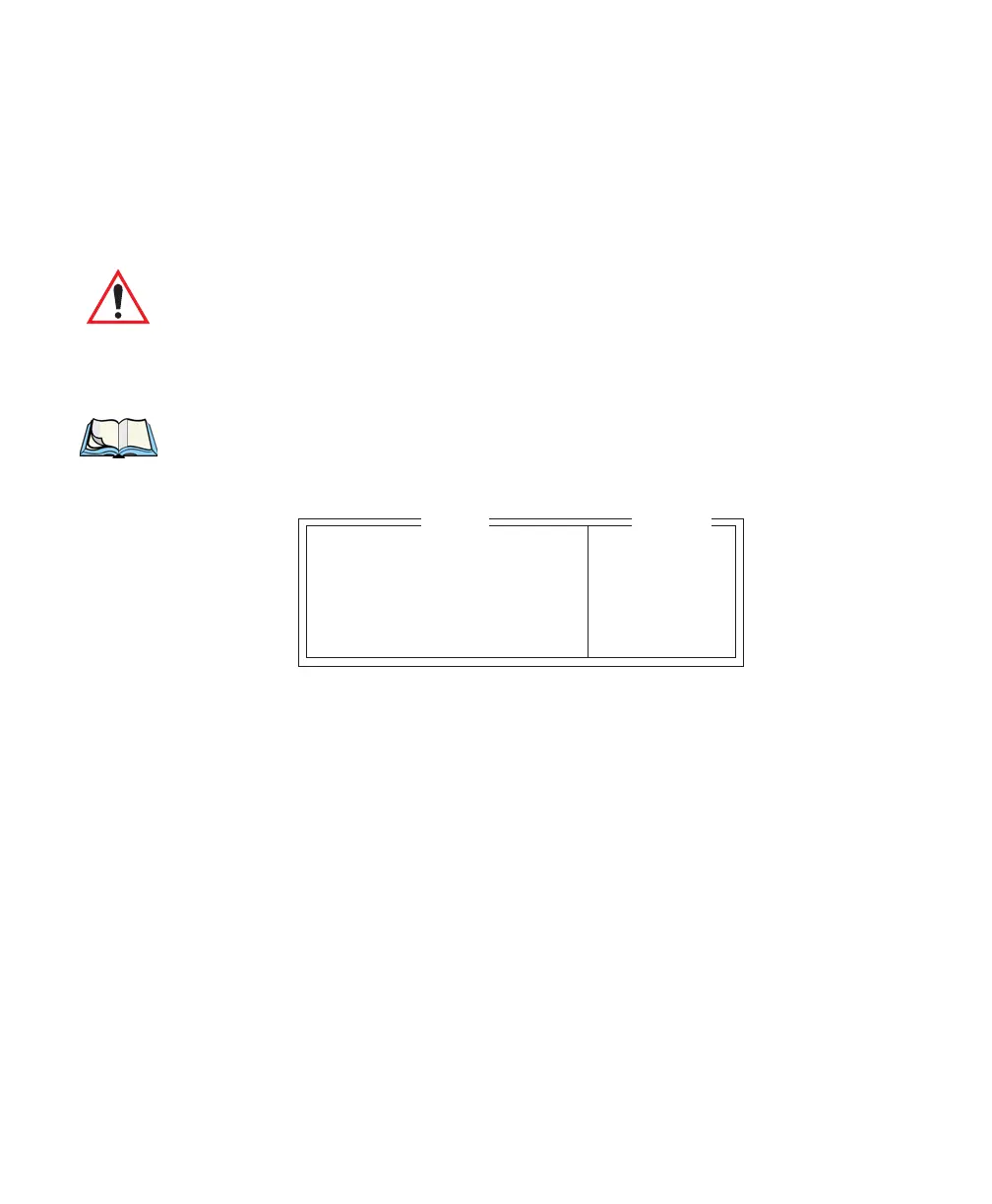
The parameters in the GPS menu are used to configure the GPS receiver. The
receiver can be programmed to transmit one or more NMEA sentences to the
terminal once every “Tx period” seconds.
Note: The terminal will transmit sentences from the GPS without modifications.
For more information on the exact formats of the GPS sentences, review
the documentation included with your GPS receiver.
GGA
When GGA is enabled (set to “Y”), a “Global Positioning System Fix Data”
message can be transmitted from the GPS receiver. The data available in a GGA
message includes: Time, Latitude, Longitude, Altitude, Signal Quality, Number of
Satellites and Horizontal Dilution of Precision.
GLL
Setting this parameter to “Y” allows a “Geographic position, Latitude and
Longitude” sentence to be transmitted from the GPS receiver. The data available in a
GLL message includes: Time, Latitude, Longitude, Status and Mode.
RMC
Setting RMC to “Y” allows a “Recommended minimum specific GPS/Transmit
data” sentence to be transmitted from the GPS receiver. The data available in a RMC
message includes: Time, Date, Latitude, Longitude, Speed (knots), Direction,
Magnetic Variation and Mode.
GGA Y Y/N
GLL N Y/N
RMC N Y/N
VTG N Y/N
Tx Period 10 1-255
Range
GPS



 To Next Page