Chapter 7: Setting Parameters
View Manager
174
Teklogix 7035, 8255 & 8260 Terminals User Manual
Display Shift
If this parameter is enabled (set to “Y”), the display in application screens shifts so
that there are no blank columns on the left-most side of the display.
Custom Chars
This parameter is used to create a list of custom characters (to a maximum of 20
characters) that are not normally available directly from the keyboard.
The unicode value of each custom character must be entered (rather than the
codepage value), and a font must be selected to display the characters menu.
The possible fonts are Small, Large and Thai.
Note: If the character you select does not exist in the host character set, it
cannot be sent to the host application.
Once you’ve created this list of characters, you can access the list from within a
TESS or ANSI session as follows:
• Press <ALT> a to display your list of custom characters.
• Use the arrow keys to highlight the character you require, and press
<ENTER> to select it.
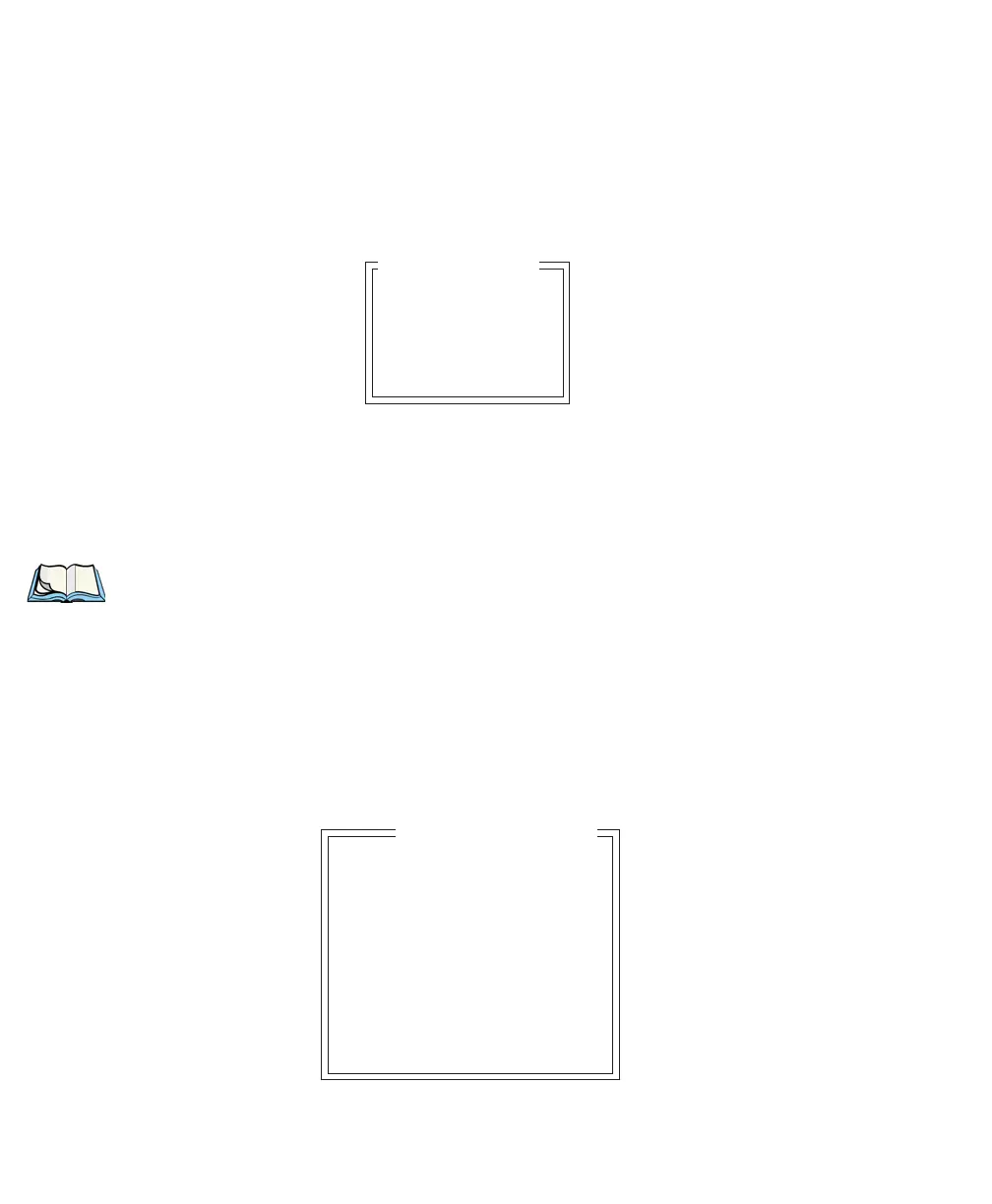
Font Override
Font Small
U+ 0000
•
•
•
U+ 0000
Custom Chars
Font Code 0
... is font 18x32
Font Code 1
... is font 18x32
Font Code 2
... is font 10x26
Font Code 3
... is font 18x32
Font Code 4
... is font 8x20
Font Override


 To Next Page