Chapter 8: Terminal Accessories
Antenna Types
212
Teklogix 7035, 8255 & 8260 Terminals User Manual
• An extension cord should not be used unless absolutely necessary. Use of
an improper extension cord could result in fire or electric shock.
If an extension cord must be used, make sure:
• The plug pins on the extension cord are the same number, size,
and shape as those on the charger.
• The extension cord is properly wired and in good electrical
condition and that the wire size is larger than 16 AWG.
• Do not expose the charger to rain or snow.
• Do not place batteries in the charger if they are cold from extended
exposure to a freezer or outside temperatures below 10°C (50°F). Allow
them to warm up to room temperature for at least two hours.
• Do not use the charger if, after an overnight charge, any of the batteries feel
warmer than the charger housing. The charger should be inspected by
qualified service personnel.
• Do not use the charger if any of the batteries or the charger get more than
lukewarm. The equipment should be inspected by qualified personnel.
8.7 Antenna Types
External whip antennas include 3 inch 2.4GHz dipole whips and 4 inch UHF whips.
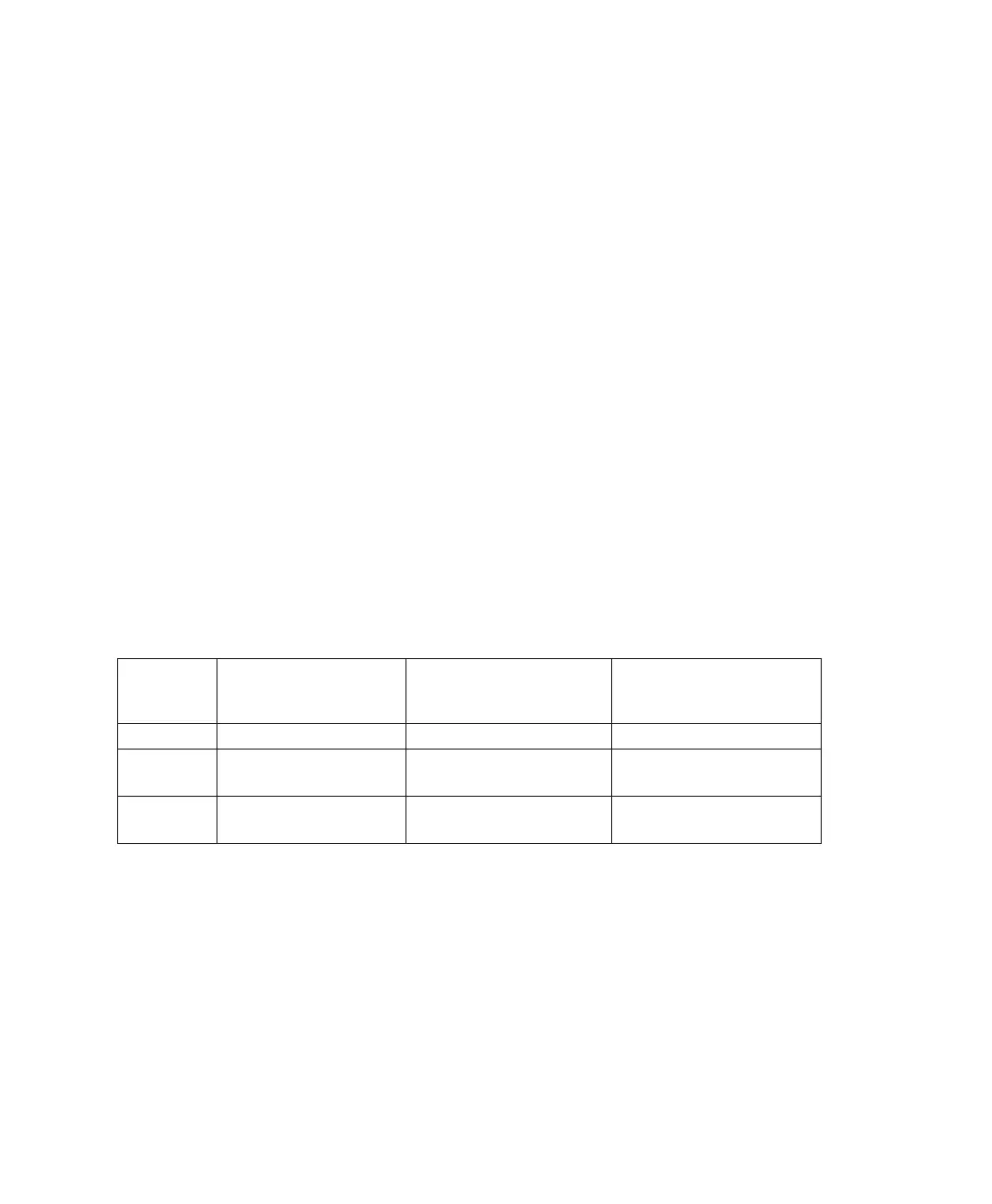
Table 8.2 7035 Antennas
8.8 The 7035 Picker Cradle
Picker cradles provide physical support for terminals, allowing “hands-free”
operation. Teklogix offers three types of picker cradles:
• Model number 7937A – an unpowered picker cradle.
• Model number 7937B – a powered picker cradle with 11-16VDC input.
• Model number 7937C – a powered picker cradle with 10-55 VDC input.
Antenna
Type
Connector Type Antenna Whip
Model
Description
Internal Plastic Cap N/A N/A
External Reverse gender SMA
2.4 GHz Dipole
PN 20667
7035-SS
(Spread Spectrum)
External Standard SMA
UHF Whip
PN 20668
7035-NB
(Narrowband)



 To Next Page