EasyManua.ls Logo

Psion Teklogix 7035 - Appendix F: Parameter Trees; F.1 Parameters Menus

Psion Teklogix 7035
348 pages
Print Icon
To Next Page IconTo Next Page
To Previous Page IconTo Previous Page
Loading...
Teklogix 7035, 8255 & 8260 Terminals User Manual F-1
APPENDIX F
F
PARAMETER TREES
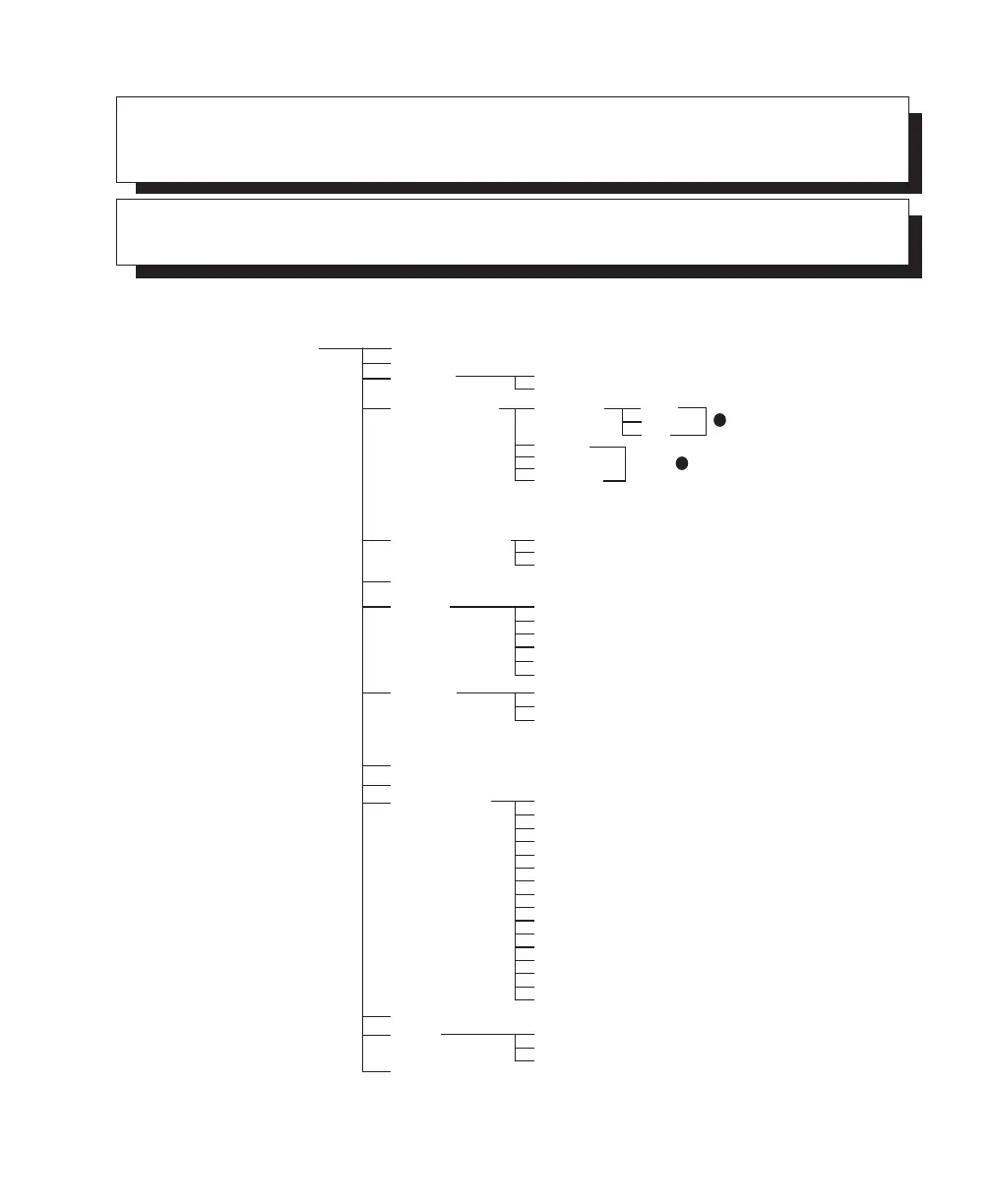
F.1 Parameters Menus
System
Volume
Contrast
Key Click
One-Shot Mode
Tone
Watchdog Timer
Cursor Type
Font Size
Palette Remap
Duration
Orange Key
Blue Key
Alt Key
Shift Key
Control Key
Typematic Repeat
Delay
Rate
Test
Panning
Caps Lock On
Auto Pan
Left Margin
Right Margin
Bottom Margin
X Increment
Backlight
Threshold
On Time
Intensity
[0] Black [0]
[1] Blue [1]
[2] Green [2]
Power
Serial Number
Power down
CPU speed
Power off
[3] Cyan [3]
[4] Red [4]
[5] Magenta [5]
[6] Brown [6]
[7] Lt Gray [7]
[8] Dark Gray [8]
[9] Lt Blue [9]
[a] Lt Green [a]
[b] Lt Cyan [b]
[c] Lt Red [c]
[d] Lt Magenta [d]
[e] Yellow [e]
[f] White [f]
Y Increment
1 Shot
1 Shot/Lock
Lock
1*
1*
same as
*The vehicle-mount One-Shot menu lists only the Orange and Blue Key options. The sub-menu (1 Shot,
1 Shot/Lock & Lock) displayed here along with the Alt, Shift & Control Key options are reserved for the
7035 hand-held terminal.

Table of Contents