Teklogix 7035, 8255 & 8260 Terminals User Manual D-19
Appendix D: Radio Parameters
TRX7410/10A WLAN 902 Spread Spec Radio Parameters
D.4 TRX7410/10A WLAN 902 Spread Spec Radio Parameters
Radio Address
The value entered in the “Radio address” parameter is used to identify the
terminal over the radio link. A unique value from 1 to 3840 must be assigned
for each terminal.
D.4.1 Channel
Channel #
This parameter determines the operating radio channel of the terminal. The channel
selected must be an enabled channel. Refer to “Channel Enable” on page D-20 for
details about enabling channels.
Power-Up Chan
If this parameter is enabled (set to “Y”), the terminal will start communicating on
the channel specified in the “Channel #” parameter when the terminal is powered
up. This setting may prevent the migration of terminals to the same channel due to
uneven coverage in some sites. If this parameter is disabled (set to “N”), the terminal
will continue communicating on the same channel that it was on before it was
turned off.
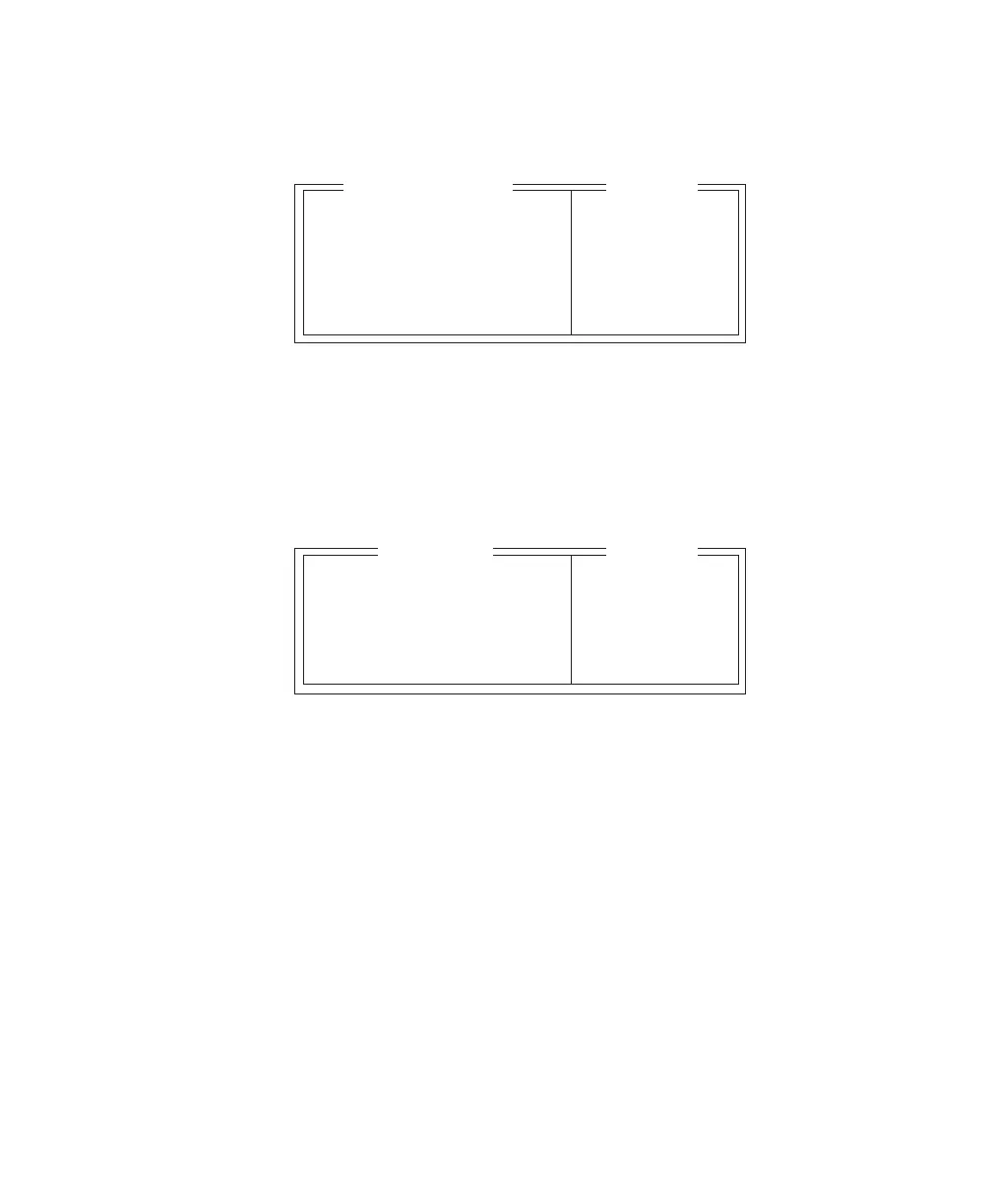
Radio Address 0 0-3840
Channel » see text
Wlan Timing » see text
Power Saving Y » see text
CIS Data »
WLAN 902 SS Range
Channel # 1 1-7
Power-up chan Y Y/N
Channel Enable » see text
Channel Auto » see text
Channel
Range


 To Next Page