2. What Is what ABL800 FLEX Operator's Manual
Screen elements, Continued
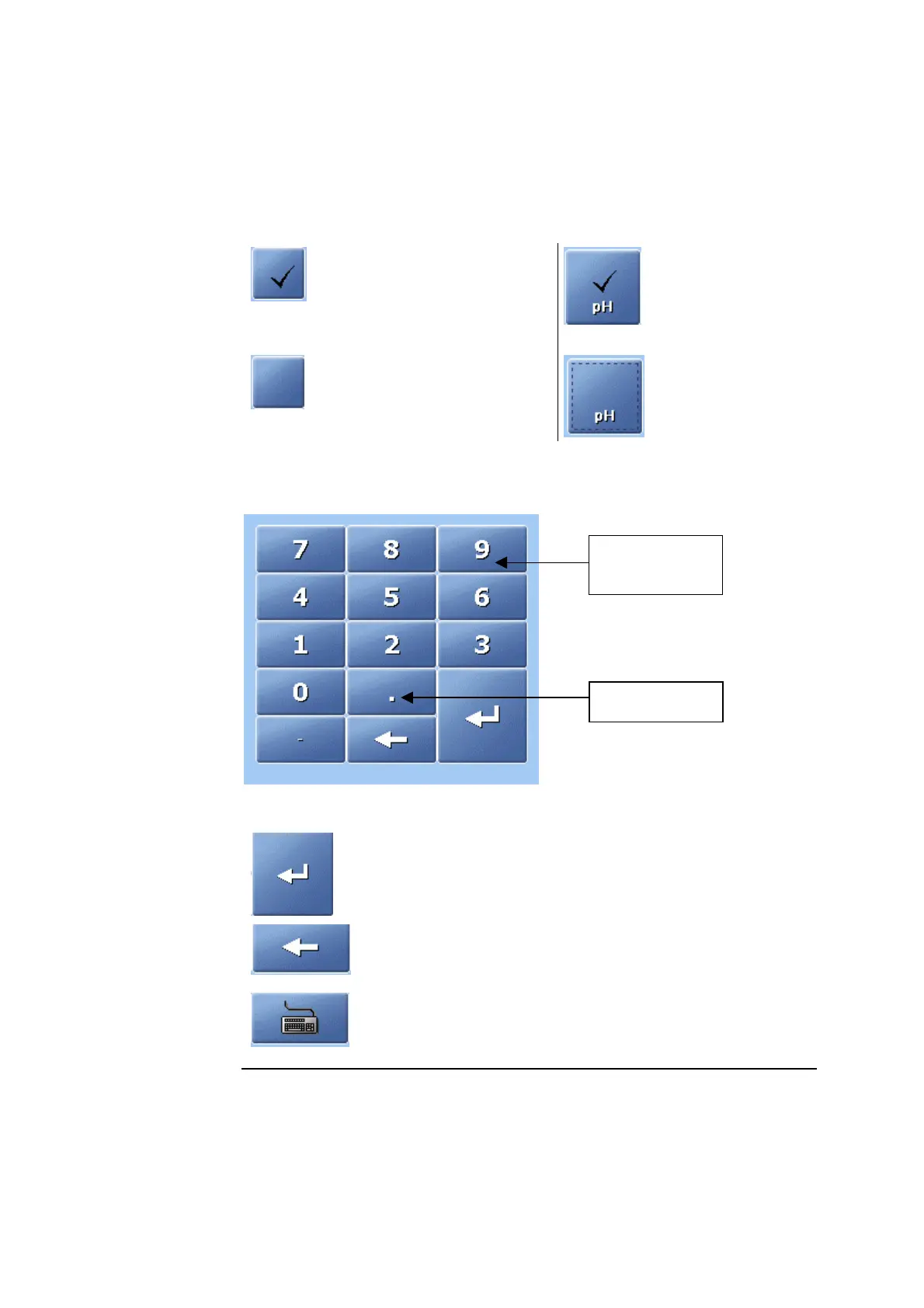
Check buttons allow you to enable/disable or select/deselect an item on the
screen. For example:
Center section
(continued)
A function is selected (e.g.
acoustic signal if the inlet
remains open) or activated (e.g.
communication with the
RADIANCE system)
Parameter is
selected.
A function is deselected or
deactivated.
Parameter is
deselected.
Screen keypad allows the entry of numerical data on the screen.
umerical keys
from 0 to 9.
Decimal point.
The buttons listed below have the following functions:
Press to confirm a numerical entry and to highlight the
next line in the text box.
Press to delete a character (from right to left) or to type in
the new data (the box is cleared as soon as the first
character is typed).
Press to display the full alphanumerical keyboard.
Continued on next page
2-20



 To Next Page